What a Home Network Actually Is
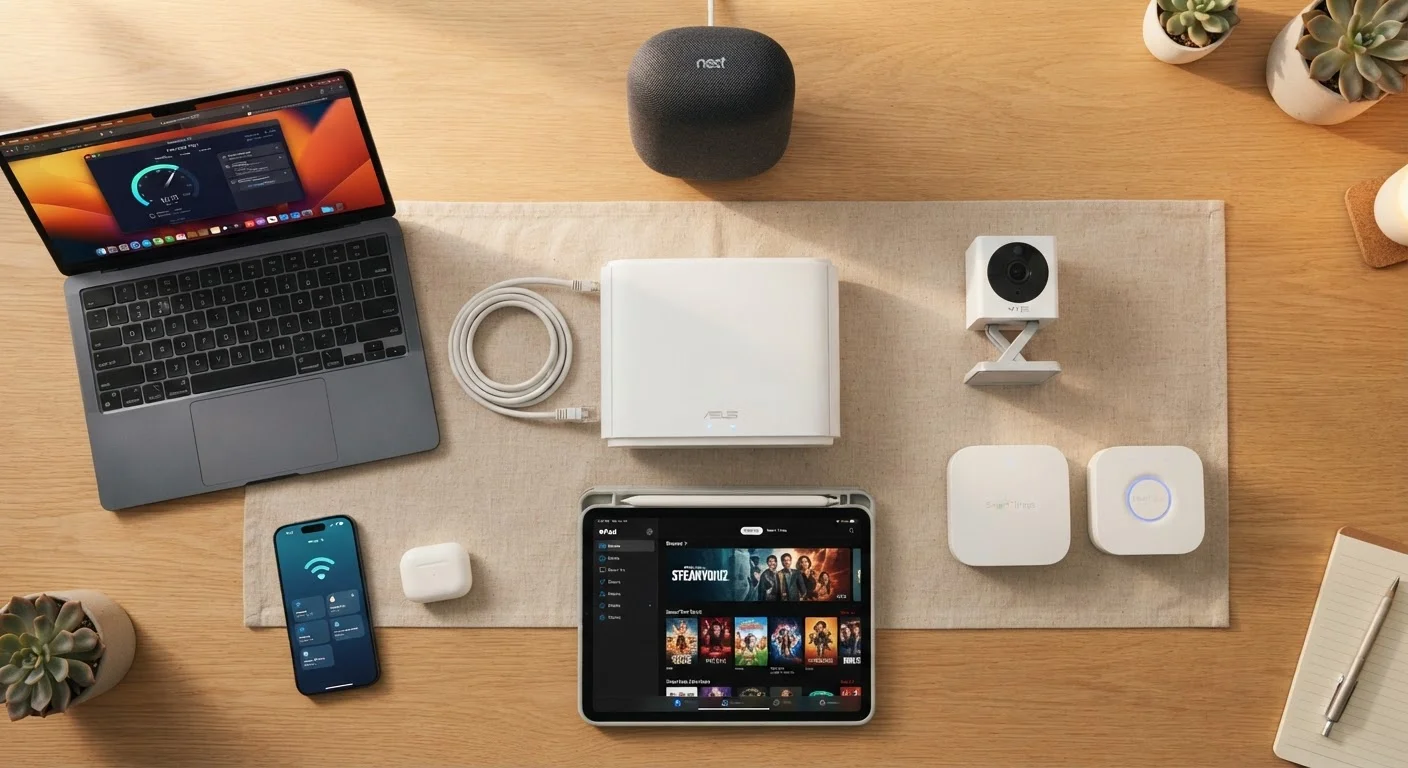
Your home network is the invisible infrastructure that lets every internet-connected device in your house communicate - with the internet and with each other. At its core, it typically consists of a modem (which connects your home to your internet service provider) and a router (which distributes that connection to your devices, either over Wi-Fi or via ethernet cable).
Think of the router as a traffic officer standing at the center of a busy intersection. Every device that wants to send or receive data has to go through it. The router assigns each device a local address, manages the flow of information, and decides how bandwidth gets distributed.
Understanding this basic structure helps explain why problems in one part of your network - a struggling router, a device consuming excessive bandwidth - can affect everything else connected to it. For an accessible breakdown of the terminology involved, see our smart home glossary.
21.5
Average connected devices per U.S. household
According to Deloitte's Digital Media Trends survey, the average American household connects more than 21 devices to its home network.
74%
Homes with at least one smart home device
A Statista consumer survey found nearly three in four U.S. households own at least one smart home or IoT device.
57%
IoT devices vulnerable to medium or high-severity attacks
A Palo Alto Networks threat report found the majority of IoT devices on enterprise and home networks have known unpatched vulnerabilities.
The Devices You Know About (And Some You've Forgotten)
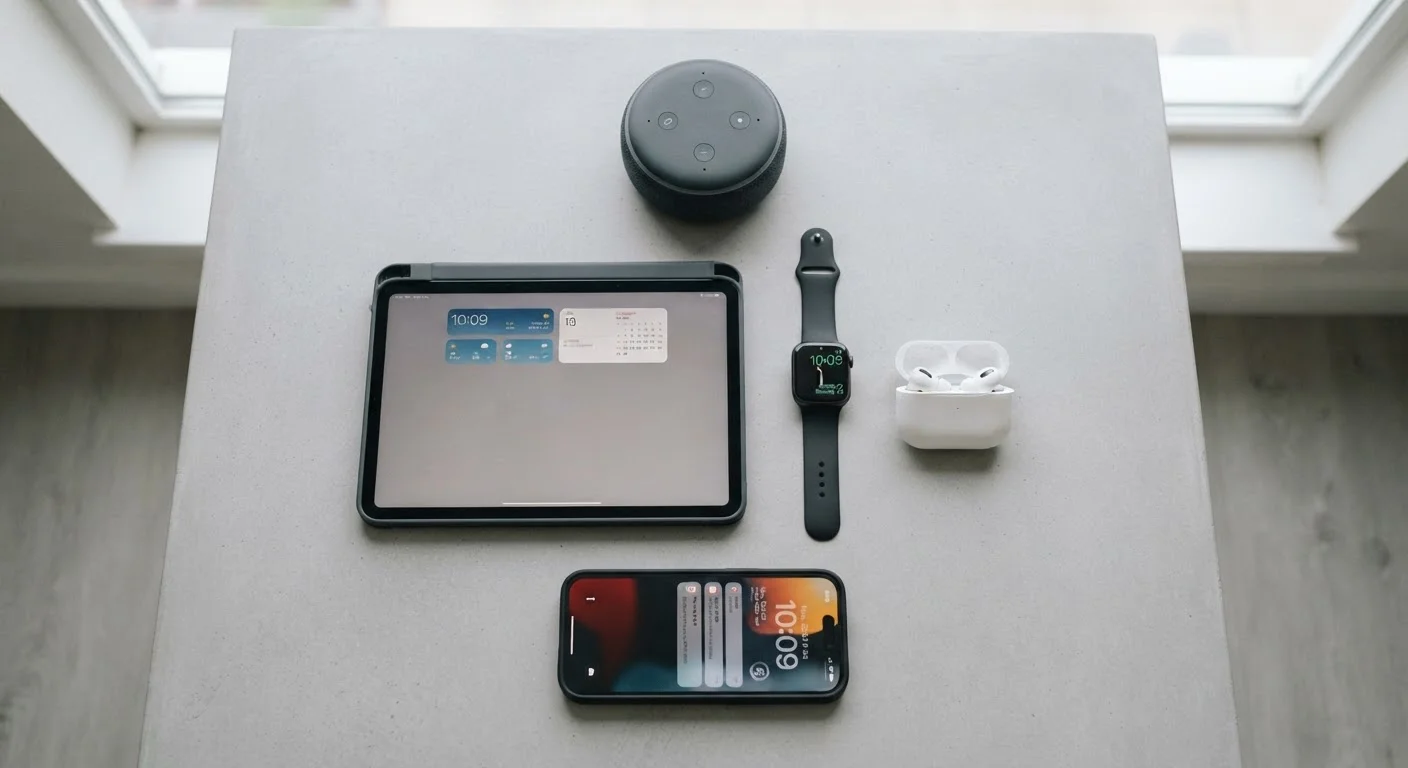
Most people can quickly name the obvious ones: smartphones, laptops, tablets, smart TVs. These are the devices you actively use and consciously connected to your network. But the list grows longer than most people expect once you start counting.
- Streaming sticks and boxes - even if the TV is off, these devices often stay connected and run background updates.
- Gaming consoles - modern consoles download large updates automatically, sometimes at inconvenient times.
- Smart displays and voice assistants - always-on devices that maintain a persistent network connection.
- Desktop computers and printers - easy to overlook because they sit in one place, but they're always on the network.
- Work laptops - if you work from home, a company-managed device on your personal network creates its own set of considerations.
A useful exercise: walk through every room in your home and note every device with a power source. You'll likely find more network members than you expected. This connects directly to how your overall gadget ecosystem fits together - something covered in depth in our overview of modern consumer devices.
Log into your router's admin panel right now and count the connected devices. Most people are surprised to find 5-10 more than they expected - that gap is worth knowing about.
Unrecognized devices on your network can indicate forgotten gadgets, neighbor connections, or unauthorized access - all of which affect both performance and security.
When setting up any new smart home device, check immediately whether the manufacturer offers a companion app that delivers firmware updates. If they don't, factor that into how much trust you place in the device.
Devices without an update mechanism can't receive security patches, making them permanently vulnerable to any exploit discovered after their manufacture date.
Hidden Network Members: Smart Home and IoT Devices
The category that surprises people most is the Internet of Things (IoT) - a broad term for devices that aren't traditional computers but still connect to a network. These devices often join your network during setup and then operate quietly in the background.
Common examples include:
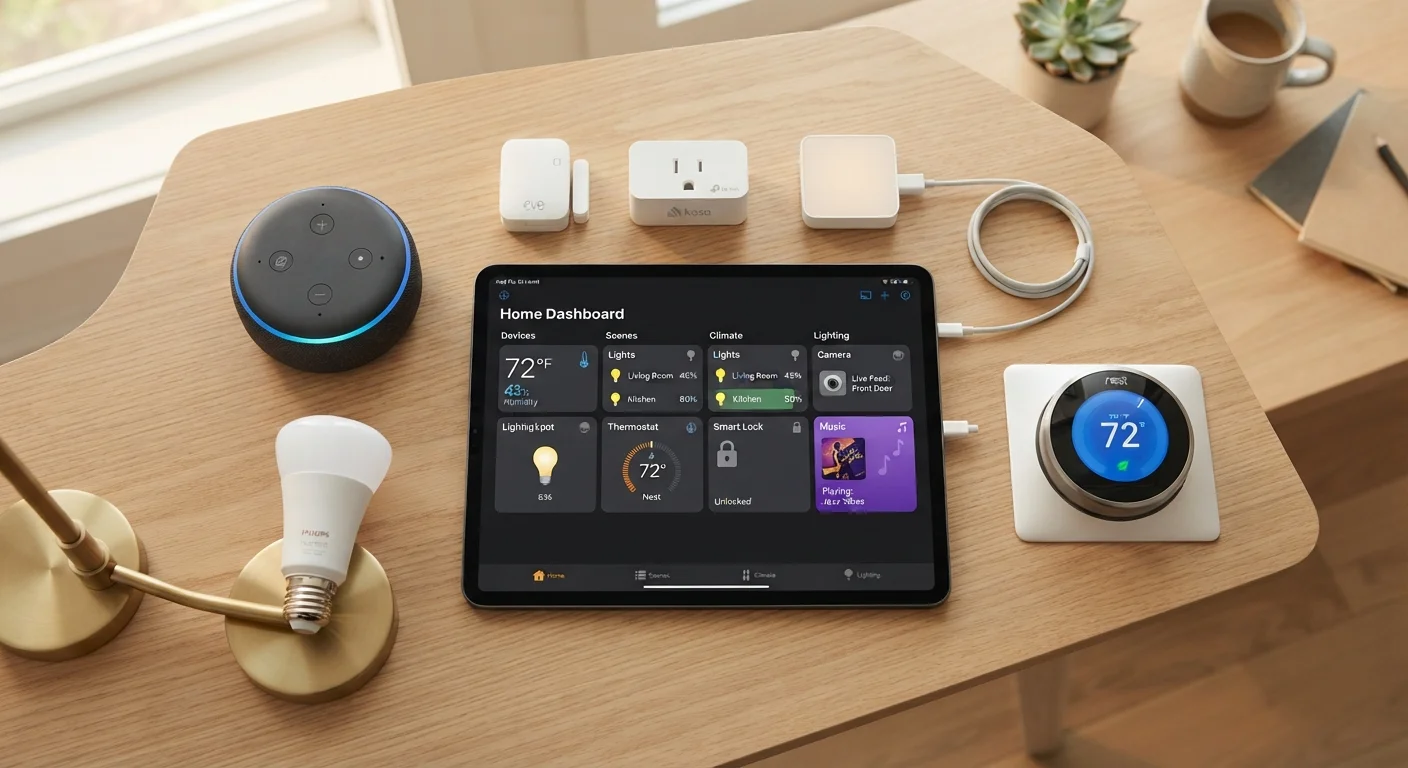
- Smart thermostats - send temperature data and receive schedule updates continuously.
- Video doorbells and security cameras - among the heaviest bandwidth users in a smart home, especially those that stream continuously to the cloud.
- Smart plugs and light bulbs - individually low-impact, but a home with dozens of them adds meaningful background traffic.
- Robot vacuums - many modern models create and upload maps of your home to cloud servers.
- Smart appliances - refrigerators, washing machines, and ovens increasingly ship with Wi-Fi connectivity enabled by default.
Smart Appliances Connect by Default
Many modern appliances - refrigerators, dishwashers, dryers - ship with Wi-Fi connectivity enabled out of the box. If you set them up without customizing network settings, they may be connecting using default or weak credentials. Check each appliance's settings during initial setup rather than accepting defaults.
Each of these devices represents a node on your network. Some rarely communicate; others are quite chatty. The key insight is that you may have consented to their network presence during initial setup - and then completely forgotten about them.
Why the Device Count Matters for Performance
Every device connected to your router competes for a share of available bandwidth and router processing capacity. A router handling 30 devices is working significantly harder than one managing 8 - even if most of those devices are idle.
This is why households with fast internet service still sometimes experience lag. The bottleneck isn't always the connection from your ISP; it's often the router's ability to manage simultaneous requests from many devices. If you've been troubleshooting slow speeds, our systematic guide to diagnosing slow home internet walks through the process step by step.
Your router's wireless standard also plays a role. Older routers operating on a single band (2.4 GHz) become congested more quickly than newer dual- or tri-band routers that can distribute devices across multiple frequencies. For homes with many devices spread across different rooms, a mesh network system may distribute the load more effectively than a single router - a comparison explored in mesh Wi-Fi vs. traditional routers.
Why the Device Count Matters for Security
Performance aside, each connected device is also a potential security exposure point. A vulnerability in a smart bulb's firmware sounds trivial - but once a device is on your network, a compromised device can potentially communicate with other devices on the same network.
Older IoT devices are a particular concern. Manufacturers sometimes discontinue software updates for products after a few years, leaving known vulnerabilities permanently unpatched. Unlike your smartphone, which prompts you to update regularly, many smart home devices update silently - or not at all.
Unpatched Devices Remain Vulnerable Indefinitely
If a manufacturer stops releasing firmware updates for a device, any security vulnerabilities discovered after that point will never be fixed. This is especially common with budget smart home devices and older IoT products. Before purchasing any connected device, research the manufacturer's typical support lifecycle - and consider retiring devices whose support has ended.
This is meaningfully different from the risks of public Wi-Fi, where the threat comes from sharing a network with strangers. At home, the risk is internal - devices you own and trust that may have weak protections. For a fuller picture of how your home network compares to public networks, see what's actually at risk on public Wi-Fi.
Protecting all your connected devices - from routers to smart TVs - involves a layered approach covered in protecting personal data across all your devices.
Keeping Your Network Healthy
You don't need to be a networking expert to maintain a healthier home network. A few consistent habits make a substantial difference.
- Audit your connected devices periodically. Most routers have an admin interface (typically accessed via a browser) that lists every device currently connected. Review it every few months.
- Use a guest network for IoT devices. Many routers allow you to create a separate guest network. Placing smart home devices on a different network from your computers and phones limits the damage if one device is compromised.
- Keep router firmware updated. Router manufacturers release firmware updates that patch security vulnerabilities. Check your router manufacturer's support page or enable automatic updates if available.
- Remove devices you no longer use. A device sitting unused but still connected is an unnecessary exposure. Disconnect and forget devices you've replaced or retired.
- Use a strong, unique Wi-Fi password. The default credentials on many routers are publicly known - changing them is one of the most effective basic steps you can take.
For a more complete set of protective habits, home network security habits worth building covers the practices that matter most without requiring technical expertise.
This article provides general technology information for educational purposes. Security needs vary by household; consult a qualified technology professional for advice tailored to your specific setup.