The Real Risk Landscape on Open Networks
Public Wi-Fi has a reputation for being a hacker's playground, and while that's an overstatement, the underlying concern isn't unfounded. The actual risk depends less on the network itself and more on what you do while connected.
Open networks - those without individual authentication - don't encrypt the data flowing between your device and the router. That means anyone on the same network with the right software could, in principle, observe that traffic. In practice, this matters most when the apps or websites you're using also fail to encrypt data on their end.
The modern web has improved significantly on this front. The widespread adoption of HTTPS means that most websites encrypt your connection at the application layer, independent of the Wi-Fi network's own security. When you see the padlock icon in your browser's address bar, your data is encrypted between your device and the site's server - even on an unsecured network. What a network observer would see is essentially scrambled data.
Where risk remains real: apps that don't enforce HTTPS, login portals that transmit credentials in plain text, and file-sharing or syncing software that may send data without encryption. These are the genuine gaps worth closing.
~80%
Web traffic now encrypted via HTTPS
Google's Transparency Report has consistently shown that the vast majority of pages loaded in Chrome use HTTPS, significantly reducing the value of Wi-Fi traffic interception.
1 in 4
Hotspots worldwide lack encryption
Security research from Kaspersky Lab found that approximately 25% of Wi-Fi hotspots analyzed worldwide used no encryption at all, leaving traffic vulnerable at the network level.
The Threat You're Less Likely to Think About: Rogue Hotspots
Traffic interception gets most of the headlines, but the more practical threat on public Wi-Fi is the rogue hotspot - sometimes called an "evil twin" network. This is a Wi-Fi access point set up deliberately to look like a legitimate one.
Imagine connecting to "CoffeeShop_Guest" at your local café, not realizing someone nearby has set up their own network with the same name. Your device connects, and all your traffic flows through their equipment. They can see everything unencrypted and potentially redirect you to fake login pages to harvest credentials.
This attack requires someone to be physically present and motivated, which limits how common it actually is - but airports, transit hubs, and hotels are higher-risk environments simply because they attract more people with more potential targets.
Verifying a network name with a staff member before connecting - and avoiding networks with generic or suspiciously generic names - is the most direct defense. For sensitive tasks, your phone's mobile data connection bypasses the problem entirely.
Verify Before You Connect
Before joining a public Wi-Fi network, ask a staff member for the exact network name. Attackers count on people connecting to plausible-sounding names without verification. This one-second check is the most direct defense against rogue hotspots - no technical knowledge required.
Practical Habits That Reduce Your Exposure
You don't need to avoid public Wi-Fi entirely to stay reasonably safe. A handful of consistent habits close most of the meaningful gaps.
- Disable auto-connect for open networks. Most devices can be set to ask before joining unfamiliar networks rather than connecting automatically. This prevents your device from silently joining a rogue hotspot that matches a previously used network name.
- Use HTTPS-only mode in your browser. Many browsers offer a setting that blocks non-encrypted connections by default, warning you before you load a site that doesn't use HTTPS.
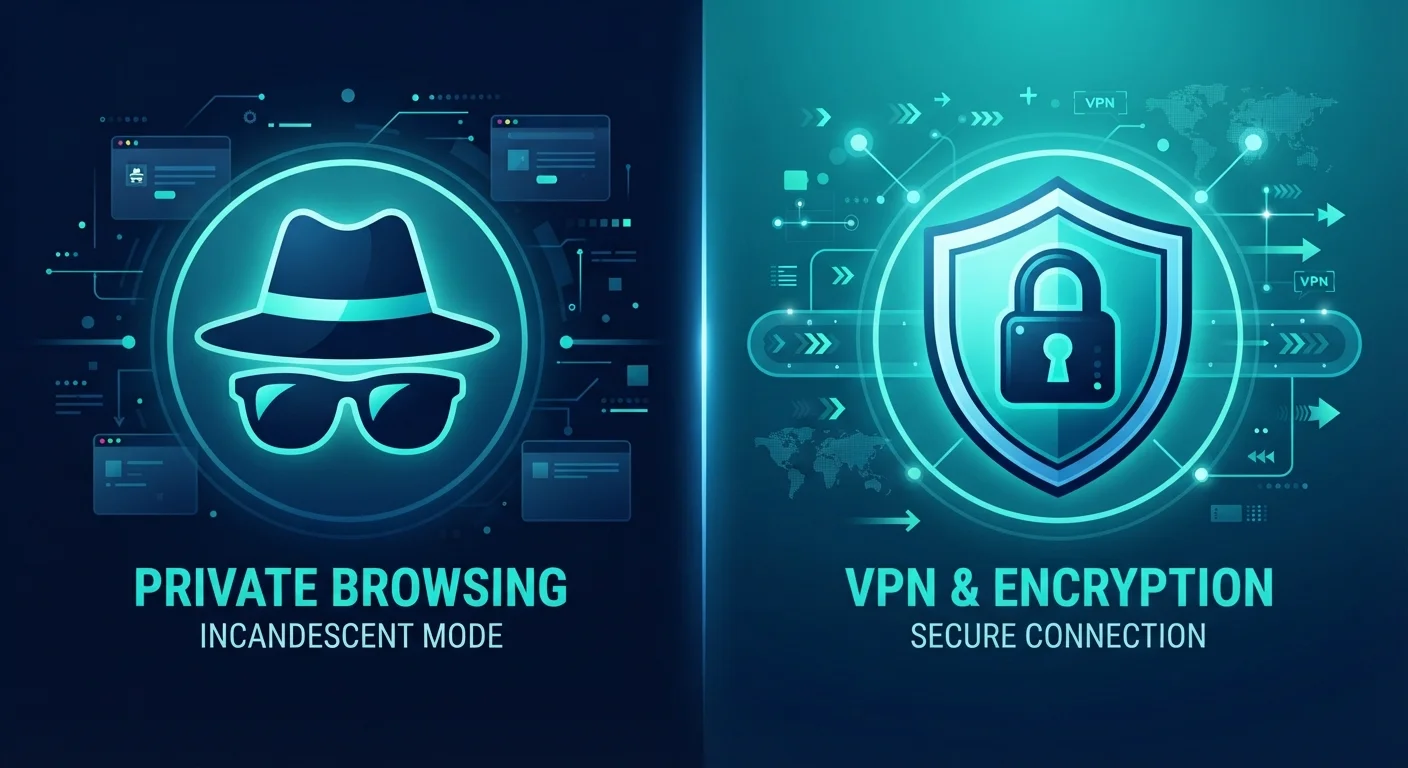
- Consider a VPN for sensitive tasks. A VPN encrypts your device's traffic before it reaches the router, making interception far less useful to an attacker. See how a VPN differs from private browsing for a clearer picture of what each actually protects.
- Avoid logging into financial or sensitive accounts on public networks. If you need to check your bank account, switching to mobile data takes seconds and removes the shared-network risk entirely.
- Keep software updated. Many attacks exploit known vulnerabilities in outdated operating systems and apps. Staying current is foundational, regardless of the network you're on.
For a broader view of how these habits connect to your overall digital footprint, our guide to online privacy from the ground up covers the core principles in plain language.
How Public Wi-Fi Differs From Your Home Network
Understanding the contrast helps clarify why home networks feel safer - and what that security actually depends on. On a home network you control, you set the encryption standard (ideally WPA3 or WPA2), you know who has the password, and you manage which devices are allowed to connect. Everything on your home network operates within a defined perimeter you've established.
On a public network, none of that applies. You share the access point with strangers, the operator may or may not have configured security thoughtfully, and you have no visibility into who else is connected. The network itself is outside your control - which is why your own device's behavior and the applications you use become the primary line of defense.
For readers who want to strengthen their home setup as a comparison point, home network security habits worth building outlines the fundamentals. And if you're thinking about device-level protection across all your devices - not just on public Wi-Fi - protecting personal data across all your devices covers the settings and habits that matter most.
The bottom line: public Wi-Fi is a shared resource with shared risks. Using it thoughtfully - rather than avoiding it entirely or trusting it completely - is the practical middle ground most people need.