Why Smart Home Jargon Feels Like a Foreign Language
Setting up a smart home is increasingly straightforward - until the instruction manual starts throwing around terms like Zigbee, Matter, and mesh network. These aren't marketing buzzwords; they describe how your devices connect, communicate, and stay secure. Once you understand what each term actually does, you're in a much better position to make decisions that work for your home.
This reference glossary covers the most commonly encountered smart home terminology, grouped by topic. You don't need a technical background - just a willingness to connect the vocabulary to the real-world things happening in your home. If you're just getting started, see our plain-language setup guide for building your first smart home from scratch.
Matter
A software interoperability standard developed by major tech companies that allows smart home devices from different manufacturers to work together. It runs on top of existing radio protocols like Wi-Fi and Thread.
Zigbee
A low-power wireless mesh protocol widely used in smart home devices such as bulbs, sensors, and outlets. Devices on a Zigbee network relay signals to extend range without straining your Wi-Fi router.
Z-Wave
Another low-power mesh protocol designed for smart home use, similar to Zigbee but operating on a different radio frequency. It's known for reliable, low-interference communication between devices.
Thread
A modern mesh networking protocol designed for smart home reliability and low latency. It forms the wireless backbone for many Matter-compatible devices and does not require a dedicated hub.
Hub / Bridge
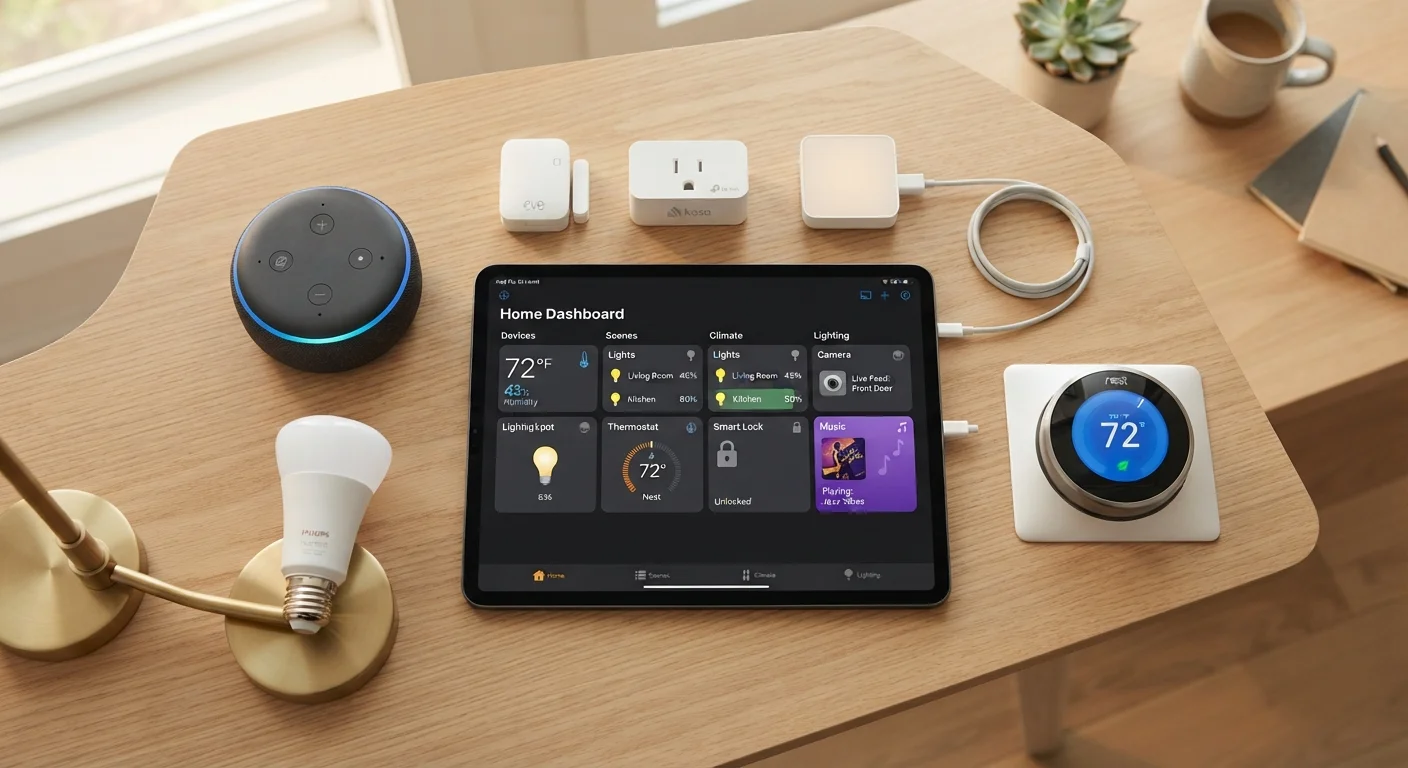
A central device that connects and translates between different smart home protocols, allowing devices that use different communication standards to work together in a single ecosystem.
Mesh Network
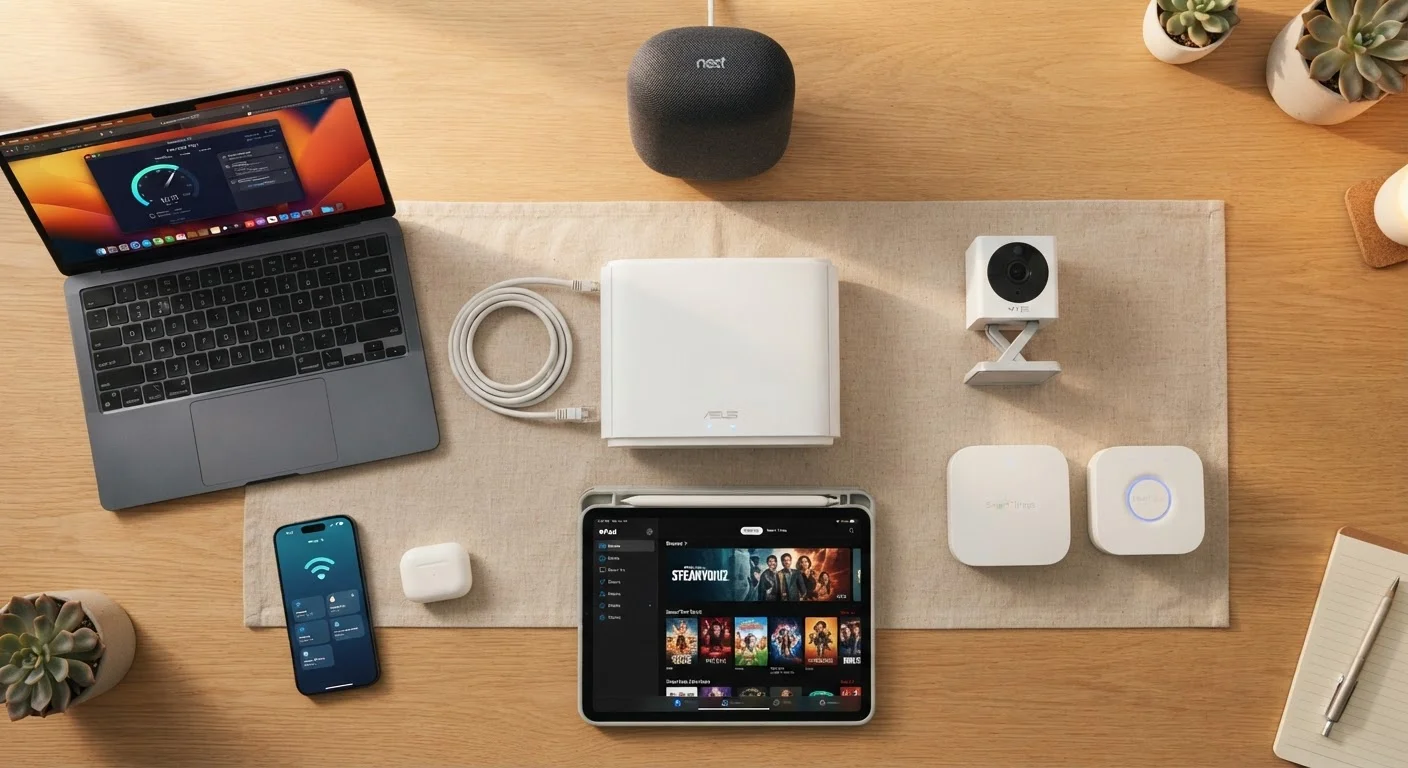
A home networking setup using multiple router nodes that work together to provide consistent Wi-Fi coverage throughout a space, eliminating dead zones common with single-router setups.
SSID
Short for Service Set Identifier - the technical name for a Wi-Fi network. It's the name that appears when you scan for available networks on your phone or computer.
2.4 GHz vs. 5 GHz
Two radio frequency bands used by Wi-Fi routers. The 2.4 GHz band offers longer range and better wall penetration; the 5 GHz band is faster but has shorter range. Most smart home devices prefer 2.4 GHz.
Local Control
When a smart device can operate on your home network without needing to contact an external server. Local control means your lights can still respond to commands even when your internet is down.
Routine / Automation
A pre-programmed set of actions triggered by a schedule, sensor event, or voice command. For example, a routine might turn off all lights and lock the front door at 10 PM automatically.
Voice Assistant
A software-based assistant - accessed through a smart speaker or display - that responds to spoken commands to control devices, answer questions, or run automations.
Pairing
The process of connecting a new smart device to your network, hub, or app for the first time. Pairing typically involves pressing a physical button on the device and following in-app steps.
Connectivity Protocols: How Devices Talk to Each Other
One of the most confusing parts of the smart home world is understanding how devices communicate. Not everything uses Wi-Fi - and for good reason. Here's a breakdown of the major wireless protocols you'll encounter.
| Most common smart home protocol | Wi-Fi (used by most plug-in smart devices) |
| Purpose of Matter standard | Cross-brand device compatibility (Connectivity Standards Alliance) |
| Typical Zigbee network device limit | Up to 65,000 devices per network (theoretical) (Zigbee specification) |
| Wi-Fi band preferred by most smart devices | 2.4 GHz |
| Thread radio frequency | 2.4 GHz IEEE 802.15.4 (Thread Group specification) |
| SSID maximum length | 32 characters (IEEE 802.11 standard) |
Wi-Fi is the most familiar protocol and offers high bandwidth, making it ideal for cameras and video doorbells. The tradeoff is that every Wi-Fi device adds load to your router. Zigbee and Z-Wave are low-power mesh protocols designed specifically for smart home devices - they use less energy and can relay signals through one another rather than all routing through your router. Bluetooth is common for short-range devices like smart locks or speakers. Thread is a newer mesh protocol built for reliability and low latency, and it forms the radio backbone for many Matter-compatible devices. Matter itself isn't a radio protocol - it's a software standard that lets devices from different manufacturers work together reliably. Think of it as a shared language that sits on top of the radio protocols. For a deeper look at how these interact with your home network, see everything that lives on your home network.
Hubs, Bridges, and the Devices That Tie It All Together
A hub (sometimes called a bridge) is a central device that translates between protocols and connects your smart devices to each other and to the internet. Not every setup needs one - many devices connect directly via Wi-Fi - but hubs become valuable when you mix Zigbee or Z-Wave devices with your network. A smart speaker with a built-in assistant (a voice-activated device that can control other smart devices) often doubles as a hub in simpler setups.
A mesh network refers to a system of multiple router nodes placed around your home so that Wi-Fi coverage is consistent rather than weakest at the edges. This is particularly important for smart homes because devices in garages, basements, or backyards need reliable signals. An SSID (Service Set Identifier) is simply the name of a Wi-Fi network - the name you see when you search for networks on your phone. Many routers broadcast two SSIDs: one for the 2.4 GHz band (longer range, slower speeds, preferred by many smart devices) and one for the 5 GHz band (shorter range, faster speeds, better for streaming). Understanding which band your device prefers can resolve many setup headaches. For a closer look at the ecosystem of devices, explore our starter map for first-time smart home users.
When Your Device Won't Connect: Check the Band First
Many smart home setup problems come down to one issue: the device is trying to connect to a 5 GHz network but only supports 2.4 GHz. If your router broadcasts both bands under the same name, consider giving each band a distinct SSID during setup. This makes it easy to point a device to exactly the right network. Your router's admin app or settings page is where this adjustment is typically made.