Why Refurbished Deserves a Closer Look - and a Careful Eye
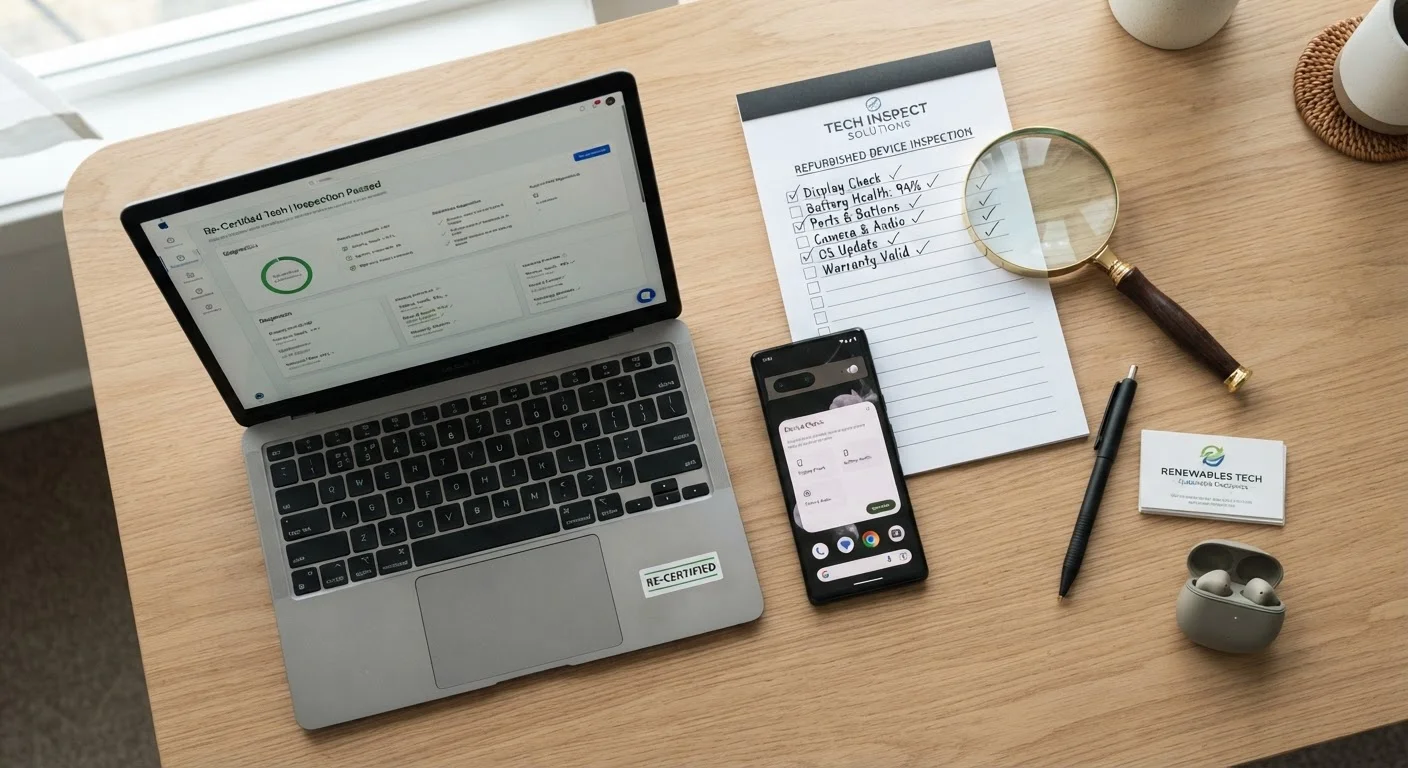
Refurbished devices - smartphones, laptops, tablets, and more - can deliver solid performance at a meaningfully lower price than new. But "refurbished" is not a single, standardized category. It can mean anything from a lightly returned item that was never actually used, to a device that underwent significant repairs by a third-party technician. That wide range is exactly why going in with a structured checklist matters.
Part of shopping more intentionally is knowing which questions to ask before money changes hands. This checklist walks you through everything worth verifying - from the seller's credibility to the device's software state - so you can assess what you're actually getting rather than relying on marketing language alone.
Seller Verification
Grading and Condition
Warranty and Return Policy
Device-Specific Checks
Post-Receipt Verification
Tools and Resources to Have Ready
You don't need specialized equipment to vet a refurbished device, but having a few resources on hand makes the process smoother and more reliable.
Manufacturer's website
Verify the device model number, supported software update timeline, and whether the serial number has been reported lost or stolen.
IMEI/ESN checker (for phones and cellular tablets)
Confirm the device is not blacklisted and is free of carrier locks or outstanding financial obligations.
Battery diagnostic app
Assess current battery health percentage on phones and laptops to estimate remaining capacity and replacement timeline.
Hardware diagnostic software
Run automated tests on screen, camera, microphone, speakers, and connectivity components to catch defects quickly.
After You Receive the Device: First Steps
Receiving the device is not the finish line - it's actually a critical checkpoint. Your purchase agreement, return window, and any warranty coverage only protect you if you act promptly.
Act Within the Return Window Immediately
Most refurbished device sellers offer return windows of 15 to 30 days - and the clock starts at delivery, not when you first use the device. Do not postpone your inspection. If you discover a defect outside the return window, your only recourse may be a warranty repair, which takes time and may not cover all issues. Open and test the device on the day it arrives.
Once you've confirmed the physical and software condition, run a full factory reset even if the device appears clean. This ensures no residual accounts, apps, or data from a prior owner remain on the device. Follow the reset with a full software update to the latest stable version supported by that hardware. This practice also applies to any smart home device or wearable you pick up through the refurbished market.
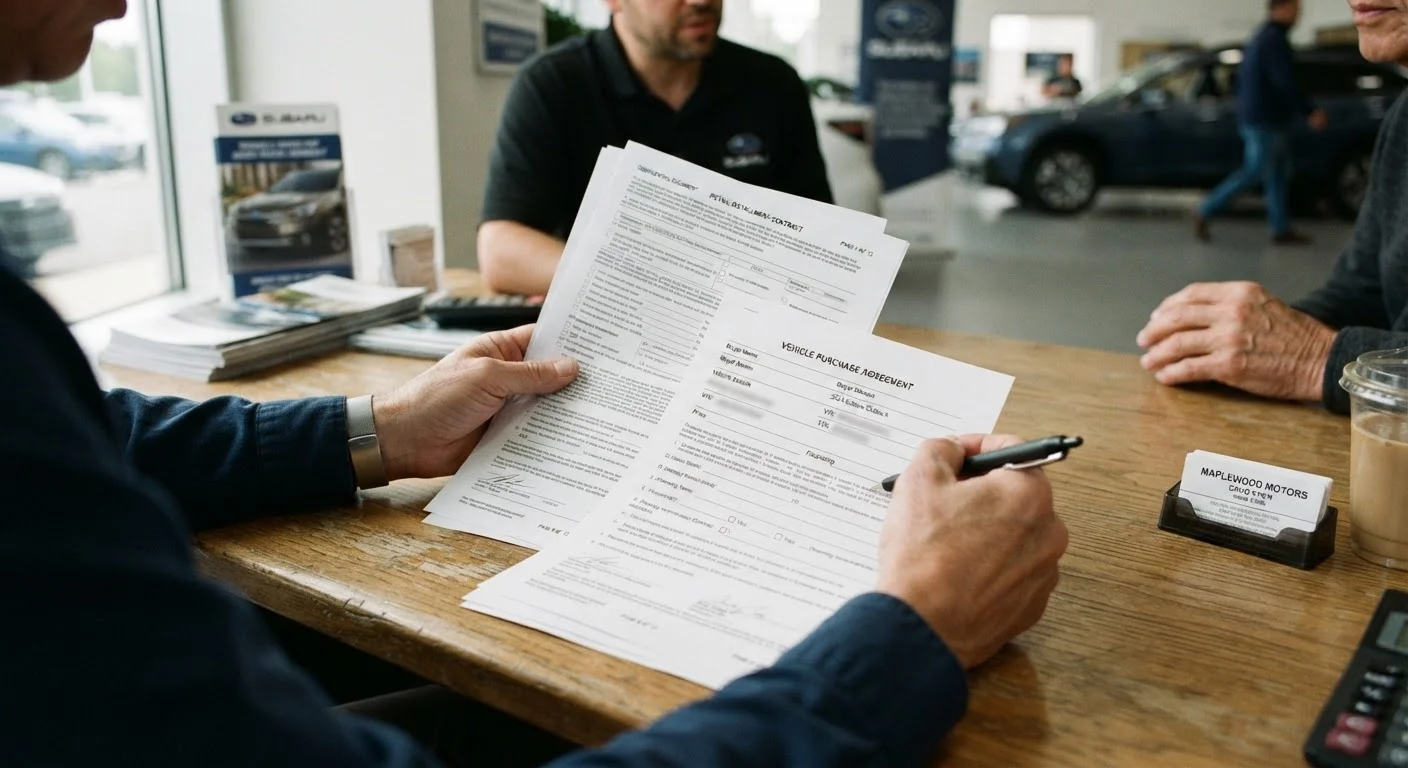
Developing habits like these connects directly to building a smarter overall shopping framework - one that applies scrutiny before purchase and follows through with verification after. The same diligent mindset that serves you here will help when reviewing a car purchase agreement or working through any other high-consideration buy.
Avoid Deals That Skip the Basics
If a seller cannot tell you what the grading criteria mean, cannot provide a warranty in writing, or discourages questions about the device's history, treat that as a meaningful warning sign. A lower price is not worthwhile if it comes without any post-purchase protection. Just as you would scrutinize any significant purchase decision carefully - whether that's prepping a vehicle before a long trip or budgeting for a new pet - apply the same discipline here.