Why These Three Camera Types Get Confused
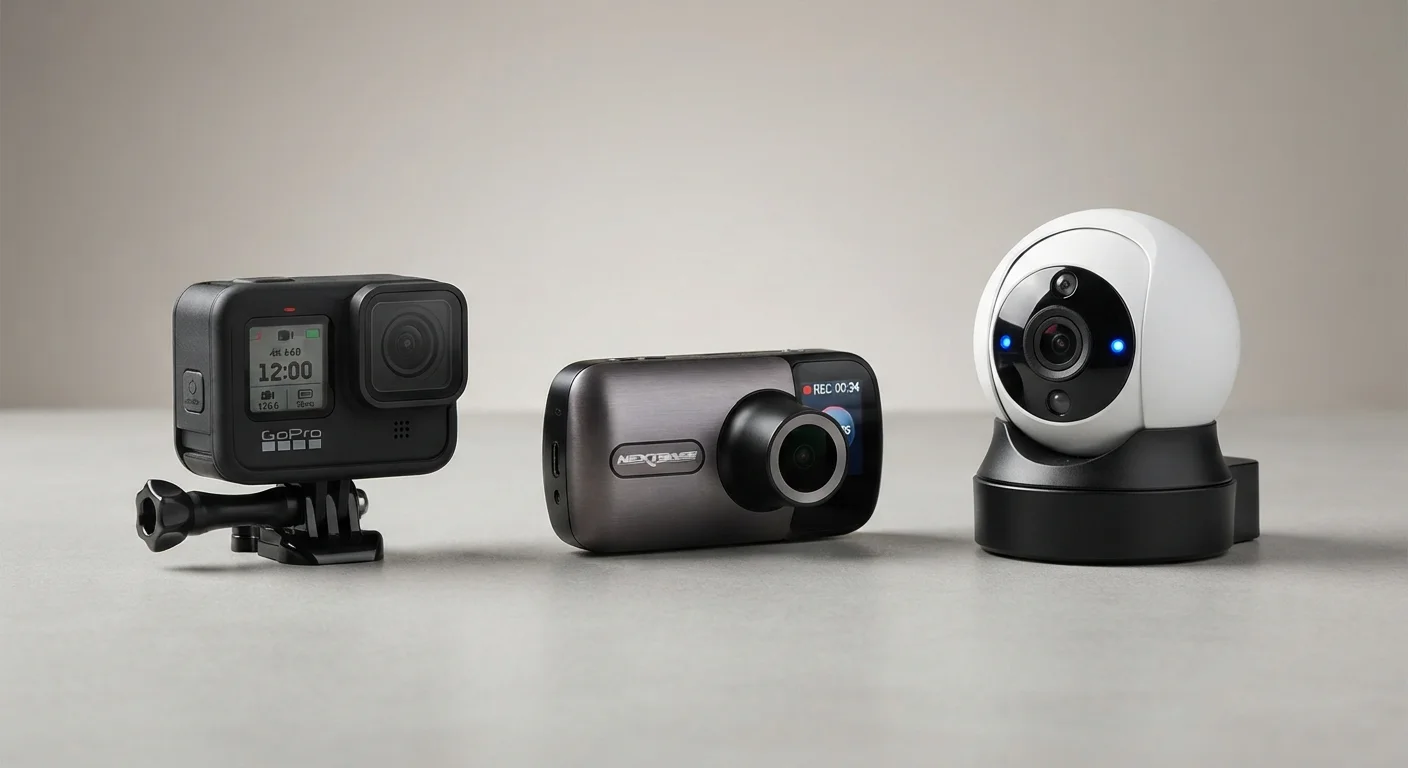
At a glance, action cameras, dashcams, and security cameras have a lot in common: they're all compact, they all record video, and they often feature wide-angle lenses. That surface similarity leads many people to wonder whether one device could do the job of another. The short answer is: not reliably. Each type is engineered around a specific set of conditions - and those design decisions ripple through everything from lens choice to power supply to storage.
Understanding what each camera is actually built for helps you avoid the frustration of using the wrong tool. It also sheds light on why the same feature - say, night vision - is implemented so differently across device types. For a broader look at how today's gadgets fit into larger ecosystems, see our complete guide to the consumer gadget landscape.
Action Cameras: Built to Move With You
Action cameras are designed around a single core assumption: the user will be in motion, often in harsh conditions, and will want footage that reflects their point of view. That drives a cluster of specific engineering choices. Bodies are waterproof or water-resistant. Mounting systems are standardized so the camera can attach to helmets, handlebars, chest harnesses, or surfboards. Battery life is measured in hours of active recording, not days of standby.
Lenses lean heavily wide-angle - typically 140 to 170 degrees - to capture a broad field of view without the user having to aim carefully. Image stabilization is a priority because the camera is constantly moving. Storage is local and removable (usually a microSD card) because there's no Wi-Fi in the middle of a mountain trail.
Using an Action Camera as a Dashcam
While technically possible, action cameras lack loop recording and parking mode - two features that make dashcams reliable for vehicle use. Without loop recording, the card fills up and recording stops. Without parking mode, nothing captures what happens while you're away from the car. For occasional road-trip documentation it can work; for daily incident protection, it's not a dependable substitute.
Where action cameras fall short as substitutes: they're not designed for unattended operation. They lack loop recording (which overwrites old footage automatically), they don't have motion-triggered recording modes suited to surveillance, and their mounting systems assume a human operator nearby.
Dashcams: Engineered for the Long Haul
A dashcam's entire design logic centers on one scenario: mount it, forget it, and trust it to capture whatever happens on the road. That shapes the device in ways that distinguish it sharply from an action camera or security camera.
Loop recording is fundamental - dashcams continuously overwrite the oldest footage so the card never fills up and stops recording mid-drive. Parking mode allows the camera to detect motion or impact while the car is off, drawing power from the vehicle's battery or a small internal buffer. Wide dynamic range (WDR) processing is standard because dashcams must handle sudden shifts between bright sky and shadowed road in the same frame.
| Action Camera | Dashcam | Security Camera | |
|---|---|---|---|
| Primary use | User-worn activity recording | Continuous vehicle recording | Fixed property monitoring |
| Power source | Rechargeable battery | Vehicle power / battery buffer | Wired / PoE / battery |
| Storage method | MicroSD (manual transfer) | MicroSD with loop recording | Cloud, NAS, or SD card |
| Unattended operation | Not designed for it | Core design feature | Core design feature |
| Motion detection / alerts | Limited or absent | Impact/parking mode only | Advanced zones and alerts |
| Remote access | Via companion app (manual) | Limited, model-dependent | Standard feature |
| Waterproofing | High (built-in or case) | Minimal (interior use) | Varies by IP rating |
| Typical mounting | Body, helmet, gear | Windshield / dash | Wall, ceiling, eave |
GPS logging is common on mid-range and higher dashcams, embedding speed and location data into footage - a detail that matters if footage is ever used in an insurance dispute or legal proceeding. For privacy considerations around location-embedded data, our look at convenience vs. privacy in everyday tech covers the trade-offs thoughtfully.
Security Cameras: Stationary, Connected, and Always On
Security cameras are built around fixed installation and long-term, often remote, monitoring. Unlike action cameras or dashcams, they're designed to watch a space rather than move through one. Power typically comes from a wired connection or PoE (PoE), enabling continuous operation without battery concerns. Cloud or NAS (network-attached storage) connectivity allows footage to be accessed remotely and stored beyond what a single SD card holds.
Motion zones, person detection, and alert notifications are standard features - because the goal is to flag relevant events automatically, not to record everything for later review. Night vision is engineered for fixed focal distances rather than moving subjects, often using infrared LED arrays calibrated to a specific coverage area.
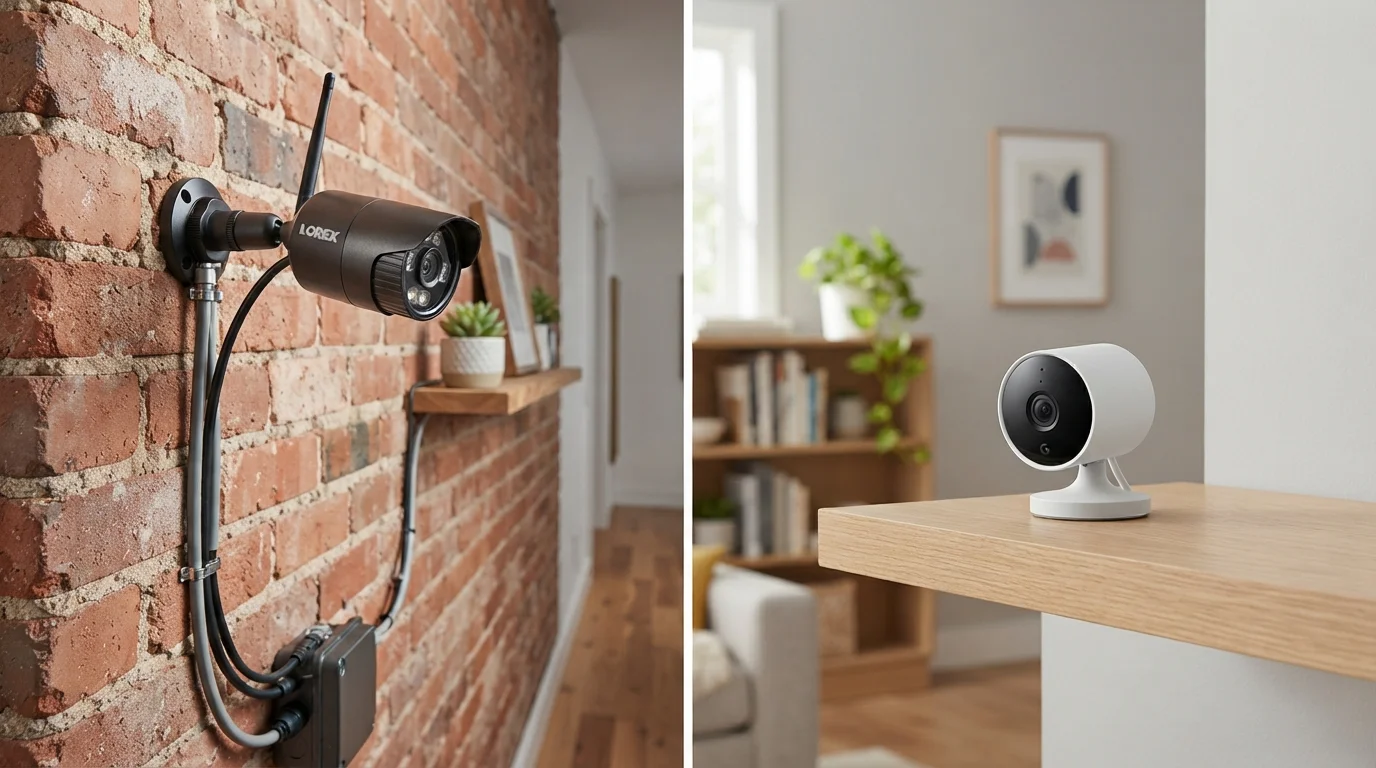
Installation design matters in ways the other two categories don't prioritize: weatherproofing ratings (IP65, IP67), cable routing, and field-of-view planning are all part of the product design. If you're weighing installation approaches for home coverage, our wired vs. wireless security camera guide breaks down the practical trade-offs. Privacy and data practices also vary significantly by manufacturer - a factor worth examining through the lens of digital safety basics.
Where the Categories Blur - and Where They Don't
Some overlap does exist. A security camera with a removable mount could theoretically serve as a crude dashcam. An action camera with a suction-cup mount can record a drive. But these workarounds expose the gaps quickly: no loop recording, no parking mode, battery dead after two hours, no GPS data.
The most honest framing is that each device type represents a set of deliberate engineering trade-offs - not just a feature checklist. Portability comes at the cost of continuous power. Unattended reliability comes at the cost of flexibility. Fixed installation comes at the cost of mobility. Knowing which trade-off fits your actual use case is the most useful decision-making tool.
This article is for informational and educational purposes only. Camera features, specifications, and capabilities vary by manufacturer and model. Always review product documentation before purchase.