Why Old Charging Advice No Longer Applies
Most battery myths trace back to a real technology: nickel-cadmium (NiCd) batteries, which were common in consumer electronics through the 1990s. Those cells genuinely suffered from a phenomenon called the memory effect - if you repeatedly charged them before they were fully depleted, they would "remember" the shorter cycle and deliver less capacity over time. The fix really was to drain them completely before recharging.
The problem is that lithium-ion (Li-ion) batteries - the technology inside virtually every modern smartphone, laptop, and tablet - work on entirely different chemistry. Li-ion cells do not have a memory effect, and the old rules don't just fail to help; some of them actively cause harm. Understanding what's actually happening inside your battery leads to habits that keep devices running longer.
For a broader look at how everyday care decisions affect your devices, see our guide to gadget longevity.
The Myths, Corrected
The following myth-and-fact pairs address the most persistent misconceptions - each grounded in how lithium-ion chemistry actually behaves.
Myth
You should drain your battery completely before charging it to preserve capacity.
Fact
Deep discharges stress lithium-ion cells and accelerate degradation. Partial charges are healthier.
This rule was valid for NiCd batteries but is harmful for Li-ion. Lithium-ion chemistry experiences increased stress at very low states of charge. Regularly draining to 0% increases the depth of each discharge cycle, which shortens the overall number of usable cycles the battery can deliver. Battery researchers generally recommend keeping charge levels between 20% and 80% for maximum longevity.
Myth
Leaving your phone charging overnight will overcharge and ruin the battery.
Fact
Modern devices stop drawing charging current once they reach 100%; overnight charging does not cause overcharging.
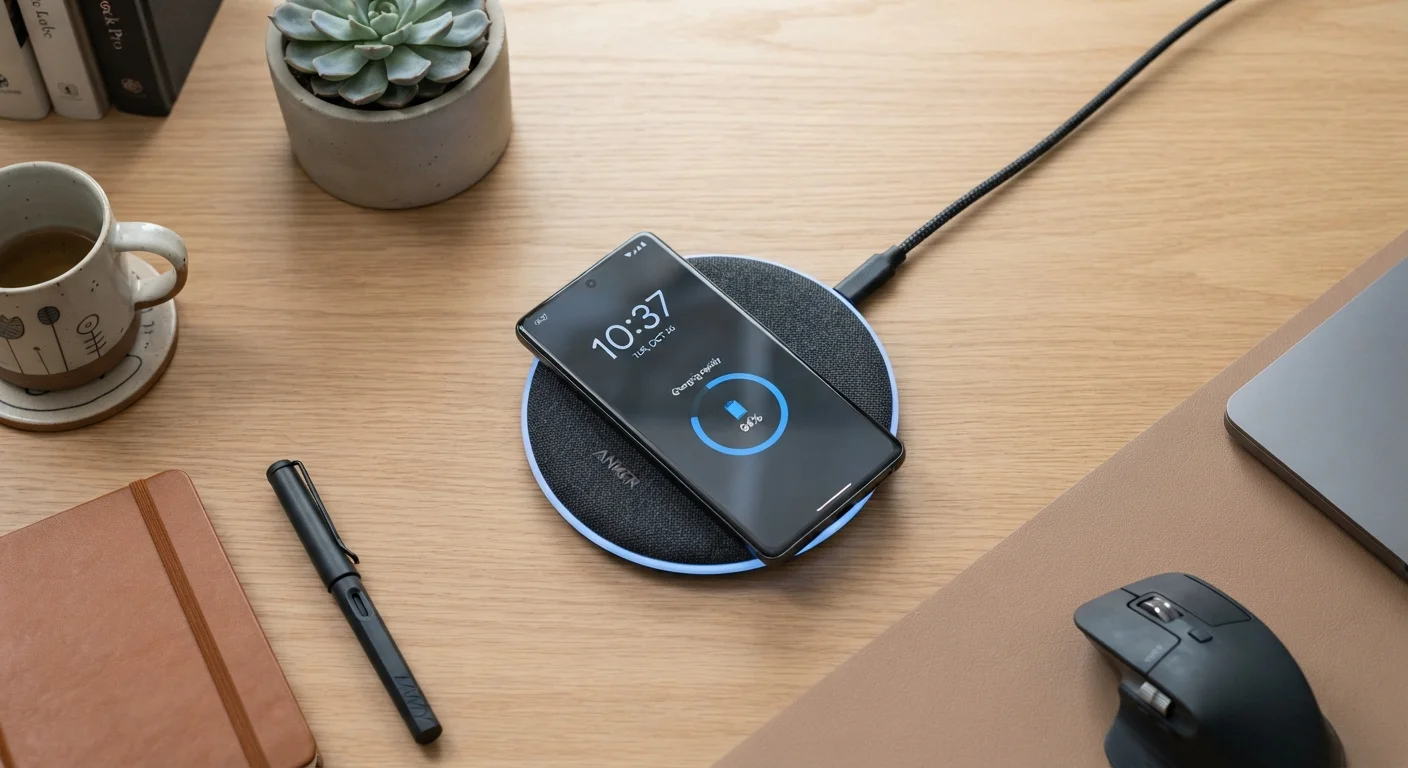
Every modern smartphone and laptop contains a battery management system (BMS) - a circuit that monitors voltage and automatically cuts off or reduces the charge current when the battery is full. The device may trickle-charge slightly to compensate for natural self-discharge, but it cannot push more energy into a full cell. Some operating systems go further with "optimized charging" modes that pause at 80% and finish the last portion just before your typical wake time, reducing the hours the battery sits at peak voltage.
Myth
Using your phone while it charges damages the battery faster.
Fact
Normal use during charging does not meaningfully harm the battery, though heat generated by heavy tasks can.
The battery management system handles simultaneous charging and discharge without issue. Where caution is warranted is during intensive tasks - GPU-heavy gaming, prolonged video recording, or processor-intensive apps - that generate significant heat while plugged in. It's the heat produced by those tasks, not the act of using the phone itself, that can accelerate degradation. Light use during charging is not a concern.
Myth
Third-party chargers always damage your battery or device.
Fact
Certified third-party chargers are safe; the risk comes from uncertified, very low-cost accessories without proper safety testing.
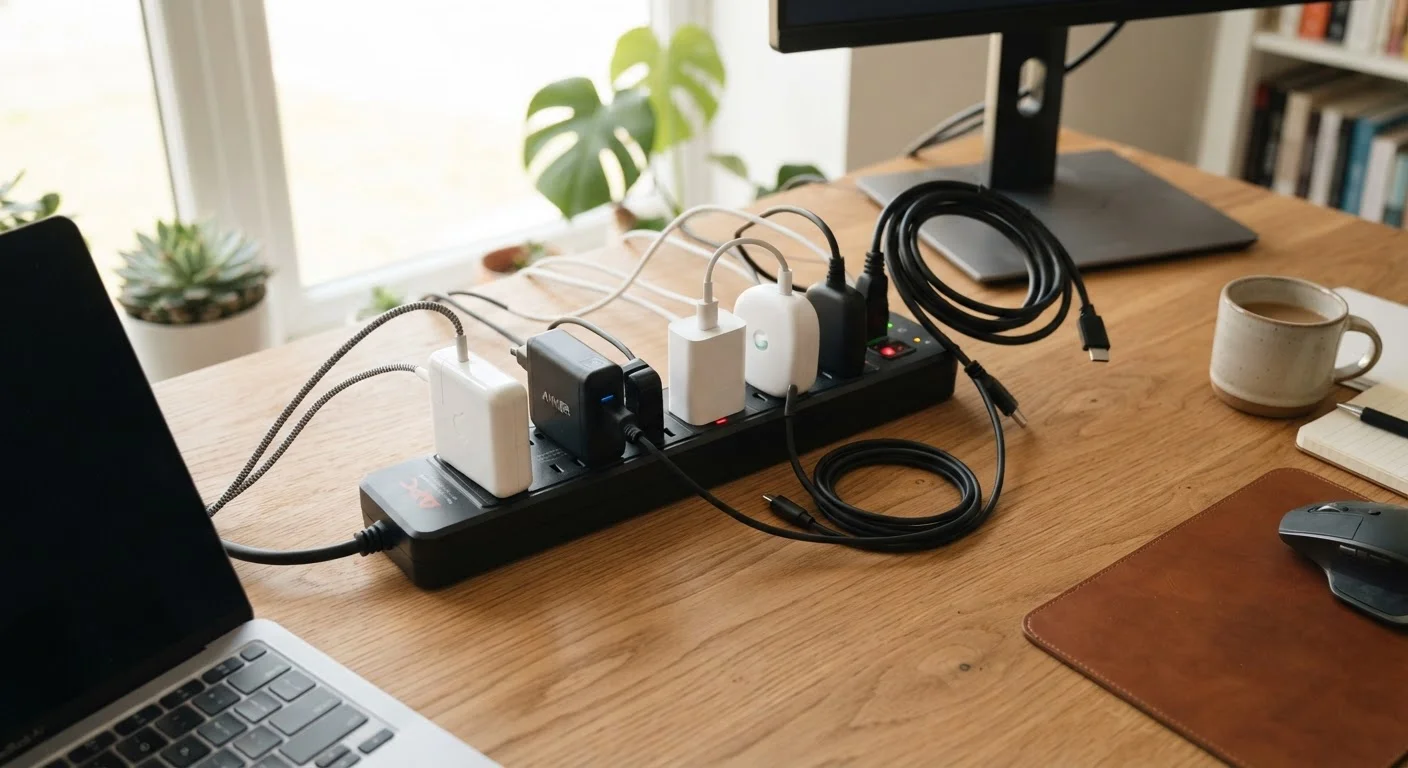
The key differentiator is safety certification, not the brand name. Chargers bearing recognized marks - such as UL, ETL, or CE - have passed standardized electrical safety tests. These accessories communicate properly with your device's battery management system. Extremely cheap chargers with no certification markings may lack proper voltage regulation, which can cause heat spikes or inconsistent current delivery. When buying third-party, prioritize certified options from established manufacturers.
Myth
A higher-wattage fast charger will degrade your battery more quickly than a standard charger.
Fact
Fast charging does produce more heat, but modern devices regulate incoming power and limit long-term impact when used reasonably.
Fast chargers deliver higher wattage, but your device's charging controller determines how much of that power it actually accepts at any moment. The phone or laptop negotiates with the charger - a process called power delivery (PD) - and throttles input based on battery temperature and charge level. Fast charging typically slows as the battery approaches 80%. The thermal load is real, so habitually fast-charging in hot environments does compound stress, but occasional fast charging when you need a quick top-up is not the battery crisis it's sometimes portrayed as.
What Actually Damages Your Battery
Once the myths are cleared away, a simpler picture emerges: heat is the dominant threat to lithium-ion longevity. Charging a device that is sitting in direct sunlight, enclosed in a thick case, or resting on a surface that traps warmth will degrade the battery measurably faster than almost any charging habit.
20°C
Optimal storage temperature for Li-ion batteries
Battery research consistently identifies room temperature (around 20°C / 68°F) as the sweet spot; sustained heat above 40°C measurably accelerates capacity loss.
~300-500
Rated full charge cycles for most Li-ion batteries
Most consumer Li-ion batteries are designed to retain roughly 80% of original capacity after this many complete charge cycles under normal conditions.
Charge cycles also matter, but less than most people assume. A charge cycle is one full equivalent discharge - running from 100% to 0%, or two runs from 100% to 50%. Most lithium-ion batteries are rated for 300 to 500 full cycles before noticeable capacity loss, but partial cycles count proportionally less, which is another reason the 20-80% habit is so effective.
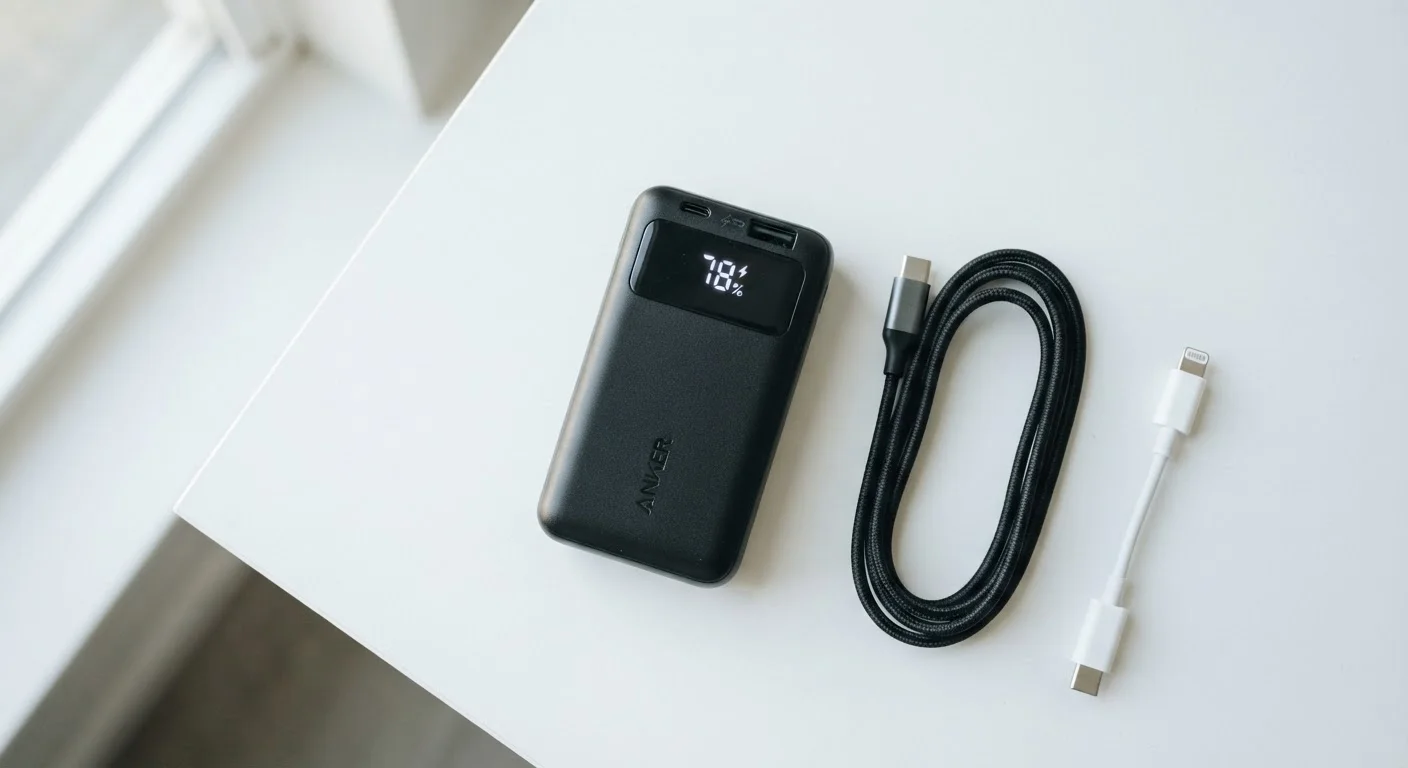
If you rely on a power bank while traveling, understanding its true output capacity matters as much as charging habits at home. Our explainer on portable charger specs breaks down what those mAh and wattage numbers really mean. And if you've ever wondered whether leaving chargers plugged in wastes electricity, the answer may surprise you.
Simple Habits That Actually Help
Putting the science into practice doesn't require complicated routines. A few consistent behaviors make a meaningful difference:
- Avoid full discharges. Plug in before you hit 20%; deep discharges stress Li-ion cells.
- Don't obsess over 100%. Stopping around 80-90% for daily use reduces strain; save full charges for days when you need maximum range.
- Charge in a cool place. Remove thick cases during charging if your device gets warm.
- Use certified chargers. Look for UL, ETL, or CE safety marks on third-party accessories. Certified chargers from reputable manufacturers are safe; uncertified, very cheap options carry real risks.
- Enable optimized charging features. Many modern operating systems offer a setting that learns your routine and slows the charge rate near 100% overnight - use it.
Avoid Charging with a Very Hot Device
If your phone or laptop feels uncomfortably hot to the touch, let it cool before or during charging. Charging a device that is already thermally stressed compounds heat inside the battery and can accelerate long-term degradation. Remove the device from direct sunlight or enclosed spaces before plugging in.
Battery myths aren't unique to phones and laptops. If you own a vehicle and want to understand a separate but equally misunderstood category, our article on car maintenance myths covers similar misconceptions that cost drivers real money.