Why Devices Are Designed as Ecosystems
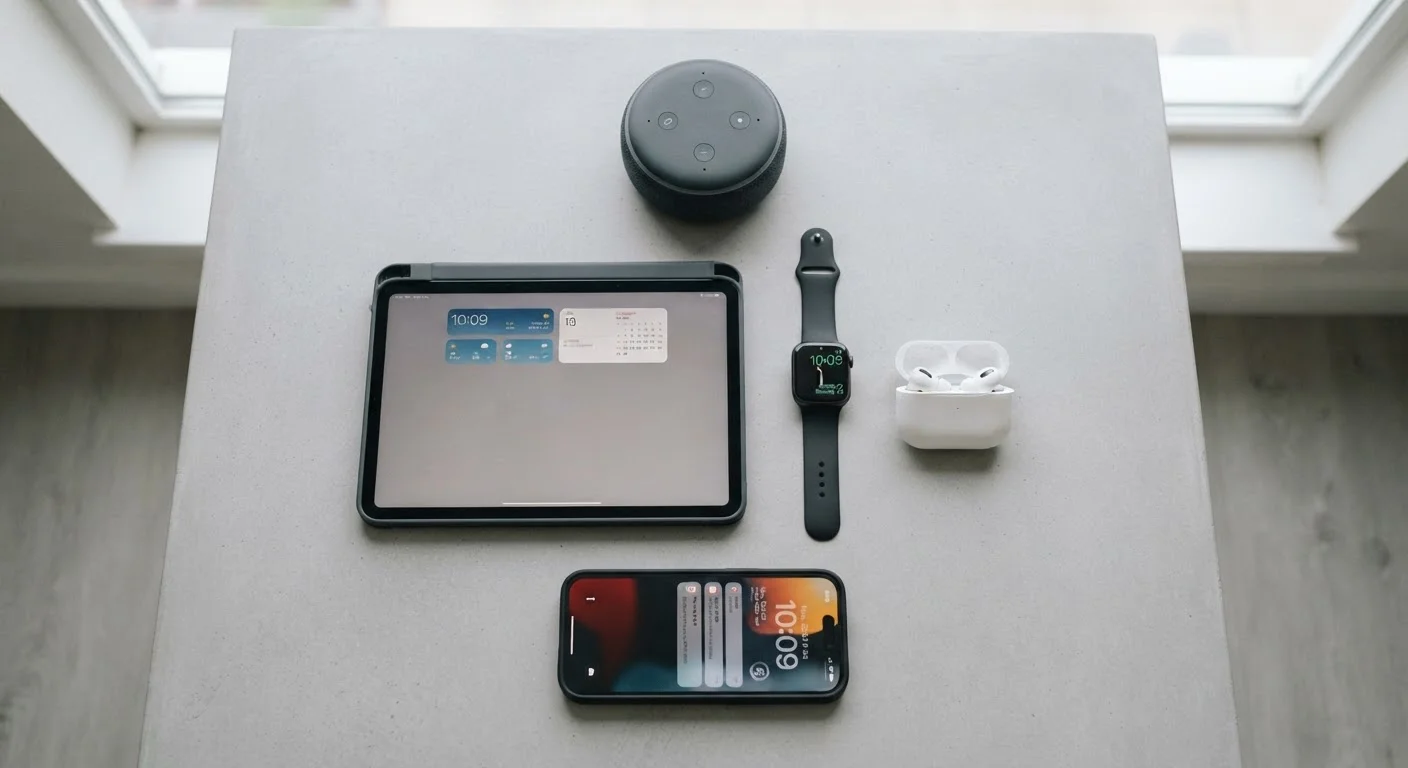
Consumer electronics manufacturers no longer design products in isolation. A smartphone, a smartwatch, wireless earbuds, and a smart home hub from the same platform are built to share data, respond to each other, and create a seamless experience across your daily life. This deliberate interconnection is what engineers and marketers call an ecosystem.
The practical effect for consumers is significant: devices within the same ecosystem typically offer deeper integration - your watch can hand off a call to your phone, your speaker can adjust your thermostat, and your fitness tracker can feed data into your health app automatically. Crossing between ecosystems is possible but often involves trade-offs in functionality. Understanding this dynamic before you acquire devices saves considerable frustration later. For practical guidance on putting these concepts to work at home, see our Home Tech Tips hub.
17.1B
Connected IoT devices worldwide
According to IoT Analytics' State of IoT report, the number of connected devices globally surpassed 17 billion by the mid-2020s.
~3 years
Average smartphone replacement cycle
Industry research consistently places the U.S. smartphone upgrade cycle at approximately 3 years, up from roughly 2 years a decade ago.
70%+
U.S. households owning a smart device
Surveys by Statista and Pew Research indicate a majority of American households now own at least one smart home or connected device beyond a smartphone.
The Core Device Categories and What They Actually Do
The gadget landscape broadly breaks into several categories, each serving a distinct role in your daily life:
- Smartphones and tablets - The central hub for most people. They authenticate identity, run apps, and act as a remote control for other devices.
- Wearables - Smartwatches and fitness trackers monitor biometric data (heart rate, sleep patterns, activity) and surface quick notifications without requiring you to reach for your phone.
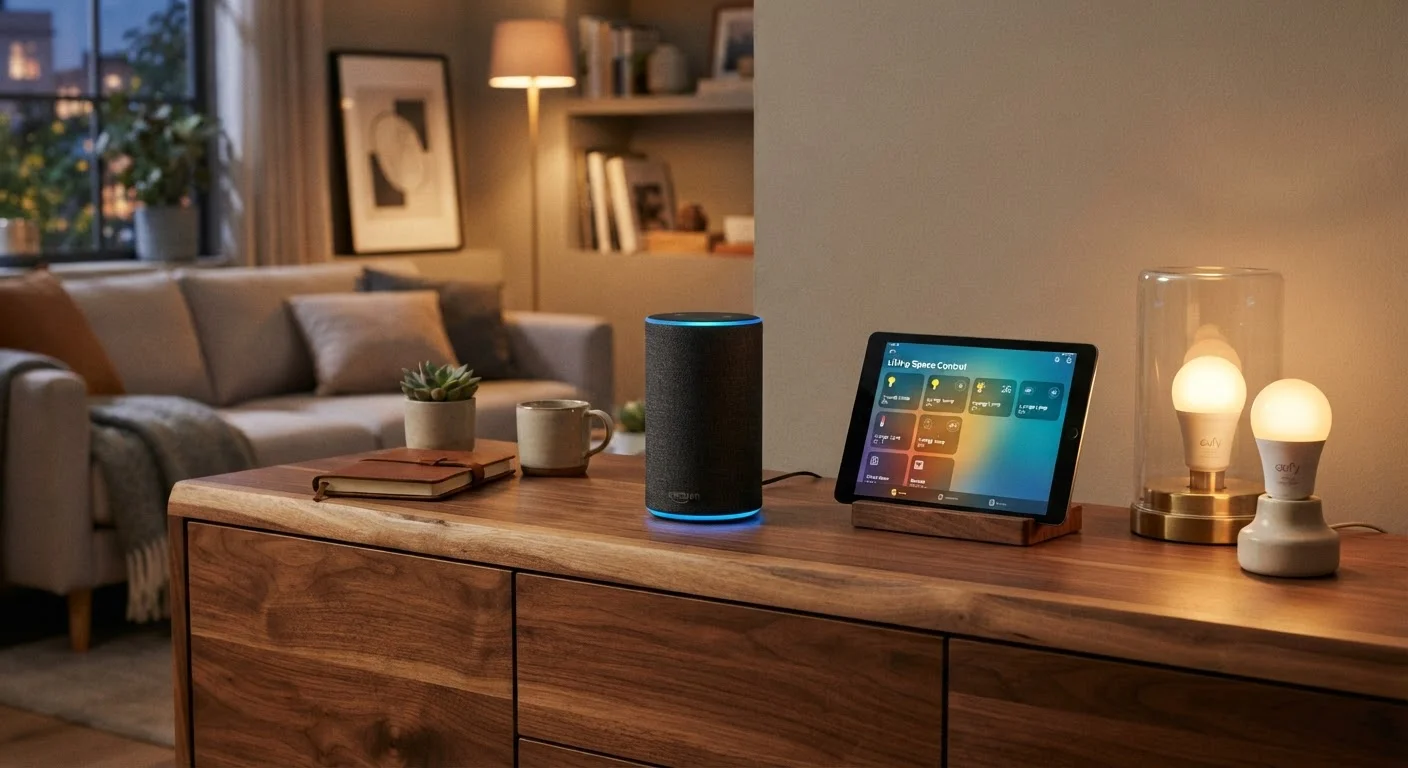
- Smart home devices - This category includes smart speakers, displays, plugs, bulbs, locks, thermostats, doorbells, and security cameras. Their primary value is automating or remotely controlling physical aspects of your home. Our smart home starter map covers this category in depth.
- Audio and entertainment - Wireless headphones, soundbars, and streaming sticks deliver media and are increasingly controllable by voice or app.
- Computers and peripherals - Laptops, desktops, and their accessories remain essential for tasks requiring sustained productivity that mobile devices still struggle to match.
When evaluating a new device category, check whether it supports Matter or an open standard before committing - it protects your investment if you later switch platforms.
Proprietary protocols can strand devices if a manufacturer discontinues support or if you change primary platforms. Open standards give you more flexibility over a device's lifetime.
Assign smart home devices to a dedicated guest or IoT network segment on your router rather than your primary network. This limits exposure if any device is compromised.
Consumer routers have long supported network segmentation, and security researchers consistently recommend isolating IoT devices as a straightforward way to reduce risk.
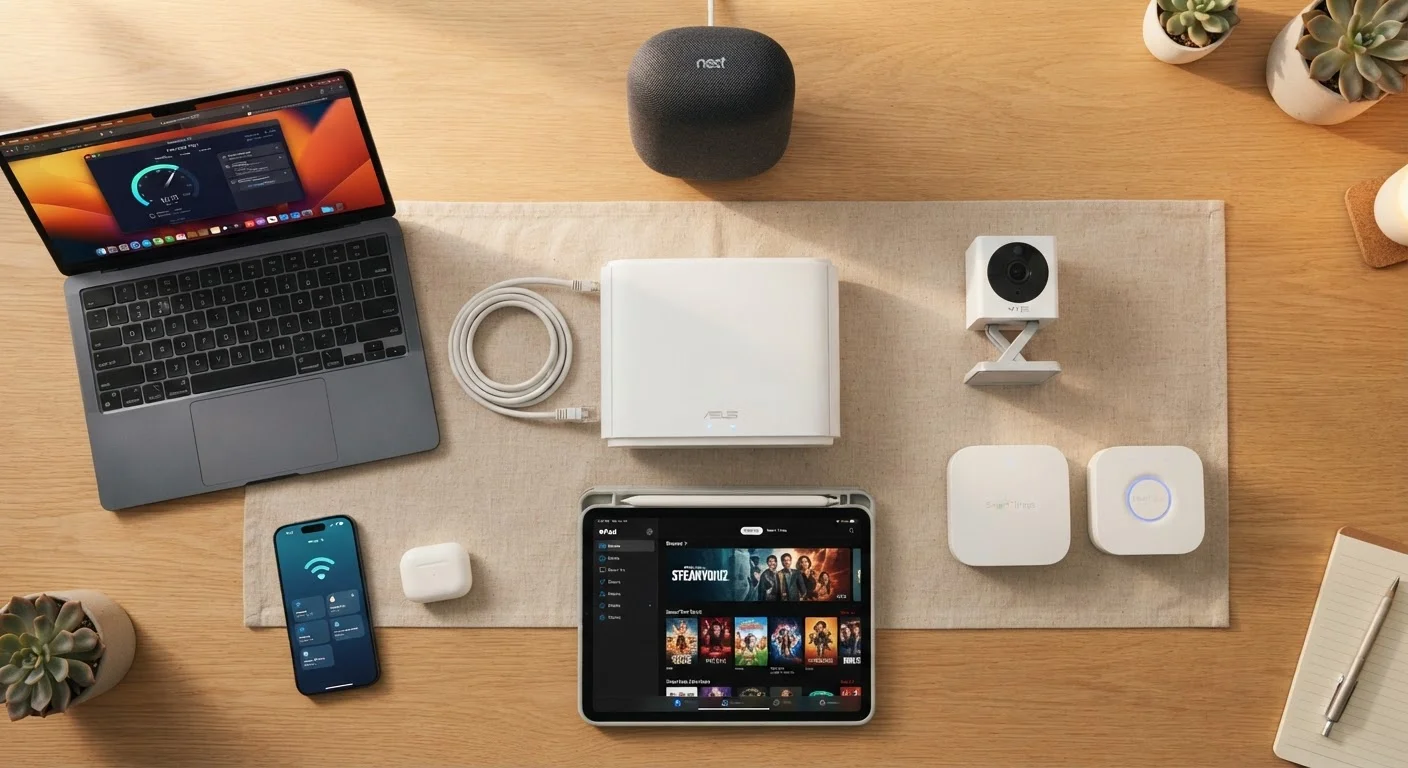
Each category connects to your home network - which means how you manage that network directly affects how well everything performs. See everything on your home network for a deeper look at network-level considerations.
How Devices Communicate: Protocols Explained Simply
Devices talk to each other using wireless protocols - standardized languages that let hardware from different manufacturers exchange information. The most common ones consumers encounter are:
- Wi-Fi
- High-bandwidth, suitable for streaming and devices that need constant connectivity. Draws more power, which is why laptops and smart speakers use it rather than battery-powered sensors.
- Bluetooth
- Short-range, low-power. Ideal for wearables, headphones, and keyboards. Bluetooth Low Energy (BLE) extends battery life significantly for devices that only send small data packets.
- Zigbee and Z-Wave
- Mesh network protocols used primarily in smart home devices like sensors and bulbs. Each device relays signals to others, extending range without relying solely on your Wi-Fi router.
- Thread / Matter
- A newer open standard supported by major platform makers designed to improve interoperability - meaning devices from different manufacturers can work together more reliably. Matter in particular is worth understanding if you're building or expanding a smart home.
Matter Is Still Maturing
The Matter standard, launched in 2022, is supported by major platform makers and is designed to reduce ecosystem lock-in for smart home devices. However, not all manufacturers have fully adopted it, and some features may still require a proprietary app. Check device specifications before assuming full cross-platform compatibility.
The Privacy Trade-Off Every Consumer Should Understand
Every connected device collects some form of data. Smart speakers process voice commands; fitness trackers log biometric patterns; smart cameras capture footage that may be stored in the cloud. This data exchange is often what powers the convenience these devices provide - but it represents a real trade-off that every consumer deserves to understand clearly.
The key questions to ask before adding any device to your home: What data does it collect? Where is it stored? Who can access it? Can you limit or delete it? Many devices offer privacy settings that are not enabled by default, so it is worth reviewing them during setup rather than after.
For a thorough, balanced look at this exchange, our article on convenience vs. privacy in everyday tech walks through the specific decisions involved.
Connected Devices Expand Your Network's Attack Surface
Each device you add to your home network is a potential entry point for unauthorized access if not properly secured. Use strong, unique passwords for device accounts, keep firmware updated, and consider whether a device's connectivity features are genuinely necessary before enabling them. A device you don't configure securely can create risk for every other device on the same network.
Building a Device Setup That Works for You
A thoughtful device strategy starts with your actual habits, not a manufacturer's marketing roadmap. Before adding any new gadget, consider what problem it solves and whether it integrates with what you already own.
A practical framework:
- Identify your friction points - Which daily tasks feel unnecessarily effortful? Technology is most useful when it reduces genuine friction, not when it adds novelty.
- Map your existing ecosystem - If your phone runs on one platform, devices built for that platform will generally integrate more deeply.
- Prioritize your home network - Nearly every device you add will depend on it. A router that handles multiple simultaneous connections reliably is worth prioritizing before expanding your device count.
- Start with versatile devices - Smart plugs, for example, can make any appliance schedulable or voice-controllable without replacing the appliance itself.
If you're starting from zero, our guide to setting up a smart home from scratch provides a structured starting point.
Start Small, Then Expand
Resist the urge to outfit an entire home at once. Start with one category - smart lighting or a single smart speaker - and live with it for a few weeks before expanding. You'll quickly learn what genuinely improves your routine versus what adds complexity without benefit.
Keeping Your Devices Healthy and Long-Lasting
The average consumer replaces a smartphone roughly every three years, but with proper habits, many devices can perform reliably for significantly longer. The leading causes of premature device failure - battery degradation, software neglect, and physical damage - are largely preventable.
Core habits that make a measurable difference:
- Keep software and firmware updated. Beyond adding features, updates patch security vulnerabilities that can expose your home network to risk.
- Manage charging behavior. Keeping batteries at moderate charge levels (rather than consistently at 100% or near zero) reduces long-term degradation in lithium-ion batteries.
- Give devices adequate ventilation. Heat is the primary accelerant of hardware wear - devices regularly running hot have shorter lifespans.
- Restart devices periodically. Memory leaks and background processes accumulate over time; a weekly restart can restore performance in smart home hubs and routers.
For a full breakdown of evidence-based care habits, see our guide on gadget longevity habits.
“The real test of a smart home isn't how many devices you have - it's whether they reduce the cognitive load on the people living there. If managing the technology takes more effort than it saves, the design has failed the user.”
— Consumer Technology Researcher, Human-computer interaction specialist, quoted in general industry commentary on smart home usability