What Actually Separates These Two Setups
A traditional router is a single device that connects your home to the internet and broadcasts a Wi-Fi signal in every direction. Think of it as a single lighthouse: it illuminates everything it can reach, but the signal weakens with distance and weakens further when it has to pass through walls, floors, or dense furniture.
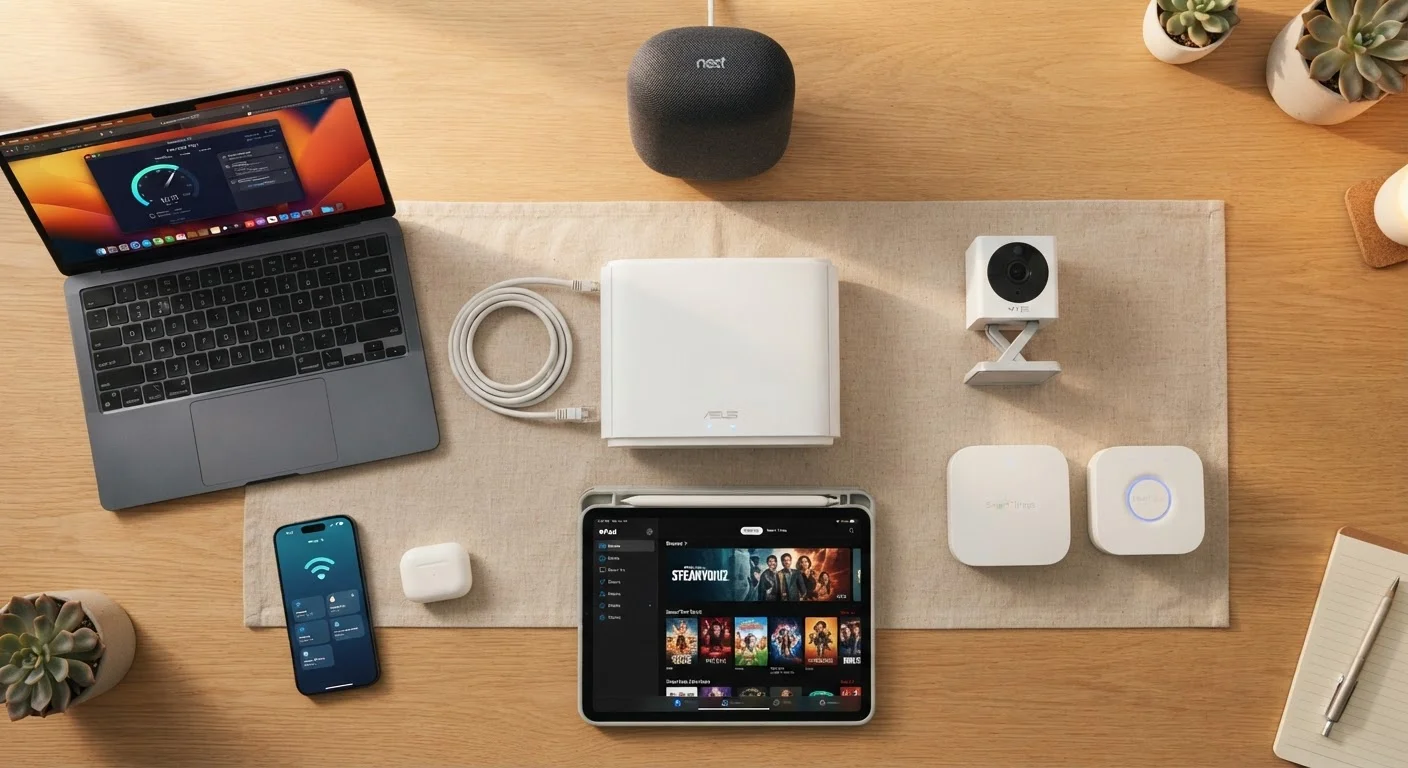
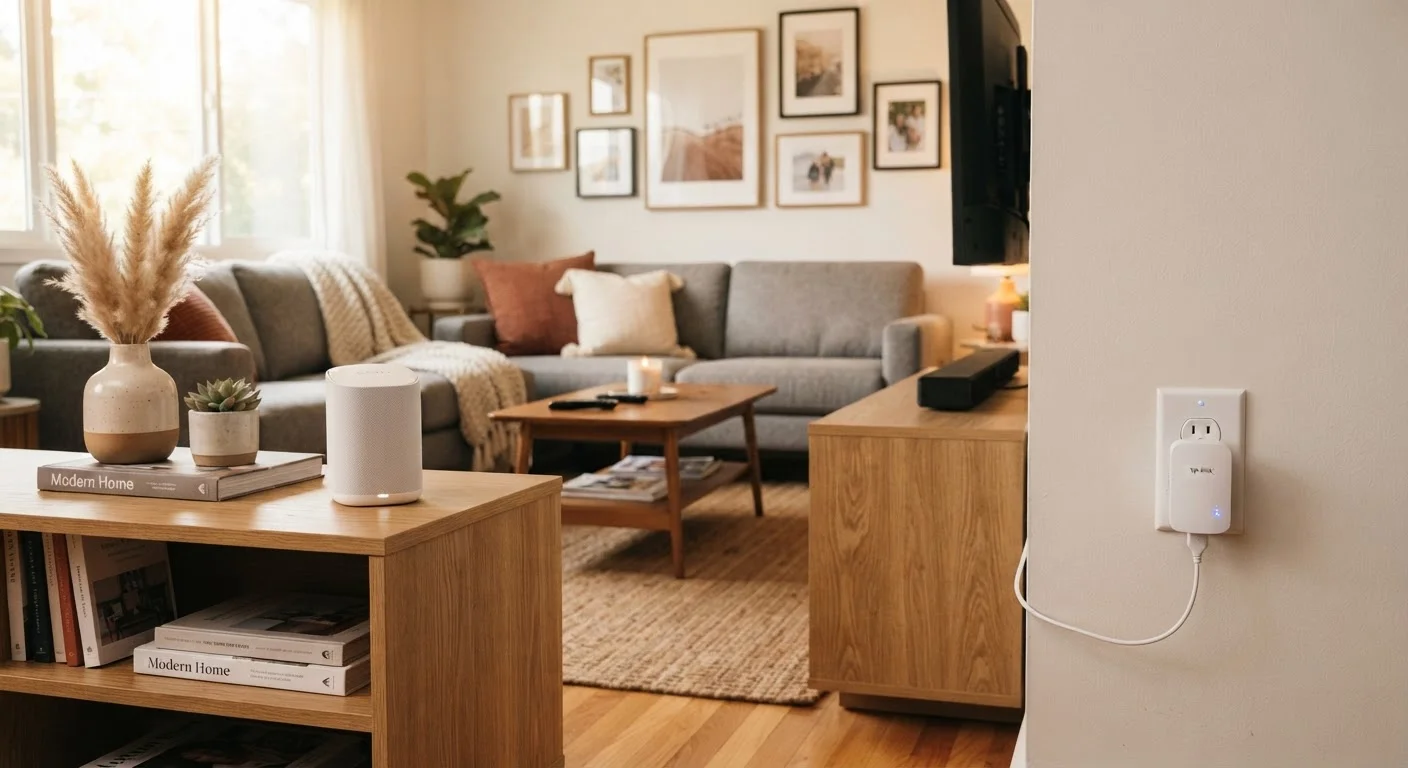
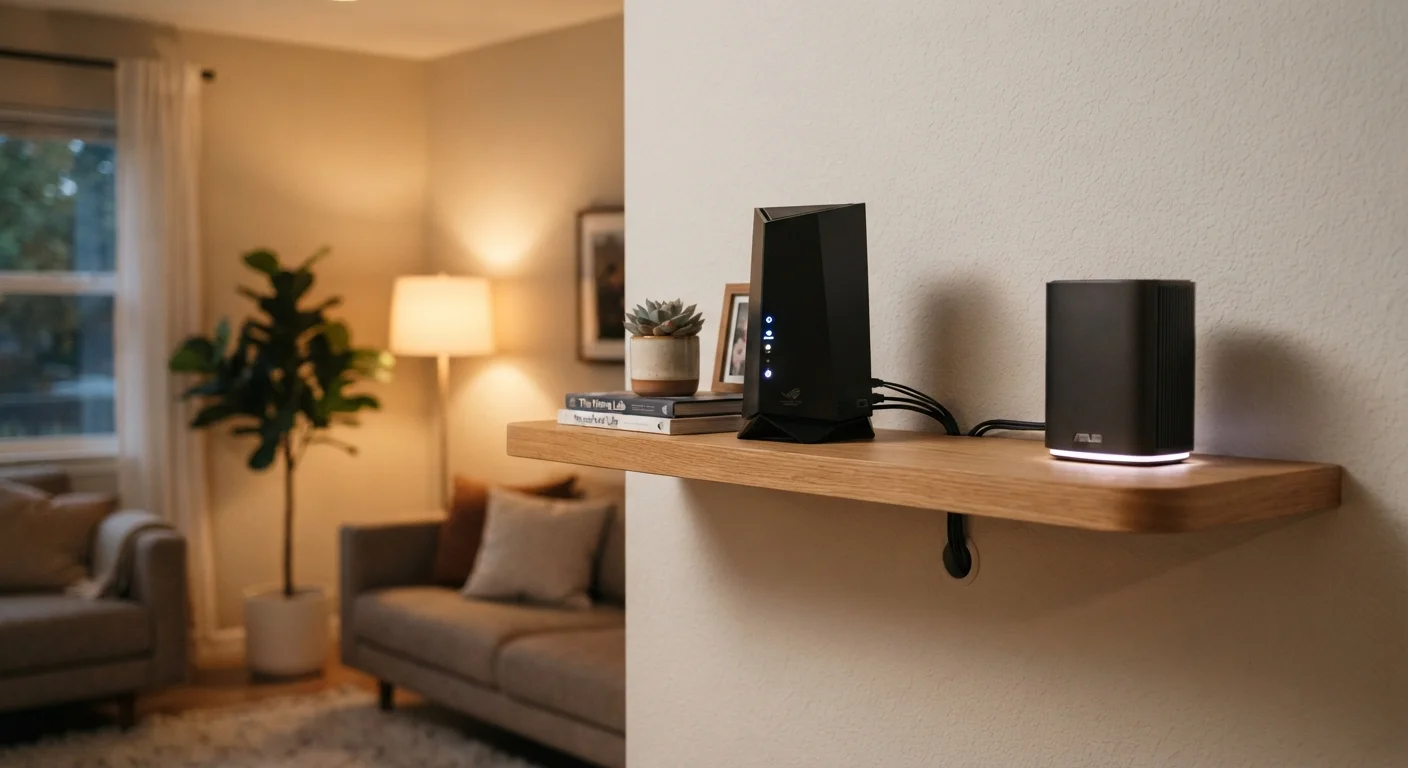
A mesh Wi-Fi system replaces that single lighthouse with a network of smaller nodes - typically two to four units - placed throughout your home. Each node acts as both a receiver and a broadcaster, handing off your device's connection as you move from room to room. The result is a single network name (SSID) with more consistent signal strength throughout the space. For a deeper look at everything connected to your home network, see everything that lives on your home network.
| Criterion | Mesh Wi-Fi System | Traditional Router |
|---|---|---|
| Coverage area | Large homes, multiple floors | Small to mid-size spaces |
| Number of devices | 2-4 nodes (or more) | Single device |
| Setup complexity | Moderate - node placement matters | Simple - one device, one location |
| Seamless roaming | Yes - automatic handoff between nodes | No - single broadcast point |
| Typical cost | Higher upfront investment | Lower upfront cost |
| Advanced controls | Varies - often app-based | Often more granular via browser UI |
| Best for dead zones | Yes - purpose-built for this | No - signal fades with distance |
When a Traditional Router Is the Right Call
If you live in an apartment, a small single-story home, or any space under roughly 1,500 square feet with an open floor plan, a traditional router placed centrally will almost certainly serve you well. The signal doesn't have to travel far, and you avoid the added cost and configuration of a multi-node system.
Traditional routers also tend to offer more granular control for users who want to dig into settings - port forwarding, detailed QoS (Quality of Service) rules, and VPN configurations are often more accessible on dedicated router firmware. If you're the type who likes to manage your network closely, a capable single router may be the better fit.
~1,500 sq ft
Typical single-router effective range indoors
Industry guidance commonly cites this as the practical indoor coverage limit for a single mid-range router under real-world conditions with walls and interference.
3-4 nodes
Average mesh system size for a 3,000 sq ft home
Most mesh system manufacturers recommend one node per 1,000-1,500 square feet for consistent whole-home coverage.
If slow speeds are your complaint rather than dead zones, the problem may not be your router type at all. A systematic approach to diagnosing slow home internet can help you pinpoint whether the issue is your hardware, placement, or your ISP connection.
When Mesh Wi-Fi Genuinely Earns Its Keep
Mesh systems shine in homes where a single router simply can't reach everywhere. Multi-story houses, homes with thick concrete or brick interior walls, long ranch-style layouts, or properties with detached garages and outbuildings are all scenarios where a mesh setup delivers real, tangible improvement over a single router.
One important nuance: mesh nodes communicate with each other either wirelessly or through a dedicated wired ethernet backhaul. A wireless backhaul is easier to install but uses some of the available bandwidth for node-to-node communication. A wired backhaul preserves more bandwidth for your devices but requires running ethernet cables between nodes - not always practical in every home.
If dead zones are the issue you're solving, it's also worth understanding how mesh compares to simpler alternatives. Mesh networks vs. Wi-Fi extenders breaks down why the two approaches differ more than their marketing suggests.
Backhaul Type Affects Real-World Speed
When mesh nodes communicate wirelessly, they reserve a portion of bandwidth for that node-to-node traffic - meaning less is available for your devices. A wired ethernet backhaul avoids this trade-off entirely. If you're installing mesh in a new build or during a renovation, running ethernet to your node locations is worth considering for best performance.
Security and Long-Term Considerations
Whichever setup you choose, the fundamentals of network security apply equally. Strong, unique passwords, keeping firmware updated, and using WPA3 encryption where available matter regardless of whether you have one device or four. More nodes don't inherently mean more risk - but they do mean more devices that need to stay updated. For practical steps, home network security habits worth building covers the essentials without overcomplicating things.
Also worth considering: understanding your router's frequency bands can help you get the most from either setup. The real difference between 2.4 GHz and 5 GHz Wi-Fi explains how each band behaves and when to use which - knowledge that applies whether you're running a mesh system or a single router. For broader guidance, the Home Tech Tips hub covers setup, security, and everyday network decisions in one place.