What 'Smart Home' Actually Means
A smart home is simply a home where some devices - lights, locks, thermostats, outlets - can be monitored or controlled digitally, typically through a smartphone app, a voice assistant, or automated schedules. The word "smart" signals that the device has onboard computing and network connectivity, not that it thinks for itself.
The real benefit isn't novelty. It's convenience: turning off a light you forgot about, getting an alert when a door opens, or setting your thermostat to cool down before you arrive home. Smart home technology is incremental - you can add one device or fifty, and the home keeps working either way.
For a broader view of how these devices fit into the wider world of consumer technology, see how modern devices fit together.
Hub
A central device that connects and coordinates smart home products, especially those that don't use Wi-Fi directly. Think of it as a translator that lets devices from different brands communicate.
Protocol
The communication standard a smart device uses to send and receive signals. Common protocols include Wi-Fi, Zigbee, Z-Wave, Bluetooth, and Matter.
Automation
A rule you set up so devices respond to triggers automatically - for example, turning on a light when a motion sensor detects movement, without any manual input.
Firmware
The built-in software that runs on a smart device. Manufacturers release firmware updates to fix bugs and patch security vulnerabilities, similar to software updates on a phone.
Ecosystem
A family of devices and services from one platform or group of compatible manufacturers designed to work together - for example, devices built around a shared voice assistant or app.
Matter
An open smart home standard that allows certified devices from different brands to work together across major platforms without needing brand-specific workarounds.
The Core Device Categories
Smart home products fall into a handful of practical categories. Understanding what each type does helps you decide where to begin.
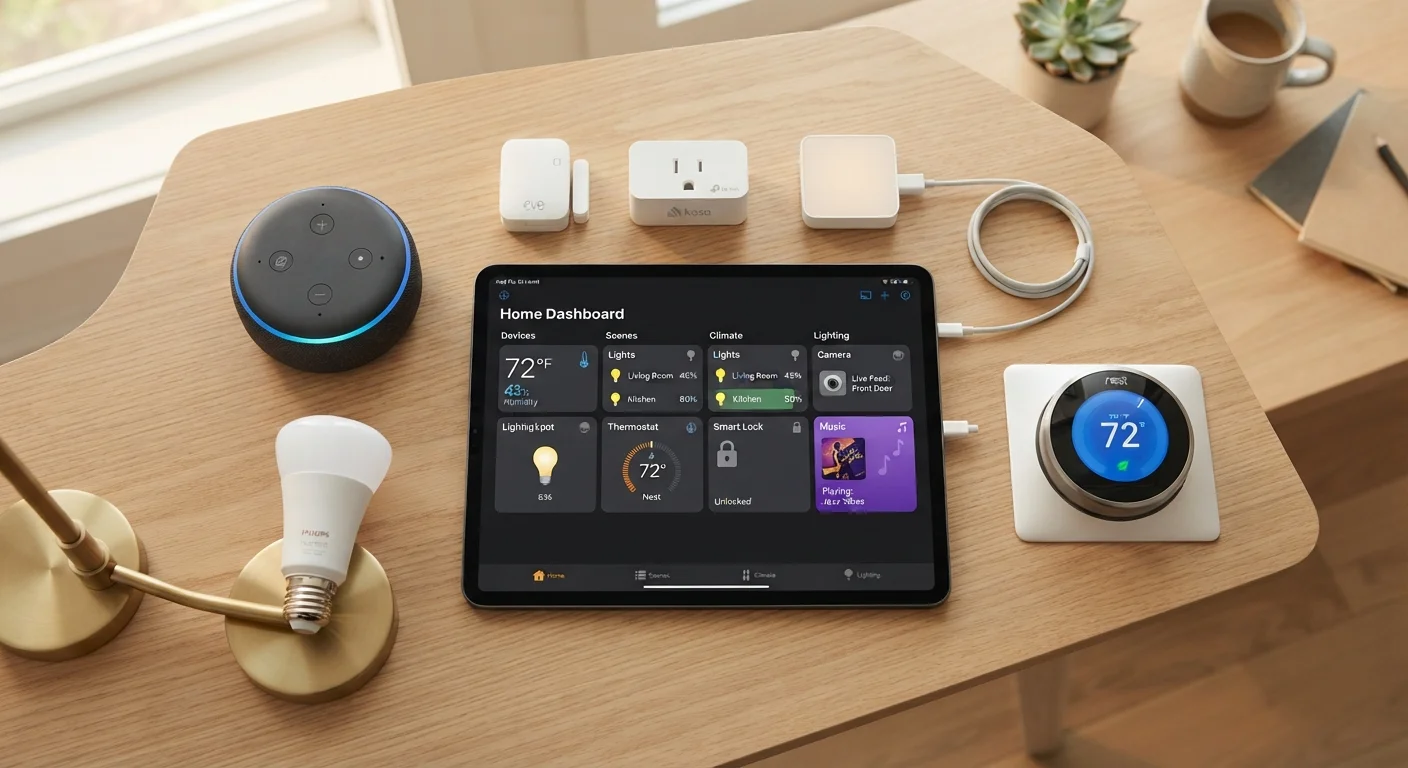
- Smart plugs: These fit into any standard outlet and make whatever is plugged into them controllable via app or voice. A lamp, a fan, a coffee maker - all become schedulable without any rewiring.
- Smart bulbs: Replace a standard bulb and connect over Wi-Fi or Bluetooth. Beyond on/off control, many support dimming and color adjustment, which can be surprisingly useful for mood lighting or winding down in the evening.
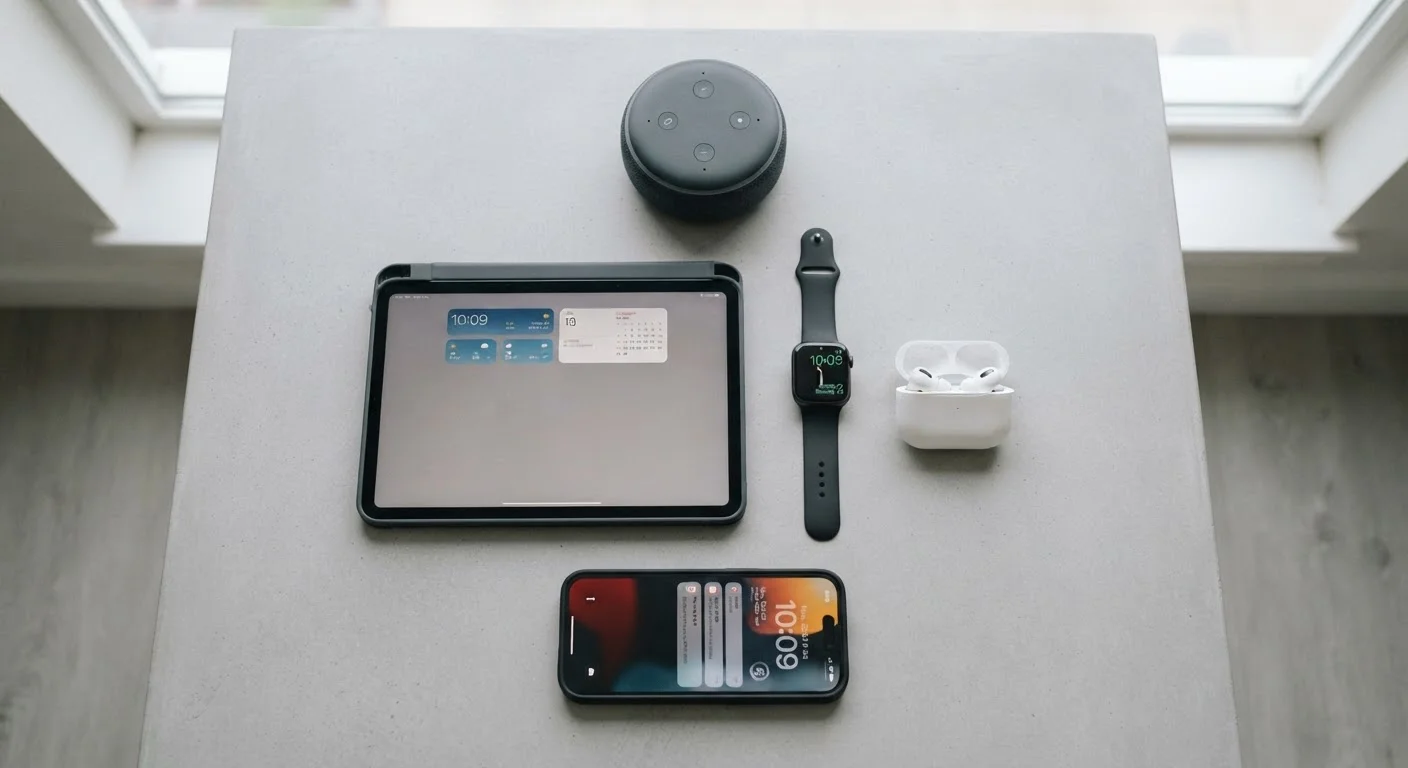
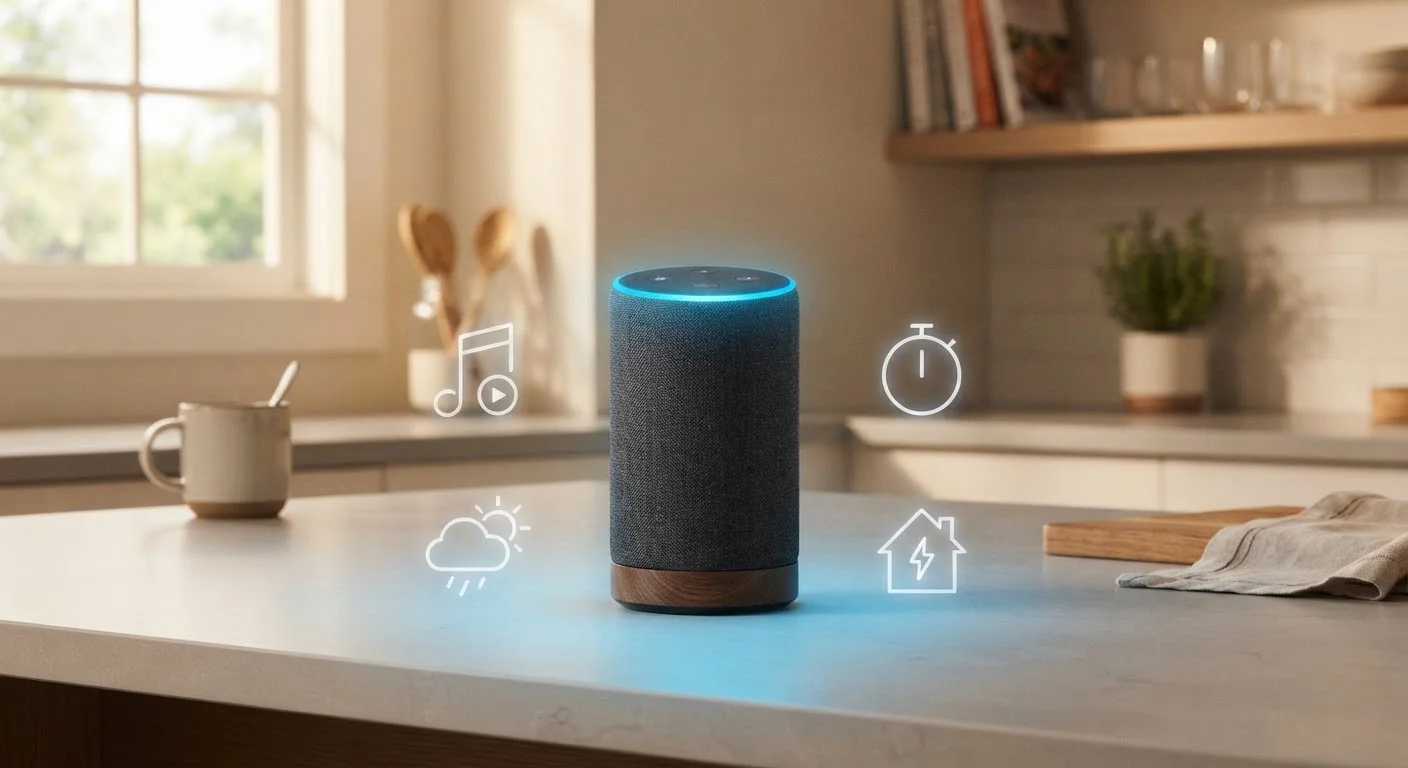
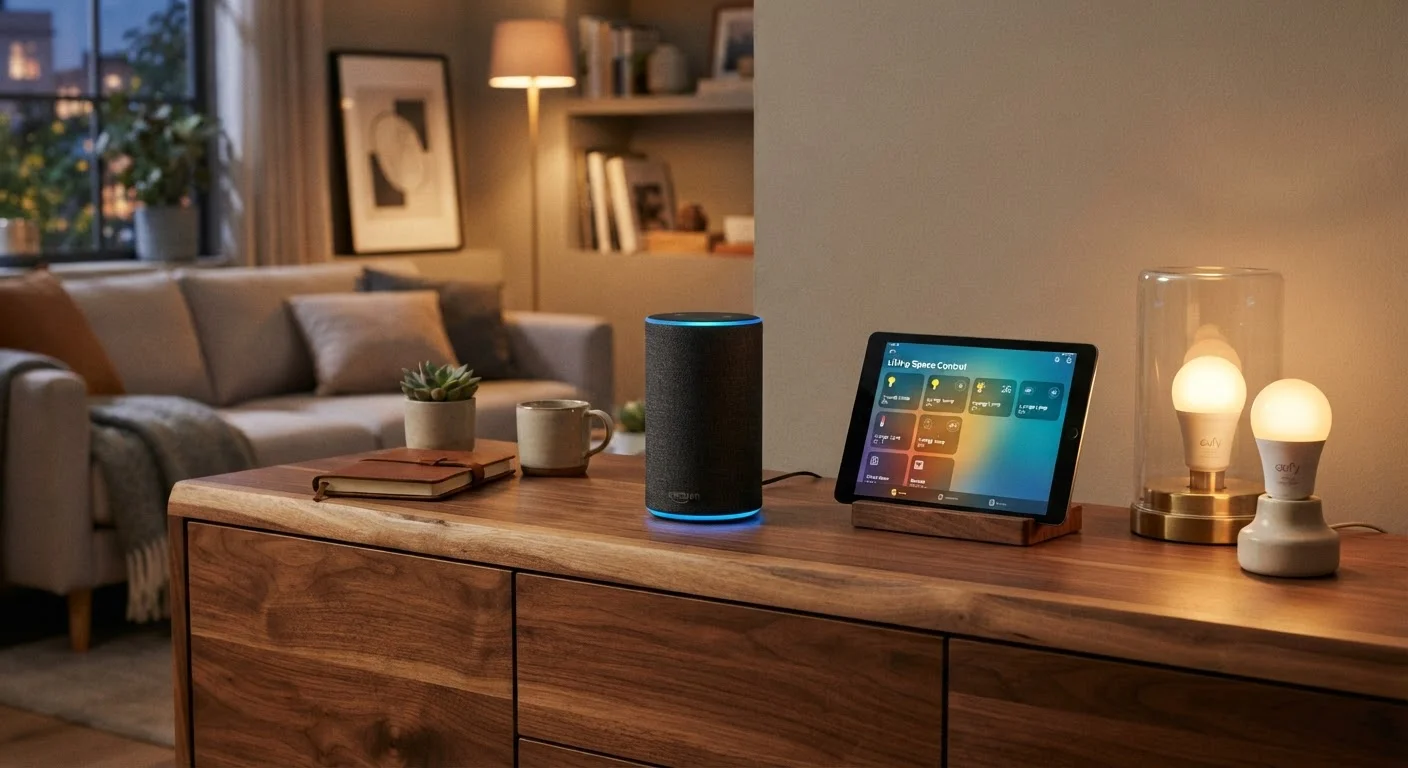
- Smart speakers and displays: Voice-controlled hubs for your home. They play audio, answer questions, and can control other smart devices by voice command. Smart speakers do far more than stream music - they act as a control layer for your whole setup.
- Smart thermostats: Learn your schedule, adjust temperature automatically, and let you control heating and cooling remotely. They can also provide energy usage data over time.
- Smart locks and doorbells: Manage entry to your home, receive visitor alerts, and share temporary access codes - all from your phone.
- Sensors: Motion sensors, door/window sensors, and water leak detectors quietly monitor your home and trigger alerts or automated actions when something changes.
How Devices Talk to Each Other
This is where beginners most often hit confusion. Smart devices don't all use the same language. The main communication methods you'll encounter are:
- Wi-Fi
- The most familiar option. Devices connect directly to your home router. Easy to set up, but a large number of Wi-Fi devices can strain a busy network.
- Bluetooth
- Short-range, no hub required. Good for devices you control only when nearby, like a smart bulb in a bedside lamp.
- Zigbee and Z-Wave
- Low-power mesh protocols designed specifically for smart home use. Reliable and efficient, but they generally require a compatible hub to bridge them to your phone.
- Matter
- A newer interoperability standard backed by major tech platforms. A Matter-certified device should work across Apple Home, Google Home, and Amazon Alexa without compatibility headaches.
If you want to skip the technical deep-dive, our smart home glossary decodes these terms in plain English.
Ecosystems Aren't Always Interchangeable
A device designed to work primarily with one major platform - say, a specific voice assistant's ecosystem - may offer limited functionality when used with a competing platform, even if it technically connects. Before purchasing, check whether the device's key features are accessible through whichever app or assistant you plan to use. The Matter standard is improving this situation, but not every device on the market is Matter-certified yet.
Where to Start Without Overwhelming Yourself
The most common beginner mistake is buying too much at once. A better approach: pick one problem you'd genuinely like to solve - forgetting to turn off a lamp, for example - and solve it with a single device. That hands-on experience teaches you more than any guide.
Smart plugs and smart bulbs are the most forgiving entry points. They're affordable, reversible, and require no professional installation. A detailed look at where to start can help you compare these categories side by side.
Once you're comfortable, you can expand with purpose. If you're setting up a home from scratch - after a move, for instance - building your first smart home from the ground up walks through the full process in order. And if you're also moving into a new place, the new home tech setup checklist covers reconnecting everything cleanly.
Start with One Use Case
Rather than planning your entire smart home at once, identify a single daily friction point - like remembering to turn off lights before bed - and address it with one device. Once that device feels natural, your next purchase will be far more informed. Incremental builds also make it easier to spot compatibility problems early.
Privacy and Security Basics
Every smart home device you add is another endpoint connected to your network. That's worth taking seriously from day one - not because smart home devices are inherently dangerous, but because basic hygiene prevents the most common problems.
- Use a strong, unique password for each device account and for your home Wi-Fi network.
- Enable two-factor authentication on your smart home apps where the option is available.
- Keep firmware updated. Manufacturers push security patches through firmware updates; most devices can be set to update automatically.
- Consider a separate network. Many modern routers allow you to create a dedicated network segment for smart home devices, isolating them from your computers and phones.
- Read what data is collected. Smart home devices often log usage data. Reviewing privacy settings in each app lets you limit what's shared with the manufacturer.
These steps won't eliminate all risk, but they dramatically reduce it. Treat your smart home setup the same way you'd treat any other account or device connected to the internet.
For more practical guidance on home technology decisions, visit the Home Tech Tips hub.
Default Passwords Are a Real Risk
Many smart home devices ship with default usernames and passwords printed in the manual - and some users never change them. These defaults are publicly known and easy for bad actors to try. Change your password during setup, before the device is fully connected and active on your network.