How a Smart Speaker Actually Works
Every smart speaker runs on the same basic loop: it listens passively for a wake word (such as "Alexa" or "Hey Google"), activates when it hears one, records your spoken request, sends that audio to cloud servers for processing, and delivers a spoken response - usually within a couple of seconds.
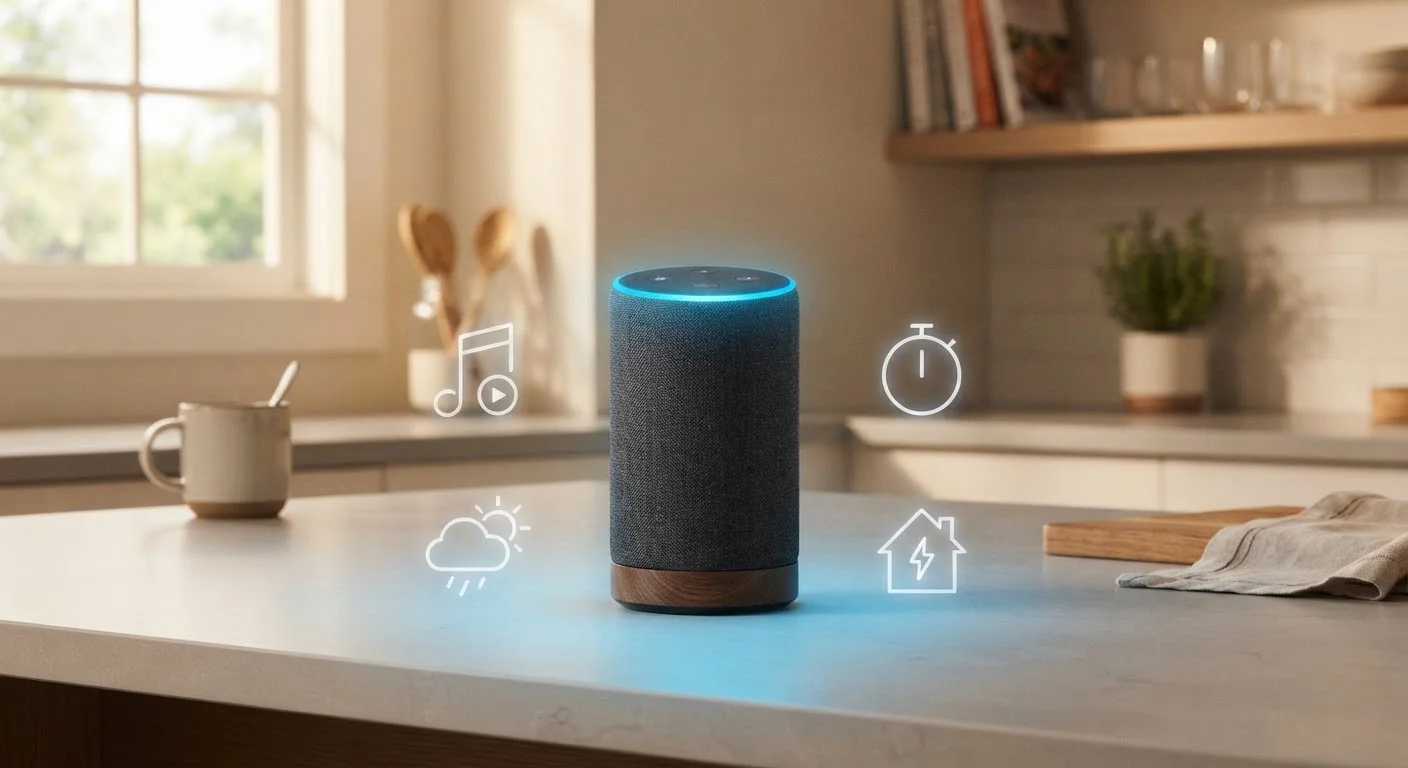
The microphone array inside a typical smart speaker is designed to pick up your voice even from across a room or over background noise, using a technique called beamforming. Once a wake word is detected, the light ring or indicator on the device signals that it's actively listening.
Understanding how this process works matters for both practical use and privacy. You can review voice history and delete recordings through most companion apps, and every major platform includes a physical or software microphone mute option.
Wake Word vs. Always-On Recording
Smart speakers are not the same as always-recording devices. The on-device chip continuously monitors for the wake word using minimal processing, but audio is only transmitted to the cloud after that trigger is detected. That said, false activations can occur - a word on TV that sounds like the wake word, for example. Reviewing and clearing your voice history periodically is a straightforward privacy step available in every major platform's app.
Beyond Music: What Smart Speakers Actually Handle Daily
Music is the feature most people try first, but it's far from the only thing these devices do well. Here's where smart speakers genuinely add value in everyday life:
- Information on demand: Weather forecasts, unit conversions, quick fact checks, news briefings, and dictionary lookups - all answered out loud, instantly.
- Timers and reminders: Set multiple simultaneous timers by name, create reminders tied to a time or location, and manage to-do lists - all without touching your phone.
- Calendar and shopping lists: Add events, check your schedule, or append items to a shared shopping list that syncs to your phone.
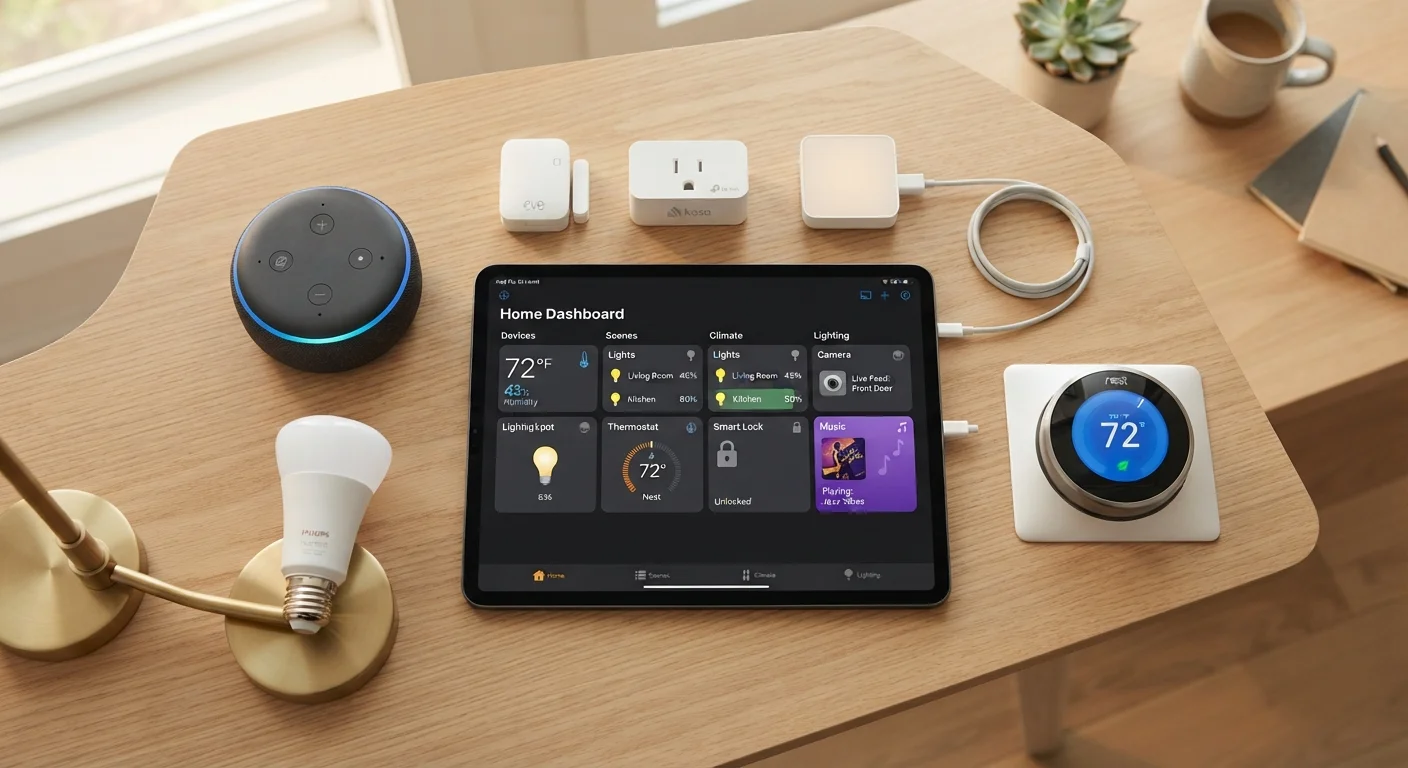
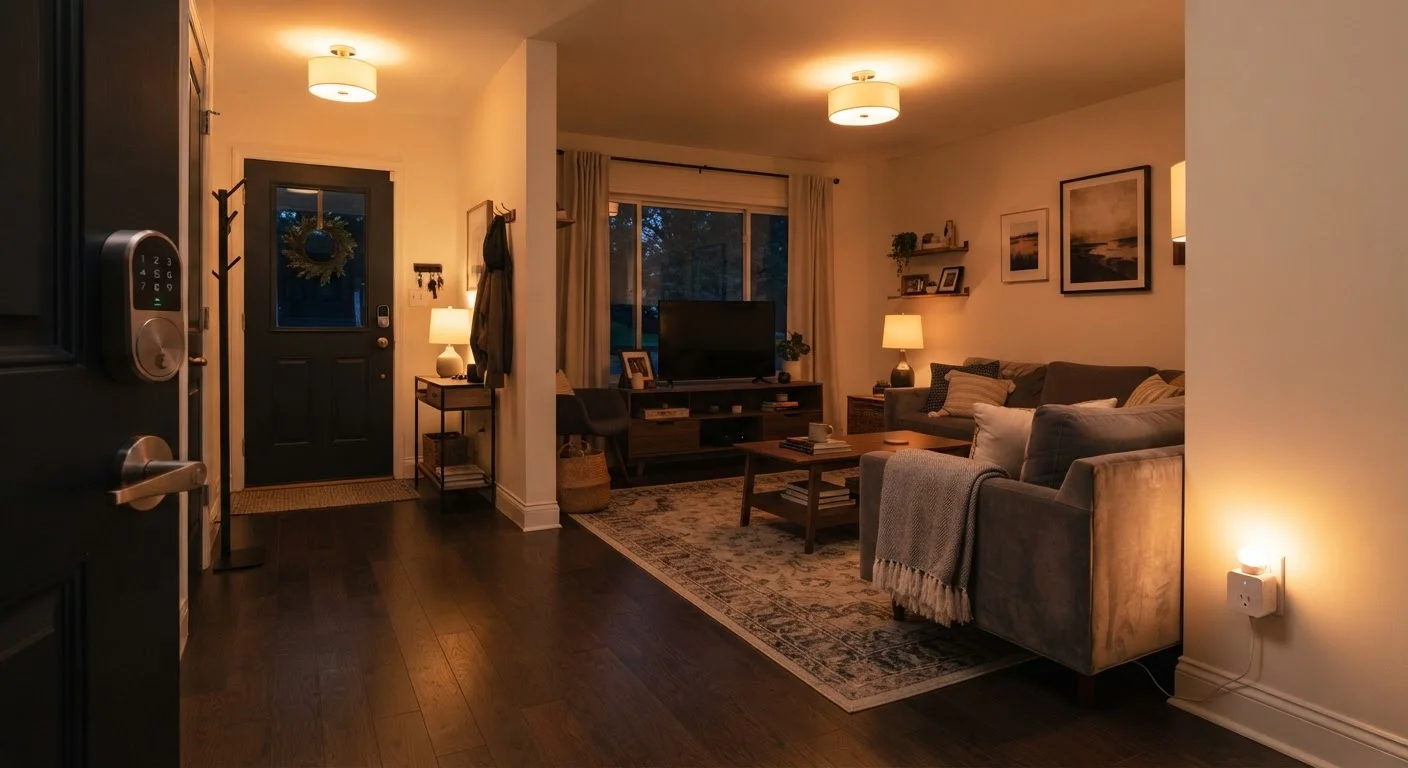
- Smart home control: Dim lights, adjust the thermostat, lock doors, or check whether a garage was left open - using nothing but your voice.
- Routines: Chain multiple actions into a single command. Saying "good night" could turn off lights, lock the front door, and set an alarm simultaneously.
For a broader look at the connected devices a smart speaker can work with, the smart home devices starter map is a useful reference point.
35%
U.S. adults who own a smart speaker
According to Pew Research Center data, roughly one in three American adults reported owning a smart speaker.
#1
Most common smart speaker use case
Research consistently finds that music playback and general questions remain the most frequently reported daily uses of smart speakers among U.S. owners.
Smart Home Control: Where It Gets Powerful - and Complicated
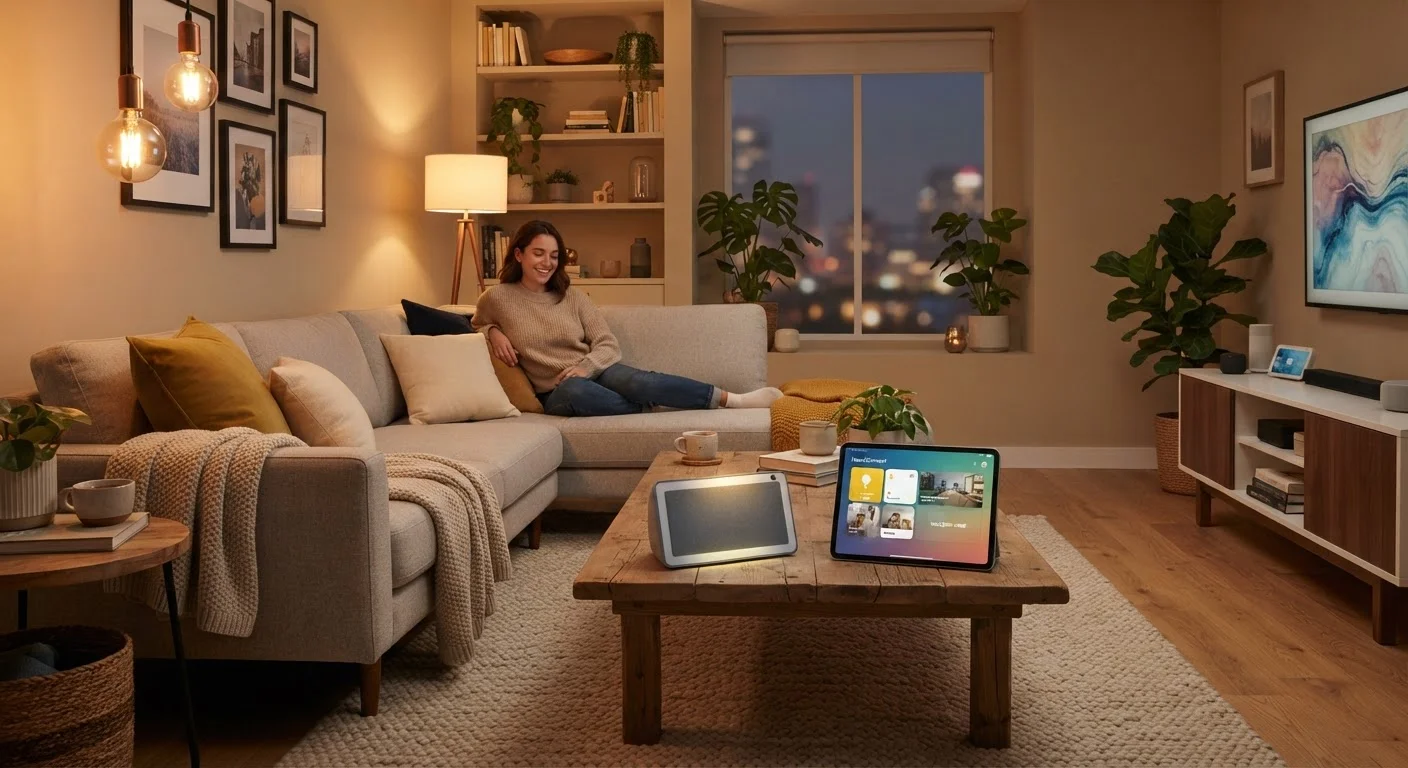
Controlling smart home devices by voice is where a smart speaker shifts from a convenient gadget to a central hub. Lights, plugs, thermostats, door locks, cameras, and even appliances can all respond to voice commands - provided they're compatible with the same ecosystem.
Compatibility is the most important factor to understand before expanding. Smart speakers typically anchor one of a few major ecosystems, and devices need to either match that ecosystem or support a shared standard. The newer Matter protocol was developed specifically to reduce this friction, allowing more devices to work across platforms. For plain-language explanations of terms like Matter, Zigbee, and hub, the Common Smart Home Terms, Decoded breaks them down clearly.
If you're thinking about building out a connected home around a smart speaker, Smart Plugs, Smart Bulbs, Smart Locks outlines which device categories make the most sense as starting points.
Real Limits Worth Knowing
Smart speakers are genuinely useful, but they aren't without limitations. Knowing where they fall short helps set realistic expectations:
- They need the internet: Most features depend on cloud processing. A Wi-Fi outage significantly reduces what the device can do.
- Ecosystem boundaries: A speaker on one platform may not control devices optimized for a competing platform. Compatibility research before buying any device saves frustration later.
- Voice recognition isn't perfect: Accents, background noise, and unusual phrasing can cause misinterpretations. Most platforms let you retrain the assistant to recognize your voice better.
- Privacy requires active management: The default settings on most devices prioritize convenience. Reviewing privacy options in the companion app - including auto-deletion of recordings - is worth doing early.
For anyone ready to move beyond a single device and build out a connected home, Setting Up a Smart Home from Scratch walks through the setup process from first device to finished system.
Start Simple, Then Expand
If you're new to smart speakers, spend a week using only built-in features like timers, questions, and music before adding smart home devices. Getting comfortable with voice interaction first makes expanding the system far less overwhelming. Once you're ready to add devices, check compatibility with your speaker's ecosystem before buying anything.