Why Tech Setup Deserves Its Own Moving Checklist
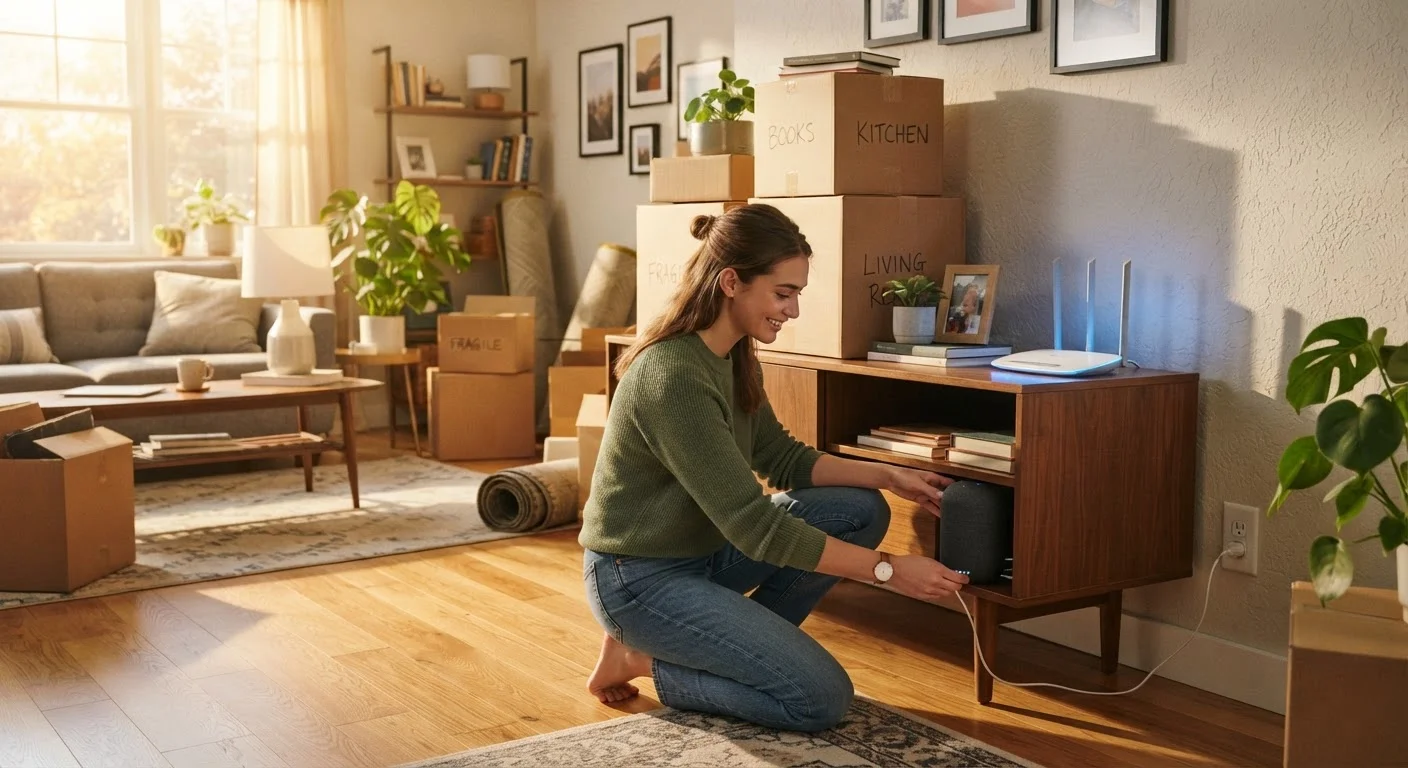
Moving logistics consume most of your planning energy - boxes, trucks, change-of-address forms. Technology tends to be an afterthought, and that's exactly why so many people spend their first week in a new home wrestling with dead smart bulbs, a slow Wi-Fi signal, or a security camera that won't connect. A little advance planning makes the difference between a frustrating first night and a home that works from the moment you walk in.
This checklist breaks the process into four logical phases: service setup before you arrive, network infrastructure on day one, general device reconnection, and smart home re-pairing. Work through each phase in order and you'll avoid the most common pitfalls. For a deeper look at how everything on your network fits together, see our guide to home networks.
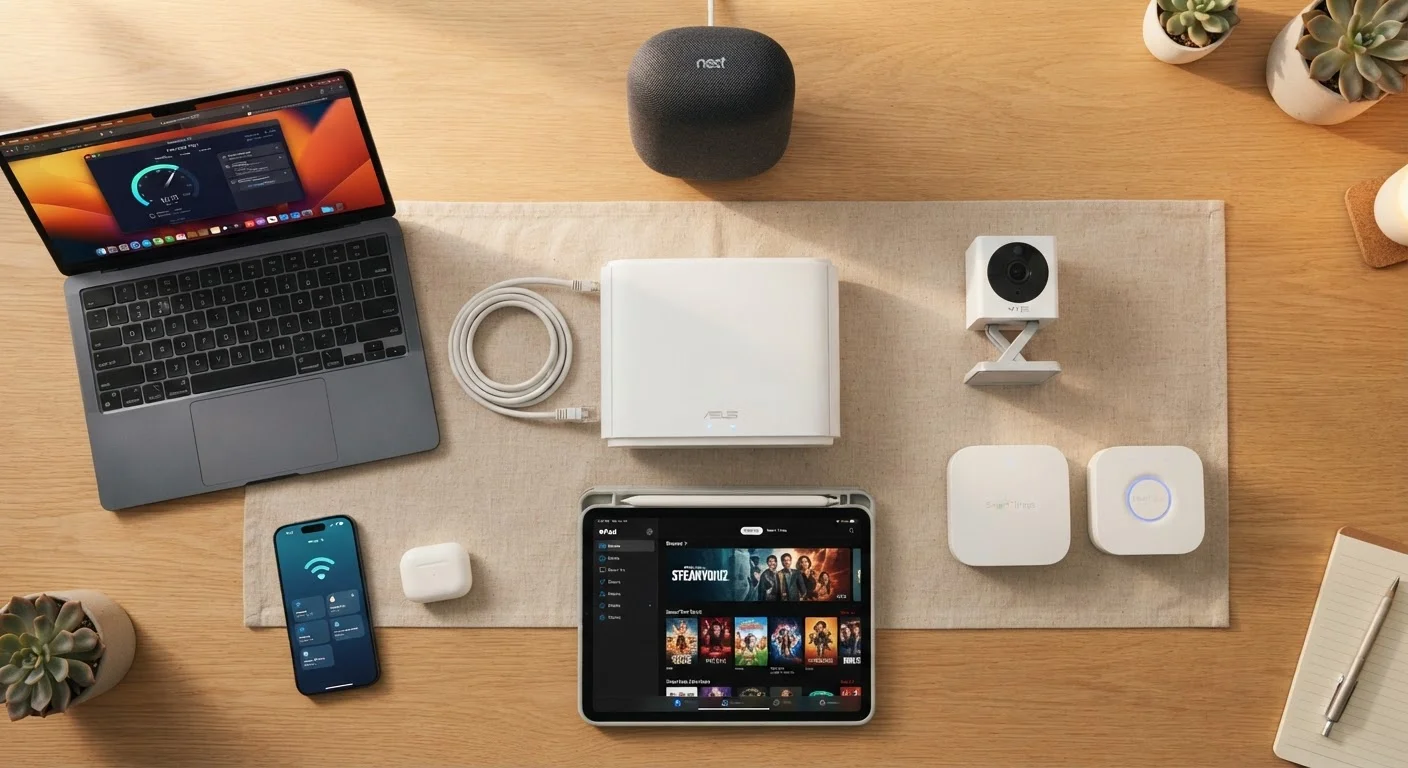
Modem and Router
The core hardware that brings internet service into your home and distributes it wirelessly to all devices.
Ethernet Cable
Used to connect your modem to your router and to run a wired speed test for accurate baseline readings.
Speed Test App or Website
Measures your actual download and upload speeds to verify your ISP is delivering the service you're paying for.
Smart Home Hub (if applicable)
Acts as the central controller for smart devices that use Zigbee, Z-Wave, or similar protocols rather than direct Wi-Fi.
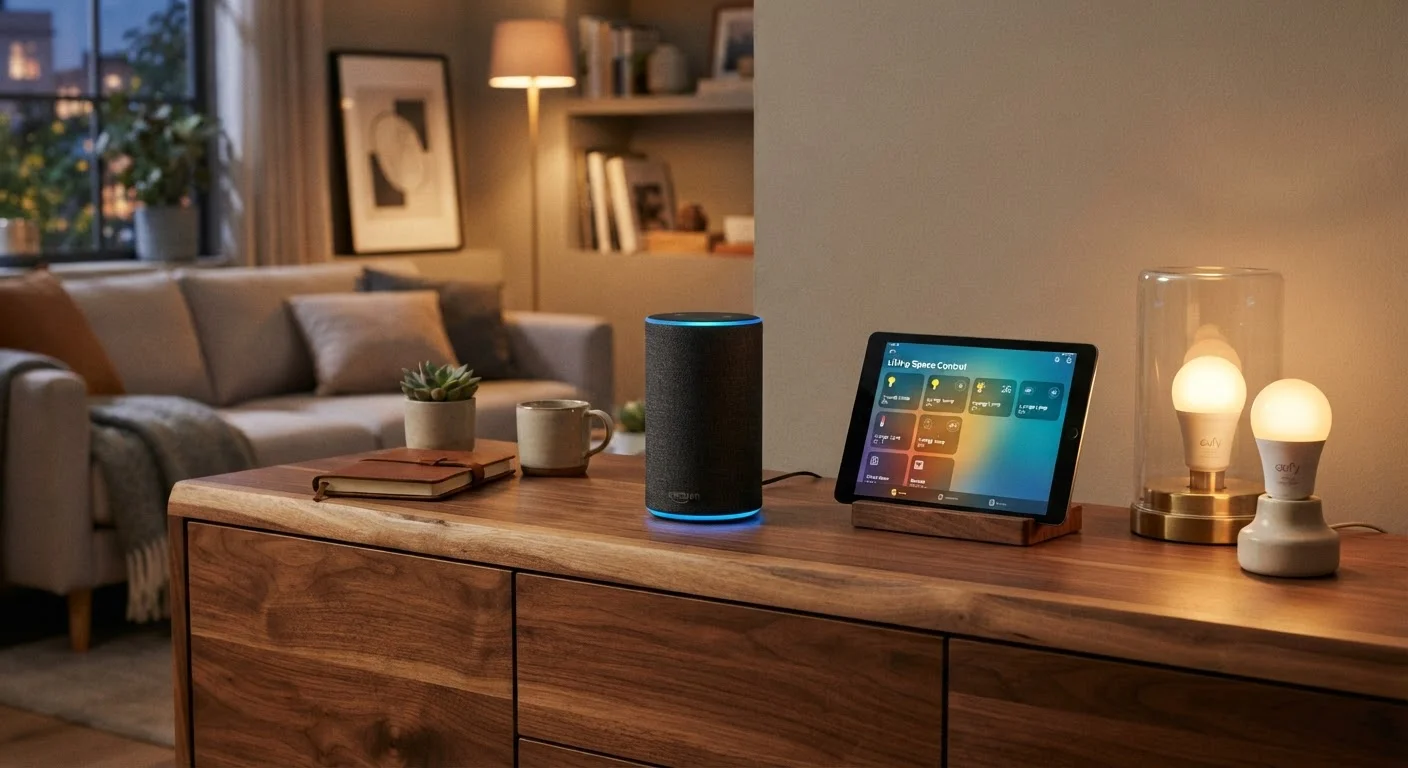
Manufacturer Apps for Smart Devices
Required to re-pair and reconfigure smart bulbs, plugs, cameras, locks, and other connected devices after a move.
Wi-Fi Analyzer App
Helps you identify signal strength in each room so you can optimize router placement or decide where to add extenders.
The Full Tech Setup Checklist
Use the checklist below as a running reference - print it out, save it to your phone, or work through it section by section on moving day. Items marked must are non-negotiable for basic functionality. Should items are strongly recommended. Nice-to-have items are optional improvements worth doing once the essentials are in place.
Before Moving Day
Network Infrastructure (Day One)
General Device Reconnection
Smart Home Re-Pairing
Don't Skip the Smart Device Reset Step
Smart home devices paired to a hub or network at your old address will not automatically work at the new one - they need to be formally unpaired and re-paired. Skipping the reset can leave devices in a confused state where they appear connected in the app but don't actually respond to commands. Always follow the manufacturer's specific reset instructions for each device type.
If you're planning to expand your smart home setup in the new space, our plain-language smart home guide walks through compatible devices and the right order to add them. New to smart home devices entirely? our starter map for first-time users explains the ecosystem from the ground up.
Secure Your Network Before Adding Devices
Before pairing any smart home device, make sure your router is using WPA2 or WPA3 encryption (check under your router's wireless security settings) and that you've changed the default admin password. A router left on factory credentials is a significant security vulnerability. No smart device should join an unsecured network.
Quick-Start Tips for a Smoother Setup
A few practical habits make this checklist easier to execute:
- Label your router and modem before packing them. Include a slip of paper with your Wi-Fi network name and password - you'll need it before your phone can look it up.
- Photograph cable configurations on your old router, TV stand, and home office setup. You'll reconnect devices far faster with a visual reference.
- Give each room a test walk with your phone after the router is placed. Check signal bars in the farthest corners; that tells you whether you need a Wi-Fi extender or mesh node.
- Create a simple device list - a note or spreadsheet tracking each connected device, its location, and which network it uses. This becomes invaluable when troubleshooting months later.
If you're also setting up a comfortable space for a pet in the new home, our pet space guide covers temperature control and placement considerations that can overlap with where you position smart home sensors.
Not sure where to begin with individual smart devices? smart plugs, bulbs, and locks are the easiest entry points - and that article explains exactly why.