What Is a Smart Home, Really?
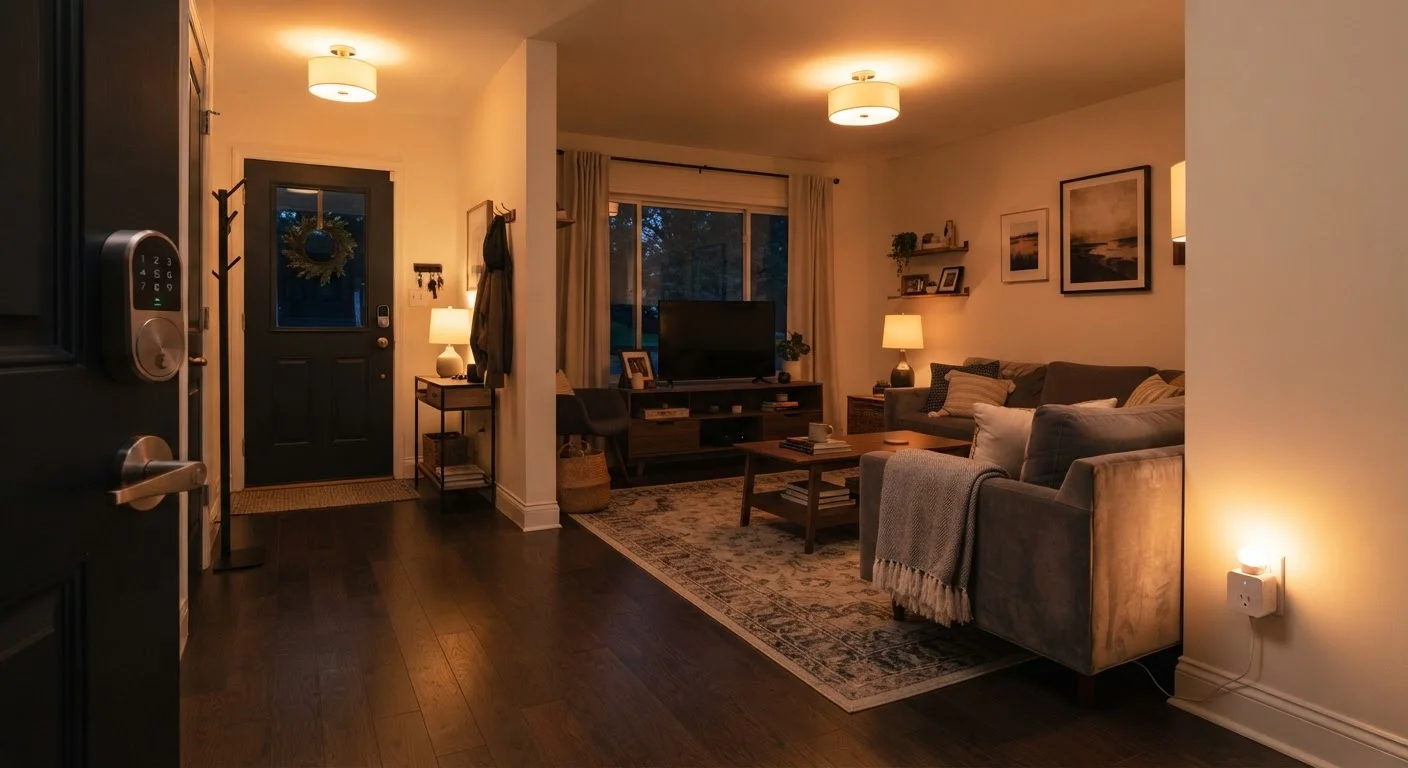
A smart home is simply a residence where everyday devices - lights, thermostats, locks, plugs - can be controlled remotely or automated through software. Instead of flipping a physical switch, you use a smartphone app, a voice command, or a programmed schedule to manage them.
The appeal isn't novelty for its own sake. Practical benefits include energy savings from automated thermostats, convenience from voice-controlled lighting, and peace of mind from remotely checking whether the front door is locked. You don't need a large budget or any technical background to get started - just a reasonable plan.
Smart home ecosystem
A platform - such as Amazon Alexa, Google Home, or Apple Home - that acts as the central hub connecting and coordinating all your smart devices through a common app and voice interface.
Hub
A dedicated device that acts as a central coordinator for smart home gadgets, translating signals between devices that may use different wireless protocols. Not always required for basic setups.
Matter
An industry-wide connectivity standard that allows smart home devices from different manufacturers to work together reliably across multiple ecosystems without extra configuration.
2.4 GHz / 5 GHz
Two radio frequency bands your Wi-Fi router uses to broadcast signals. 2.4 GHz travels farther but is slower; 5 GHz is faster but has shorter range. Many smart devices only support 2.4 GHz.
Firmware
Built-in software that controls a hardware device. Manufacturers release firmware updates to fix bugs, improve performance, and address security issues - similar to app updates on a phone.
Mesh Wi-Fi
A home networking system that uses multiple access points placed around the home to create seamless, consistent Wi-Fi coverage - useful in larger homes or those with dead zones.
For a helpful map of the device categories you'll encounter, see our Smart Home Devices: A Starter Map for First-Time Users.
Start With Your Network
Every smart device in your home depends on your Wi-Fi network to function. Before buying a single gadget, assess your current setup. A router that struggles to reach your bedroom will cause your smart bulbs there to drop offline regularly - and troubleshooting that is far more frustrating than setting up the device itself.
Key considerations before you begin:
- Coverage: Can your Wi-Fi signal reach every room where you plan to add devices? If not, a mesh Wi-Fi system - a set of coordinated access points spread around the home - is worth exploring before adding smart devices.
- Router frequency: Many budget smart devices operate only on the 2.4 GHz band. Confirm your router broadcasts both 2.4 GHz and 5 GHz, and that you know which network name (SSID) corresponds to each.
- Network password: Have it written down and accessible. You'll need it repeatedly during device setup.
Test Your Wi-Fi Coverage Before Buying
Walk through your home with your smartphone and watch the Wi-Fi signal indicator. Anywhere the signal drops significantly is a likely problem area for smart devices. Addressing coverage gaps before purchasing devices saves considerable troubleshooting later.
If you're setting up tech in a new home, our Moving to a New Home: A Tech Setup Checklist covers router placement and network setup in detail.
Choose a Smart Home Ecosystem
An ecosystem is the platform that ties your devices together - the common language they all speak. The three most widely adopted options in the U.S. are Amazon Alexa, Google Home, and Apple Home (HomeKit). A newer open standard called Matter is gradually improving how devices from different ecosystems communicate.
Choosing one ecosystem early matters because smart home devices are typically designed to work best within a single platform. Mixing ecosystems without planning can mean managing multiple apps and running into devices that don't trigger each other's automations.
How to choose:
- If you already own an Amazon Echo speaker, starting with Alexa is a natural fit.
- If your household runs on Android phones and Google accounts, Google Home integrates tightly.
- If you're deep in the Apple ecosystem - iPhone, iPad, Mac - Apple Home offers tight privacy controls and native integration.
Matter Compatibility Preserves Your Options
The smart home market is still evolving, and the ecosystem you start with today may not be your preference in a few years. Purchasing Matter-certified devices where available means your hardware is more likely to remain usable even if you switch platforms. Look for the Matter logo on the device packaging or in the product specifications.
Whichever ecosystem you choose, look for the Matter certification label on new devices. Matter-compatible hardware can often work across multiple platforms, which preserves flexibility if your preferences change later.
Which Devices to Add First
Resist the urge to automate everything at once. Starting with one or two device categories gives you time to learn how setup works, understand the app, and build confidence before tackling more complex additions like smart thermostats or security cameras.
The best starting points for beginners are devices that are easy to install, inexpensive, and immediately useful. Our guide on where a new smart home should actually start goes into greater depth, but here's the short version:
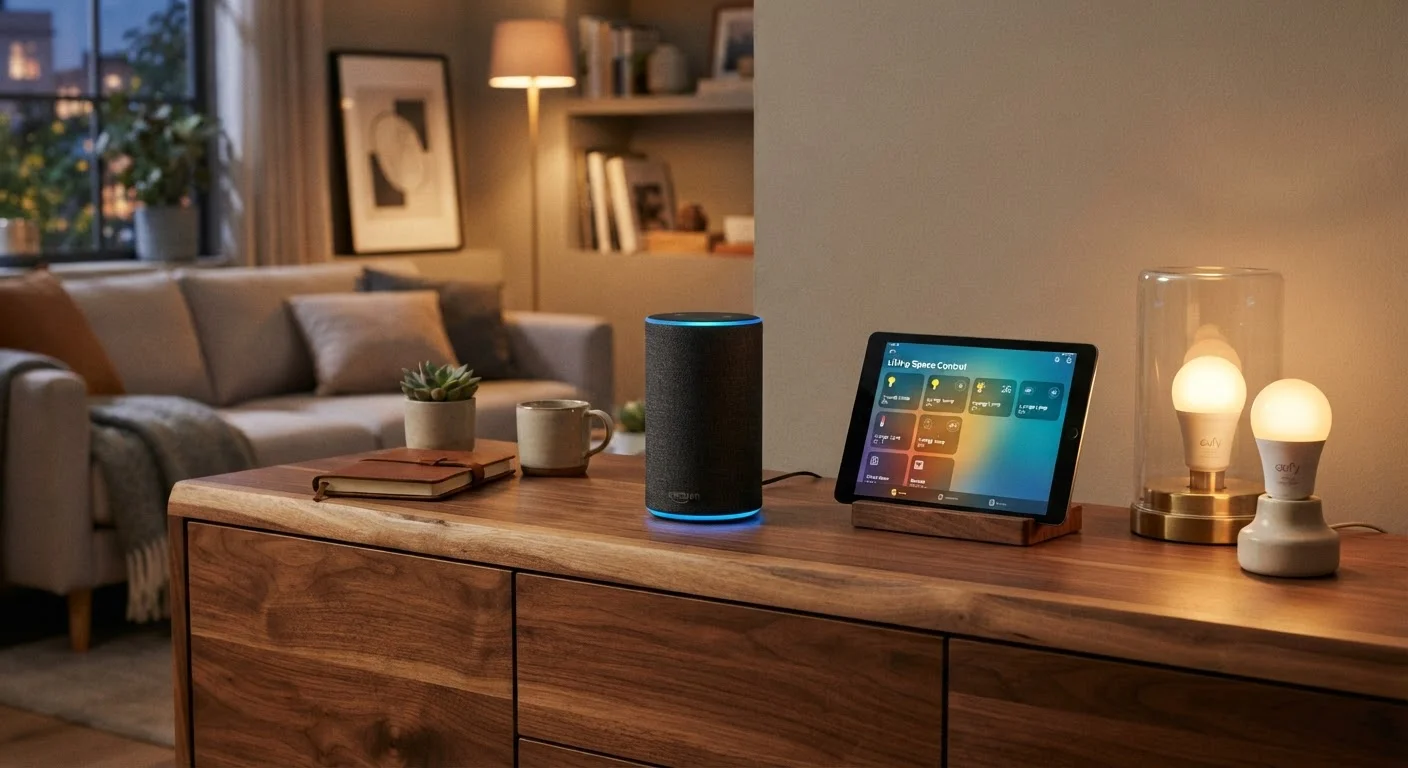
- Smart plugs: Plug into any standard outlet and make any lamp or appliance voice-controllable or schedulable. No wiring required.
- Smart bulbs: Screw into existing light sockets. Allow dimming, color temperature changes, and schedules from an app.
- Smart speakers or displays: These serve as your ecosystem's voice interface and hub - useful even before you own other smart devices.
Hold off on smart locks, doorbells, and thermostats until you're comfortable with the ecosystem and confident in your network coverage. These devices are higher-stakes and occasionally require professional installation.
Setting Up and Expanding Over Time
Most smart devices follow the same setup pattern: download the manufacturer's app, create or log into an account, plug in the device, and follow the in-app pairing instructions. The app then walks you through connecting the device to your Wi-Fi network and adding it to your ecosystem.
A few practices that make expansion smoother:
- Name devices clearly: Labels like "Living Room Lamp" or "Kitchen Counter Plug" make voice commands and automation rules far easier to manage than default names.
- Group devices by room: Most ecosystem apps let you assign devices to rooms, which allows commands like "turn off all the bedroom lights."
- Add one device at a time: If something doesn't work, isolating the problem is much easier when you've only added one new item.
- Keep firmware updated: Smart device manufacturers release updates that fix bugs and patch security vulnerabilities. Check your app for update notifications periodically.
If your smart speaker mishears commands more than occasionally, our guide on why your smart speaker misunderstands you explains what's behind the problem and how to address it. Building a smart home is genuinely incremental - the readers who enjoy it most are the ones who start small, learn the patterns, and expand deliberately.
Smart Home Devices: A Starter Map for First-Time Users
A beginner-friendly breakdown of the smart home device landscape - from smart plugs to sensors - that helps you understand what each category does before you buy.
Moving to a New Home: A Tech Setup Checklist
Covers internet setup, router placement, and re-pairing smart home devices after a move - a useful companion for anyone setting up tech in a new space.
Why Your Smart Speaker Misunderstands You
Explains the common causes behind smart speaker recognition errors and walks through practical adjustments that improve accuracy in everyday use.