Why the First Device You Choose Actually Matters
Walking into the smart home space feels like stepping into a hardware store without a shopping list - there are dozens of categories, hundreds of devices, and no obvious place to begin. Pick the wrong starting point and you'll either spend hours troubleshooting Wi-Fi incompatibilities or end up with a gadget that doesn't meaningfully improve your daily life.
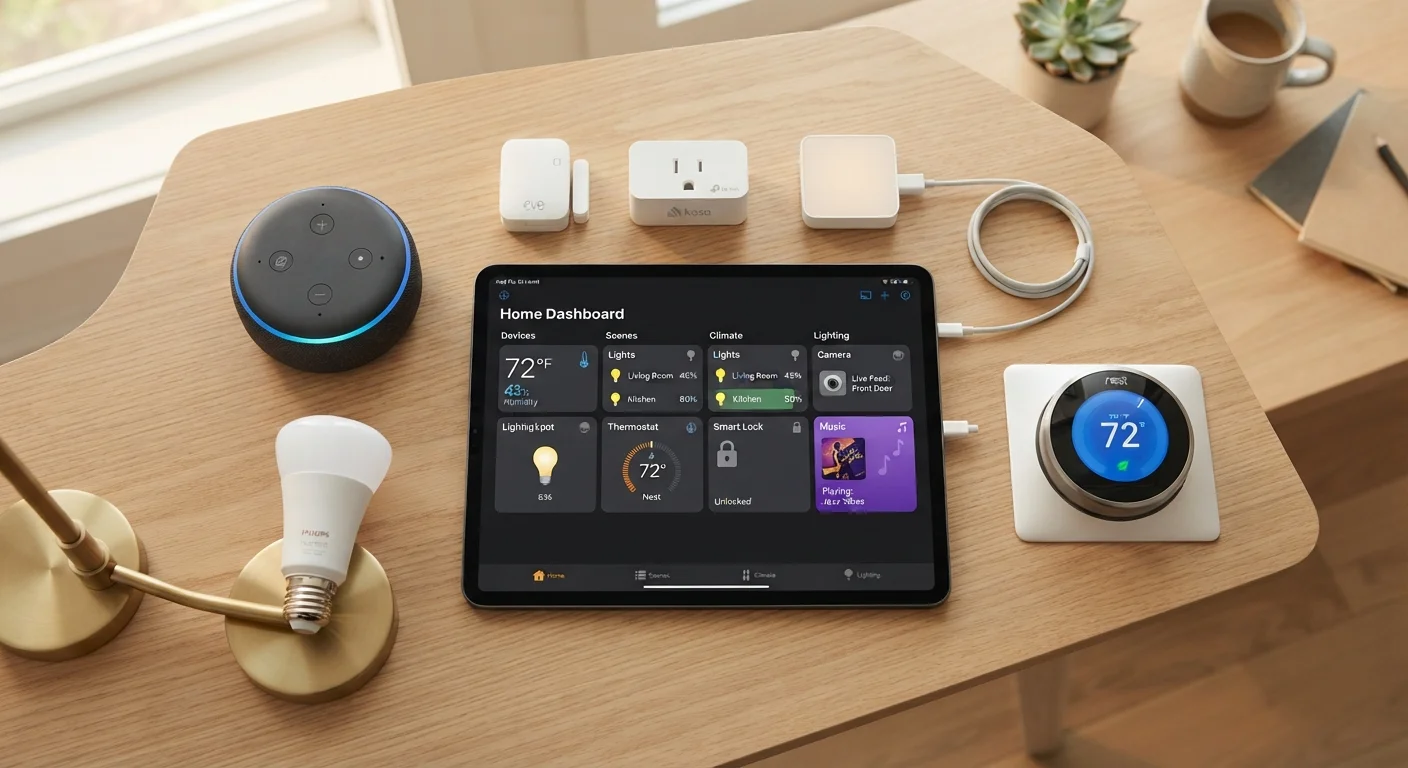
The good news: three device categories - smart plugs, smart bulbs, and smart locks - cover the most common entry points for new users. Each works differently, solves different problems, and carries different levels of setup complexity. Understanding those differences before you buy is what separates a satisfying first experience from a frustrating one.
If you're still getting your bearings on terminology like Zigbee, Matter, or mesh networks, our plain-language smart home glossary is a useful first stop. And for a broader map of how all these devices fit together, see our smart home starter map.
Smart Plugs: The Easiest On-Ramp for Almost Everyone
A smart plug sits between your wall outlet and any existing appliance - a lamp, a fan, a coffee maker - and lets you control power to that device remotely via an app or voice command. No rewiring, no replacing anything you already own.
Setup typically takes under five minutes: plug it in, download the manufacturer's app, connect it to your home Wi-Fi, and you're done. There's almost no learning curve, and the payoff is immediate. You can turn a lamp on before you walk in the door, set a fan to run on a schedule, or simply check whether you left something on after leaving the house.
Smart plugs are also among the most affordable smart home devices available, which makes them low-risk for first-time experimenters. The main limitation is that they only control power - they can't dim lights or communicate device state. But for a first device, that simplicity is a feature, not a flaw.
Smart plugs work with what you already own - no new appliances, no rewiring required.
Smart Bulbs: Instant Atmosphere, With a Few Caveats
Smart bulbs screw into standard light sockets and connect to your Wi-Fi or a small hub device, depending on the brand. The appeal is obvious: adjustable brightness, color temperature control, and - with some models - the ability to cycle through colors entirely. You can set lighting scenes, schedule bulbs to mimic sunrise, or dim the room for movie night without leaving the couch.
The setup is still beginner-friendly, but there are a few gotchas worth knowing. Smart bulbs generally need the physical wall switch to remain in the on position to stay connected. Flip the switch off the old-fashioned way and the bulb loses power - and its app or voice control along with it. Some households solve this by covering or replacing the wall switch; others simply adjust the habit.
Compatibility matters here too. Some smart bulb ecosystems work best within their own app, while others integrate smoothly with major voice platforms. Checking compatibility before purchase saves headaches later. For rooms where you already have smart plugs running lamps, a smart bulb is a natural next addition.
Smart bulbs unlock lighting scenes and schedules - but only when the wall switch stays on.
Smart Locks: High Value, Higher Stakes
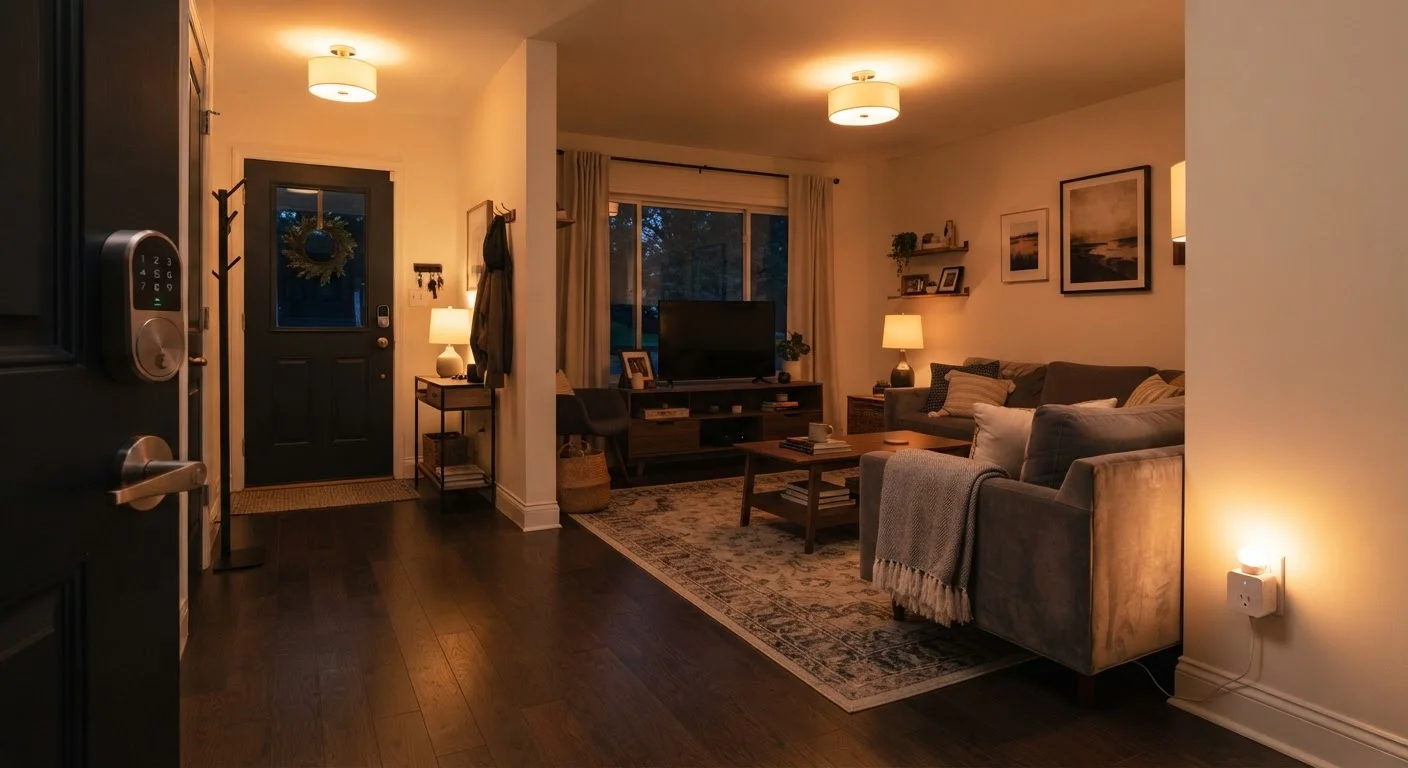
A smart lock replaces or augments your existing deadbolt, letting you lock and unlock your front door via an app, a keypad, or a voice command. The practical benefits are real: you can grant temporary access codes to guests or contractors, check whether you locked up after leaving, and eliminate the need for physical key copies.
The setup complexity, however, is meaningfully higher than plugs or bulbs. Most smart locks require some light installation - typically replacing the interior deadbolt mechanism - and a specific fit for your door's existing hardware. Not all doors are compatible with every lock model, so measuring and checking specs beforehand is essential.
There's also more at stake here than a lamp that won't turn on. A smart lock that loses power (most use batteries), drops its Wi-Fi connection, or gets locked into a failed update needs a reliable fallback - typically a physical key override. Understanding that backup before you commit is not optional.
Smart locks make the most sense for users who have already gotten comfortable with at least one other smart device category and feel confident in their home's network stability. They're a strong second or third step, not usually the right first one.
Smart locks add real security convenience, but compatibility checks and backup plans are non-negotiable.
Voice Assistants: The Glue That Holds It Together
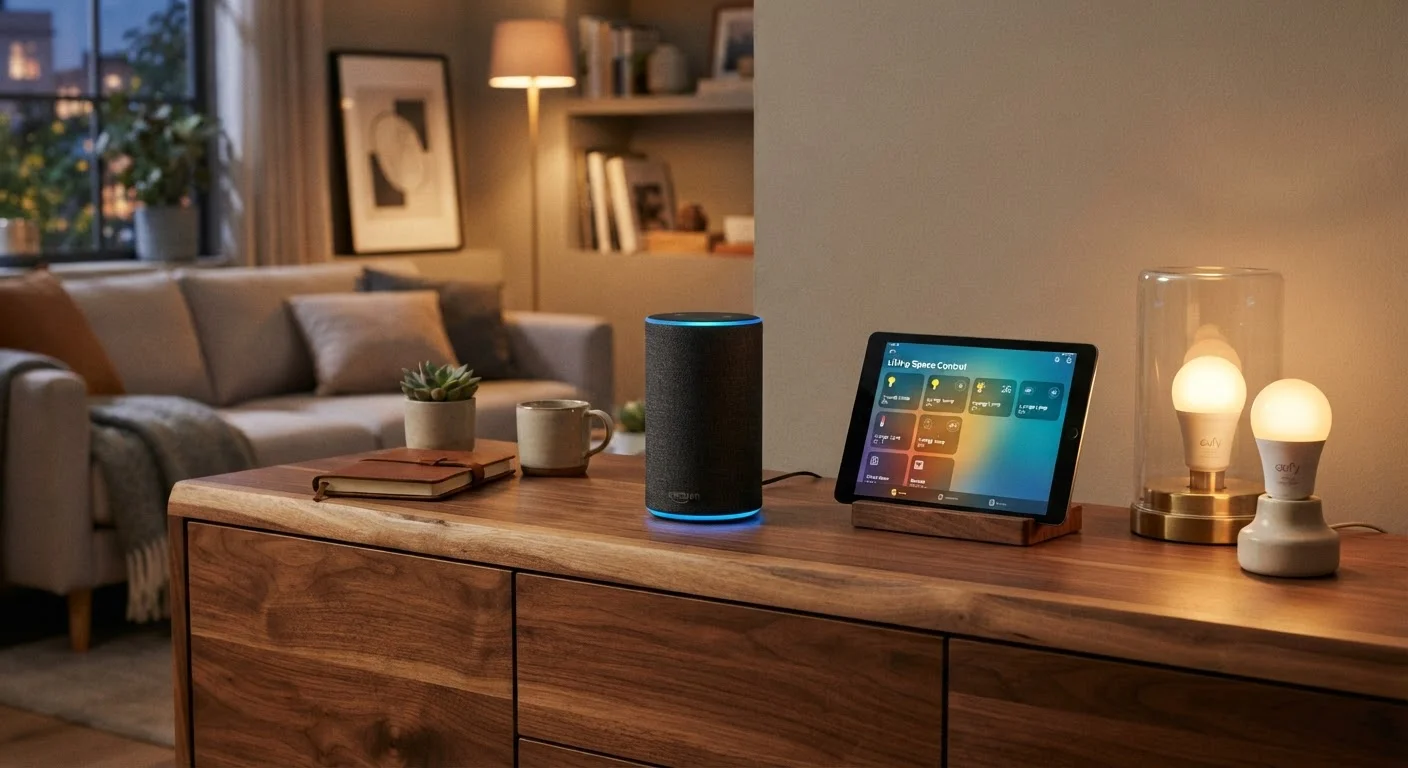
While not a standalone device category in the same way, a smart speaker with a built-in voice assistant - the kind already common in many American homes - can dramatically improve how useful your other smart devices feel. Rather than opening separate apps for each device, you speak a single command and multiple things happen at once.
A voice assistant can turn off the living room plug, dim the bedroom bulbs, and confirm the front door is locked - all in one breath. That kind of integration is what makes a smart home feel cohesive rather than just a collection of individually controlled gadgets.
Importantly, voice assistants don't require all your devices to be from the same brand. Most major platforms support a wide range of compatible devices, and the growing adoption of the Matter connectivity standard - a cross-industry protocol - is making it easier to mix and match. Our in-depth look at smart speakers explains exactly what they can and can't do.
A voice assistant turns separate apps into a single, spoken command - that's when a smart home clicks.
Routines and Schedules: Where the Real Value Emerges
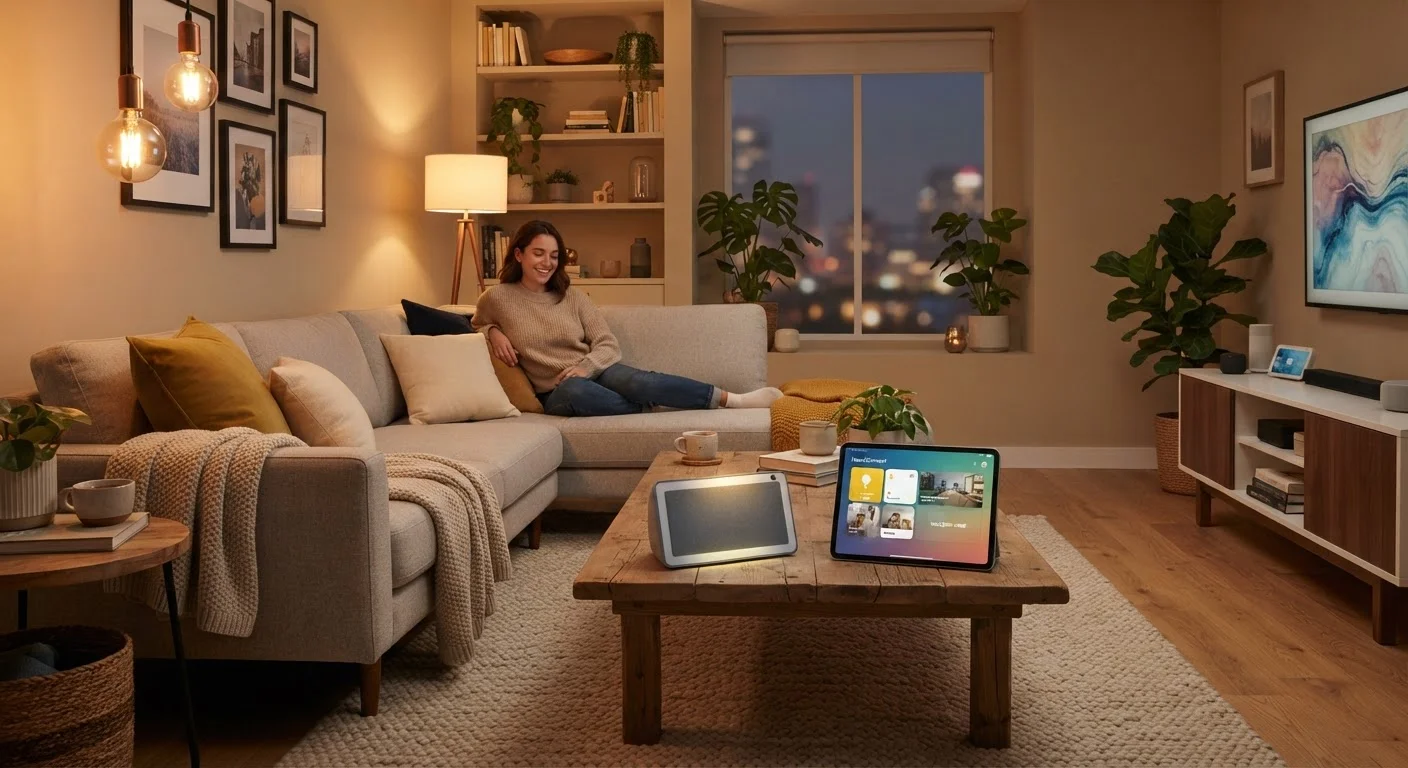
None of these devices reach their full potential when used only manually. The real return on investment - in time and convenience - comes from setting up automated routines. A schedule that turns off all plugs at midnight, dims bulbs at sunset, or unlocks the door when the first person arrives home is where smart home technology becomes genuinely useful rather than just novel.
Most major smart home apps include a routine or automation builder that doesn't require any programming knowledge. You set a trigger (a time, a location, a sensor reading) and an action (turn this on, dim that, lock this). The logic is straightforward, and getting familiar with it is worth the thirty minutes it typically takes.
Think of routines the same way you might think about building any useful habit - small, consistent automations compound over time into something that meaningfully reduces friction in daily life. Start with one simple routine tied to your first device, then layer from there as your comfort grows.
Schedules and routines are where a collection of gadgets becomes a home that works for you.
Building From Here: Your Next Steps
The smartest approach to a smart home is additive - solve one real problem first, get comfortable with the app or voice interface, then expand. Trying to automate everything at once usually means nothing works reliably.
Start With One Room, One Problem
Resist the urge to automate your entire home in a weekend. Choose one room and identify one genuine inconvenience - a lamp that's always left on, a lock you're always second-guessing - and solve just that. A single working automation builds more confidence than five half-finished setups. Expand only after your first device feels completely routine.
Once you've settled on a starting category, our step-by-step smart home setup guide walks through the practical order of operations - from router placement to device pairing. If you're doing this as part of a move, the new home tech setup checklist covers what to reconnect first. And if you're wondering how a smart speaker fits into all of this, smart speakers do considerably more than play music - they can act as a central voice controller for everything else you add.