What Each Device Actually Does
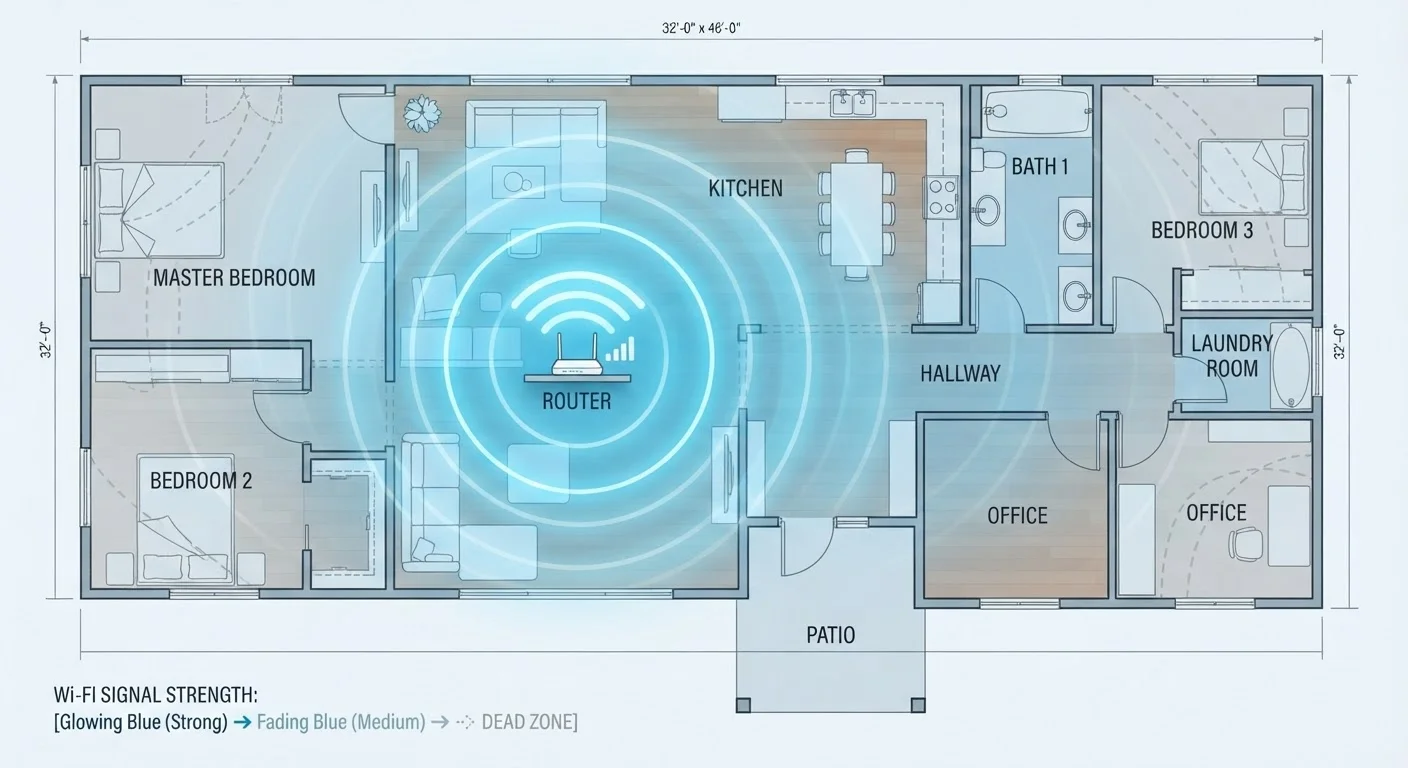
When your Wi-Fi signal doesn't reach the garage, the back bedroom, or the basement, two solutions dominate the conversation: mesh network systems and Wi-Fi extenders. They're both designed to push coverage further, but the way they accomplish that is fundamentally different - and that difference matters for how well your devices actually perform.
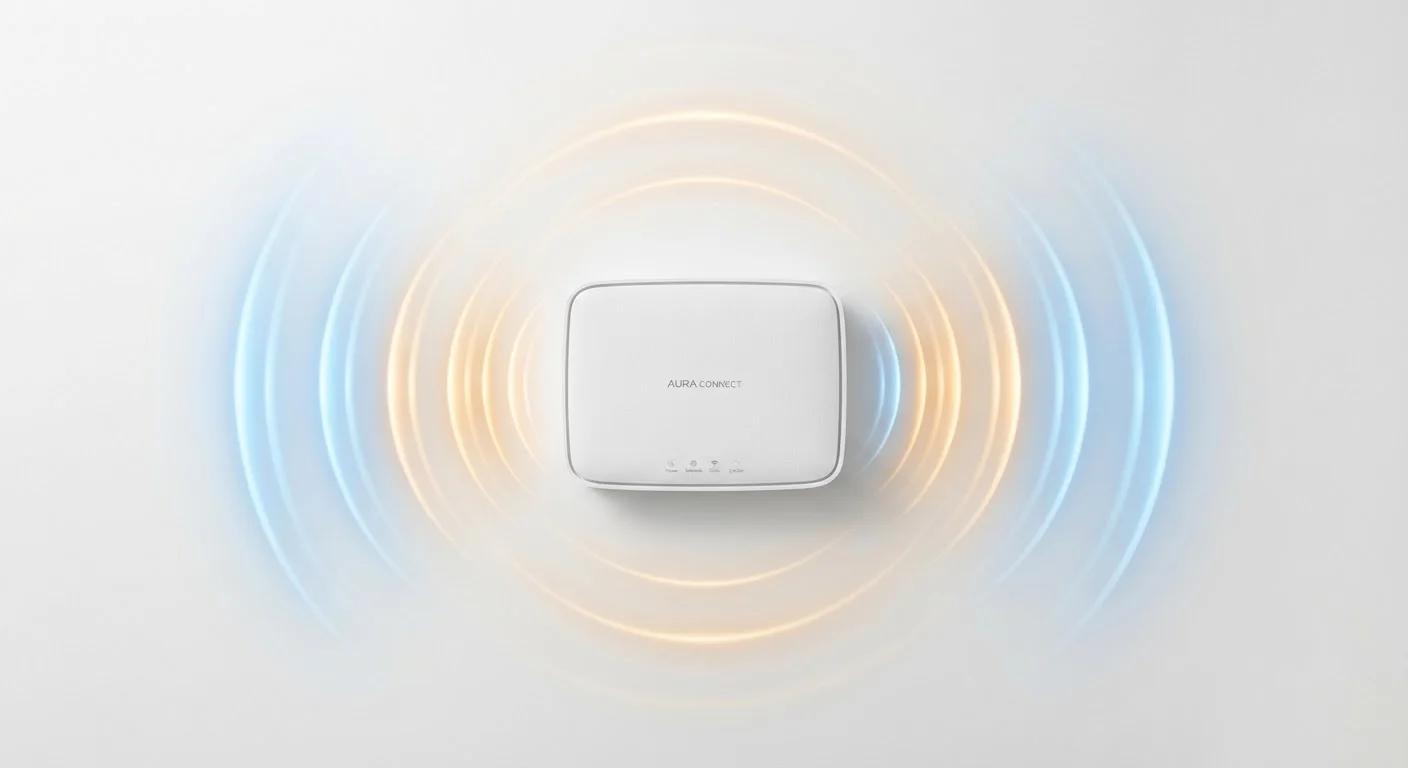
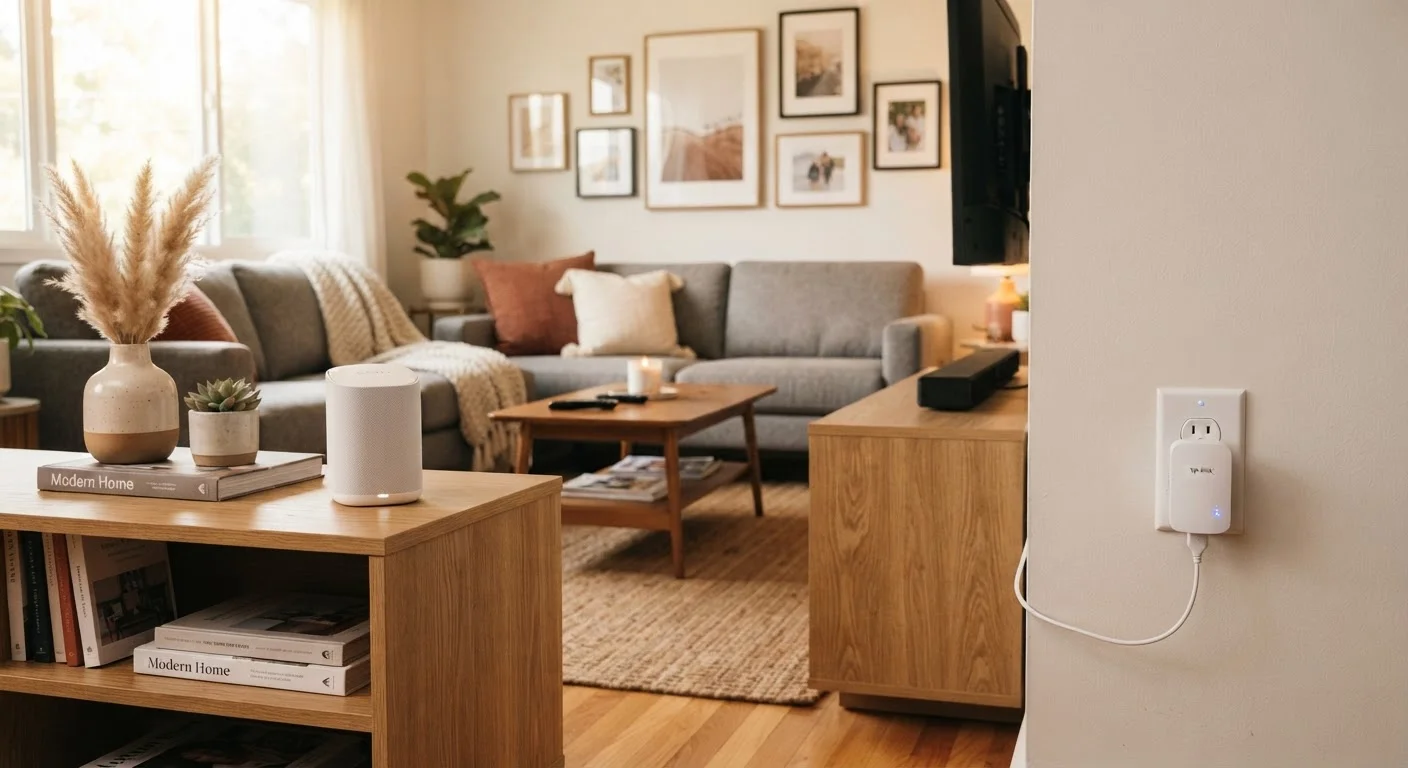
A Wi-Fi extender (sometimes called a range extender or repeater) picks up your router's existing wireless signal and rebroadcasts it. Think of it as a relay race: the extender catches the signal from your router and throws it further into your home. The catch is that it typically creates a second network with its own name (like "HomeNetwork_EXT"), and devices don't automatically switch between the two. You may find yourself manually connecting to whichever network is stronger in a given room.
A mesh network system takes a different approach. Instead of one router doing all the work, a mesh system uses two or more nodes - compact units placed around your home - that communicate with each other directly. Together they form a single, unified network under one name. Your phone, laptop, or smart TV connects to whichever node provides the strongest signal, and the handoff happens invisibly in the background. For more on why signal problems emerge in the first place, see why Wi-Fi dead zones form and what fixes them.
Head-to-Head: How They Compare
Looking at both options side by side makes the trade-offs clearer. Neither solution is universally superior - the right fit depends on your home and how you use your network.
| Criterion | Mesh Network System | Wi-Fi Extender |
|---|---|---|
| Network name | Single unified name | Separate extended network |
| Device roaming | Seamless and automatic | Often requires manual switching |
| Speed consistency | Generally strong throughout | Can drop 30-50% at the extender |
| Upfront cost | Higher (multi-node kit) | Lower (single plug-in device) |
| Setup complexity | Moderate (node placement needed) | Very simple (plug and pair) |
| Best home size | 2,000+ sq ft, multi-story | Under 1,500 sq ft, minor gaps |
| Network management | App with device controls | Basic or minimal |
| Scalability | Add nodes as needed | Limited to one or two units |
One factor worth highlighting: speed consistency. Extenders typically cut available bandwidth roughly in half when they rebroadcast on the same frequency band, because they're receiving and transmitting on the same channel simultaneously. Newer dual-band and tri-band extenders reduce this penalty, but mesh systems - particularly those with a dedicated backhaul channel for node-to-node communication - generally maintain more stable speeds at a distance. If you want to understand how frequency bands affect this, the difference between 2.4 GHz and 5 GHz Wi-Fi explains how each band behaves in a home environment.
Setup, Cost, and Practical Considerations
For most households, the decision comes down to three practical factors: budget, effort, and home size.
~50%
Potential bandwidth loss with single-band extenders
Single-band extenders that receive and rebroadcast on the same channel can cut usable bandwidth roughly in half due to simultaneous transmission overhead.
2-3 nodes
Typical mesh kit coverage for average U.S. homes
Most mesh starter kits are designed to cover homes between 1,500 and 5,000 square feet, depending on layout and building materials.
25+ devices
Average connected devices in a U.S. household
According to Parks Associates research, the average U.S. broadband household connects more than 25 devices, increasing demand for stable whole-home coverage.
Extenders typically cost less upfront and plug directly into a wall outlet - setup usually takes just a few minutes using a smartphone app or a WPS button on your router. They're ideal when your existing router is solid but one corner of your home just misses coverage.
Mesh systems involve more planning. You'll need to position nodes thoughtfully - generally no more than two rooms apart, with line-of-sight between nodes when possible. Most systems walk you through placement with an app, and setup is straightforward even for non-technical users. The upfront cost is higher, but the payoff is a more reliable, managed network. You can also add nodes later as your needs grow.
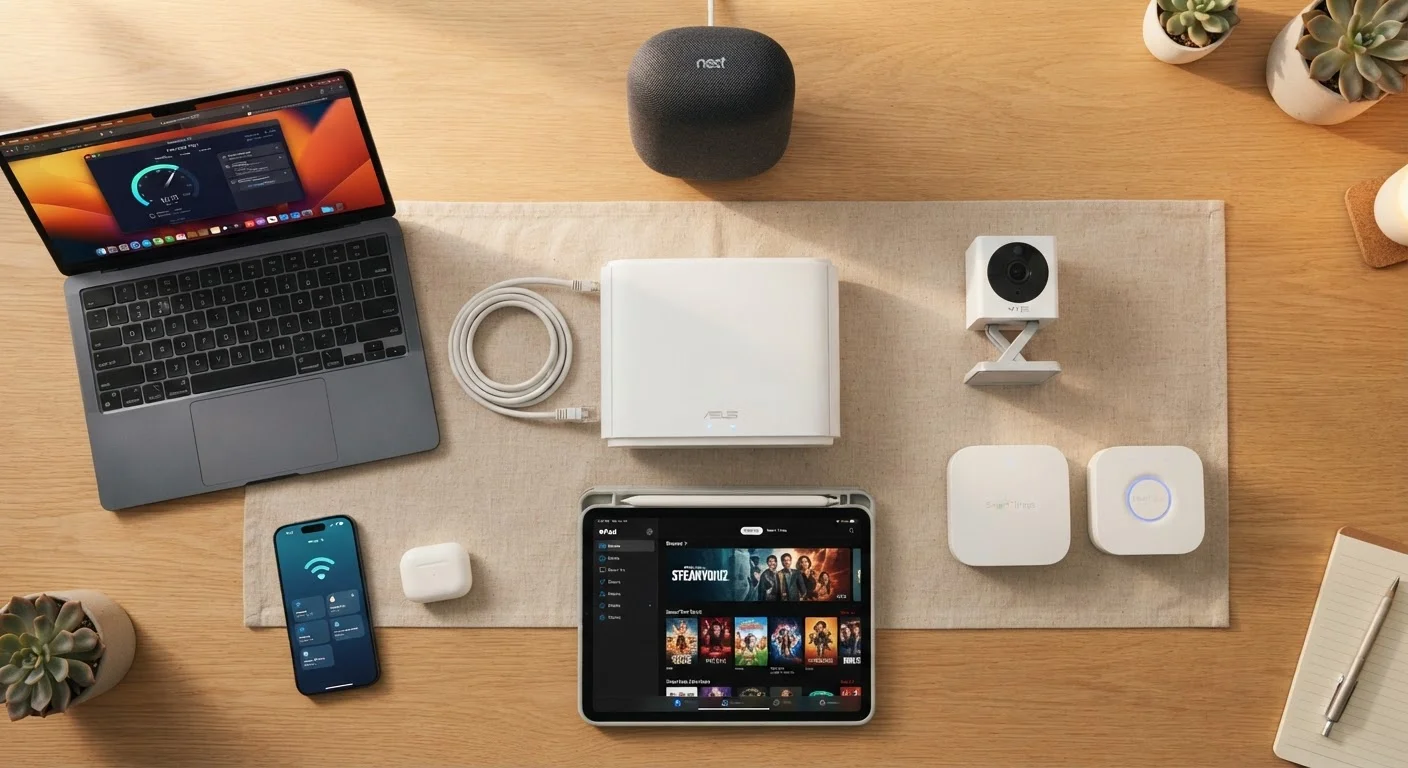
One often-overlooked point: mesh systems tend to offer better network management tools. Most come with apps that show connected devices, let you prioritize traffic (useful for video calls or gaming), and allow guest network creation. If you're building out a larger connected home, understanding everything on your home network is a useful companion read. And regardless of which solution you choose, good home network security habits apply equally to both.
If you're also weighing whether a mesh system makes sense over a traditional single router, mesh Wi-Fi vs. traditional routers walks through that comparison in detail.