Why Smart Speakers Struggle to Understand Us
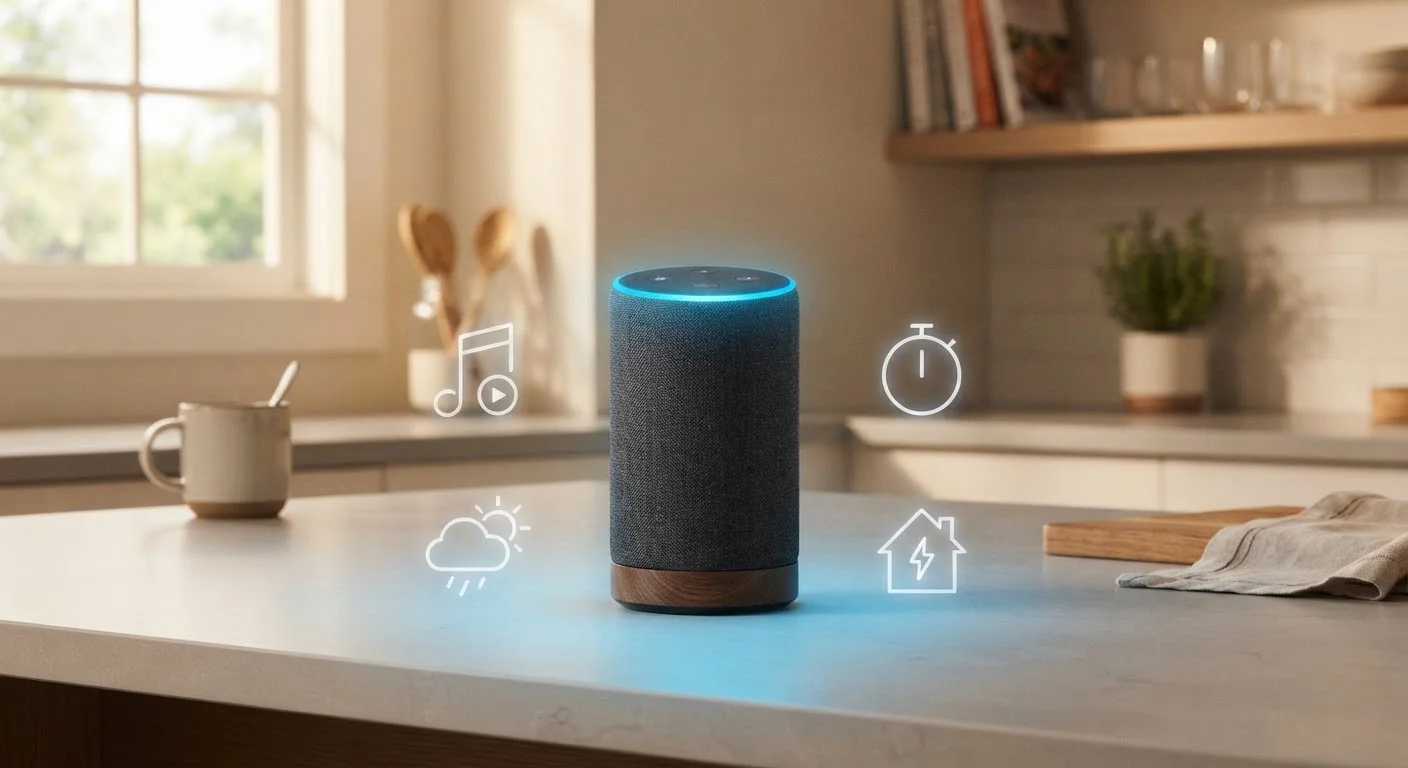
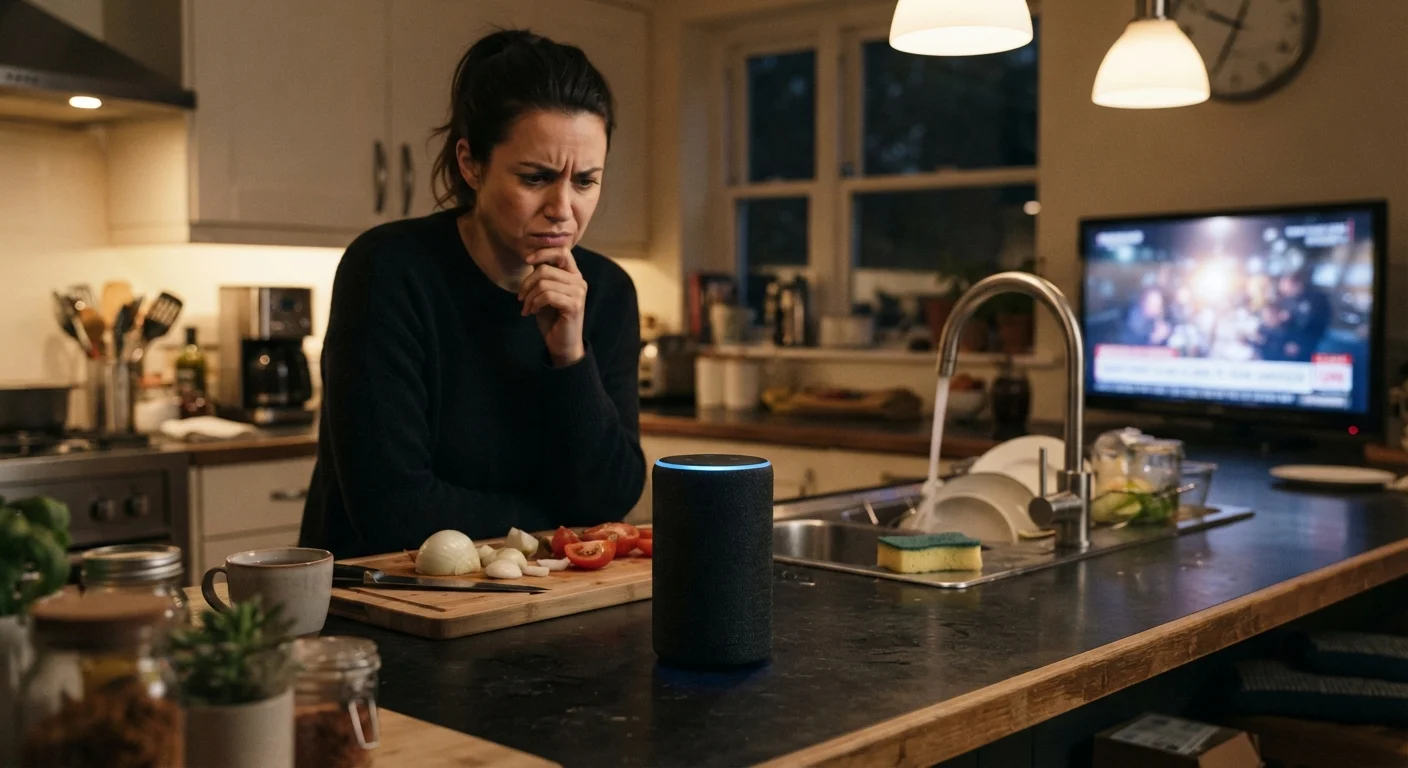
Smart speakers are genuinely impressive - they can set timers, control lights, answer questions, and manage calendars, all from a voice command across the room. But if you've ever had one respond to the wrong thing, mishear your request entirely, or simply say "Sorry, I didn't get that," you're not alone.
The core challenge is that voice recognition technology, while sophisticated, is still working against real-world conditions: ambient noise, varied accents, network delays, and imprecise commands all introduce friction. If you want to understand how these devices work beyond the basics, this breakdown of what smart speakers actually do is a useful starting point.
The good news is that most misunderstanding problems are fixable. They stem from a predictable set of mistakes - not flaws in the technology itself - and once you know what to look for, the fixes are straightforward.
The Most Common Mistakes - and How to Fix Them
The following are the most frequent reasons smart speakers fail to understand their owners correctly. Each one is avoidable with a small adjustment to your environment, habits, or settings.
Placing the smart speaker in a poor acoustic location - such as a corner, inside a cabinet, or next to a loud appliance.
Why it happens: People often choose a spot based on convenience or aesthetics rather than sound dynamics, not realizing that enclosed spaces and competing noise sources confuse the microphone array.
Speaking the wake word and command too quickly, running them together without a natural pause.
Why it happens: Users assume the device is always listening and ready, so they rush their request before the speaker has fully activated after detecting the wake word.
Never updating the device's software or linked app, leaving the speaker running on outdated firmware.
Why it happens: Smart speakers often update silently in the background, leading users to assume updates are always handled automatically - but some require manual approval or a stable Wi-Fi connection overnight.
Using overly long, complex, or unnatural phrasing when issuing commands.
Why it happens: People often speak to smart speakers the way they'd write a text message or search query, packing in too many qualifiers or using unusual word orders that the language model isn't trained to parse well.
Relying on a slow or congested Wi-Fi network without realizing it affects voice command performance.
Why it happens: Smart speakers process most speech recognition in the cloud, so network latency directly affects how quickly - and accurately - responses come back. Many users assume the speaker's quality is the only variable.
Your Voice Profile Matters More Than You Think
Most smart speakers allow you to create a personalized voice profile during setup, but many users skip this step. Without a trained voice model, the device relies on generic speech patterns that may not match your accent, pitch, or cadence. Taking five minutes to complete this setup can be one of the single most effective fixes for a speaker that seems to misunderstand you constantly.
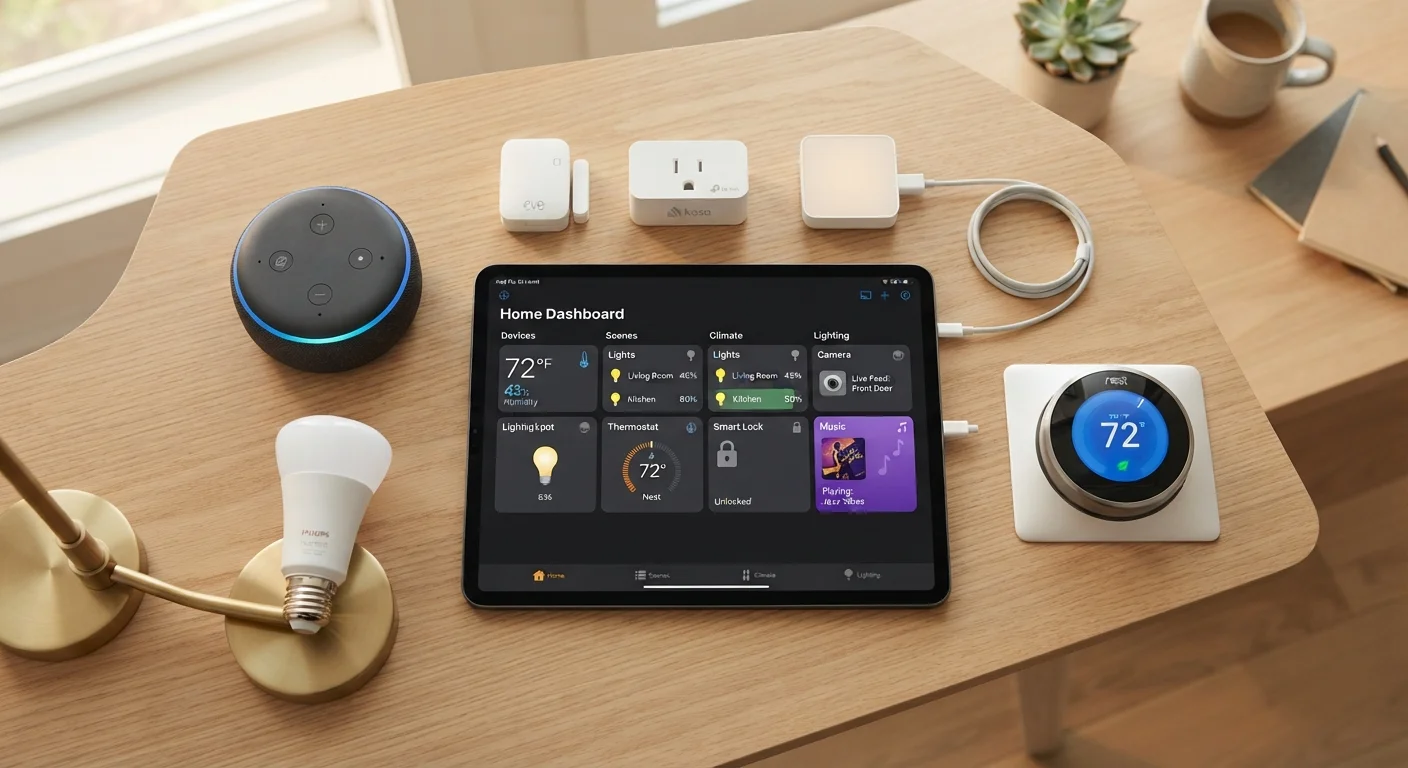
If you're setting up a smart speaker as part of a broader home system, this guide to building a smart home from scratch walks through placement, compatibility, and configuration in plain language. And if terms like "firmware" or "voice profile" feel unfamiliar, this smart home glossary can help clarify the vocabulary.
Getting Consistently Better Results
~25 ft
Typical smart speaker mic pickup range
Most smart speaker manufacturers specify an effective wake-word detection range of up to 25 feet in quiet conditions, though real-world performance drops with background noise.
95%+
Word error rate improvement over a decade
Speech recognition word accuracy has improved dramatically since the early 2010s, with major platforms now reporting accuracy rates above 95% in controlled conditions according to published benchmarks.
Beyond fixing individual mistakes, a few general habits help maintain reliable performance over time. Review any routines or smart home device connections in your speaker's app periodically - a disconnected device or an expired app permission can cause commands to fail in ways that look like a speech recognition problem but aren't.
It's also worth noting that voice recognition accuracy has improved substantially in recent years, but no system is perfect. Accents, speech patterns, and regional vocabulary still present genuine challenges for current AI models. If your speaker consistently struggles with certain phrases, rephrasing rather than repeating louder is almost always the more effective approach.
Small environmental and behavioral changes, taken together, tend to produce a noticeably more reliable experience - without needing any technical expertise.