What Each Tool Actually Does
The confusion between incognito mode and a VPN is understandable - both carry a privacy label, and both appear in conversations about staying safe online. But they operate at completely different layers of your digital life.
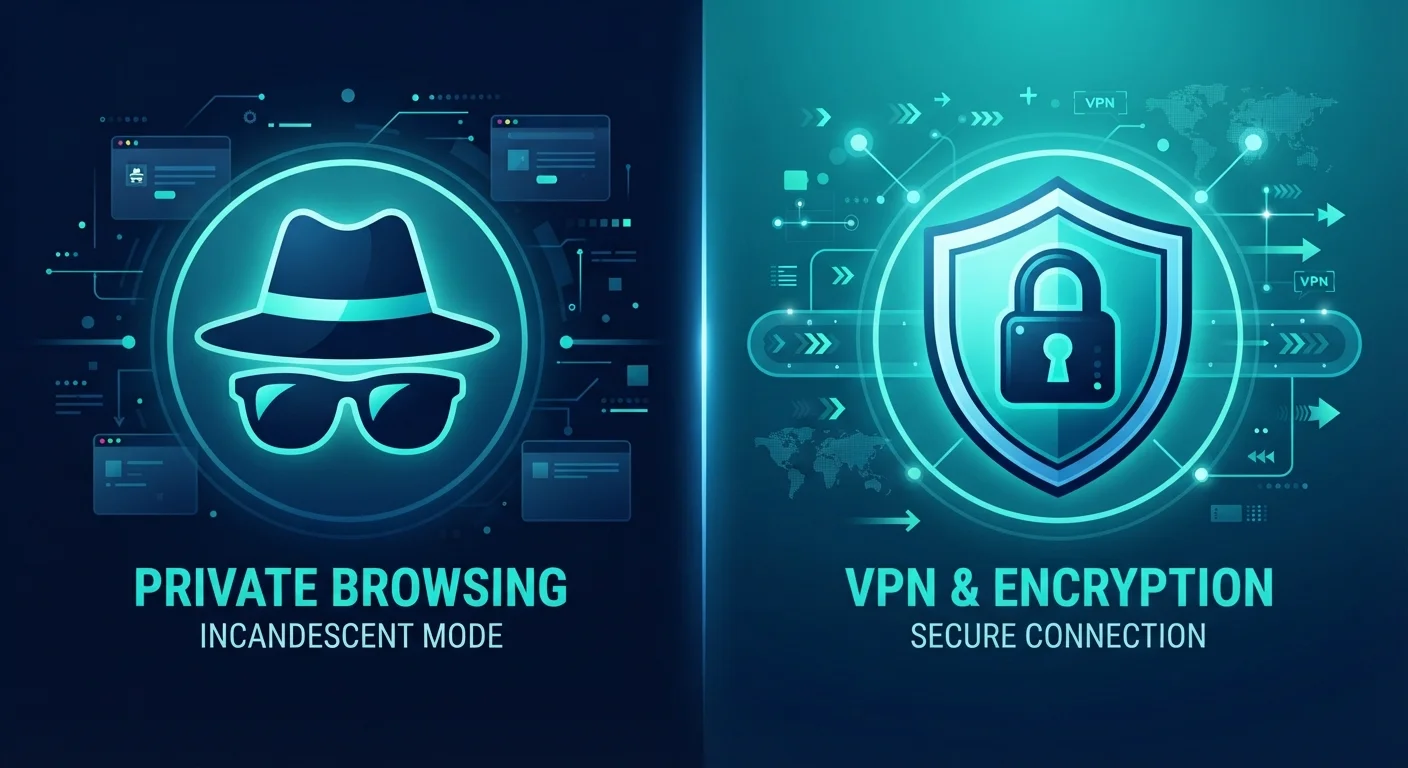
Private browsing mode (called Incognito in Chrome, Private Window in Firefox and Safari) is a browser-level feature. When you open one of these sessions, your browser agrees not to save your history, cookies, site data, or information entered into forms once you close the window. That's genuinely useful - but it's a local promise between you and your own device. The moment your request leaves your machine and travels across the internet, incognito mode has no further role.
A VPN, by contrast, works at the network level. It creates an encrypted tunnel between your device and a VPN server, routing your traffic through that server before it reaches its destination. The result: your real IP address is replaced with the server's address, and your internet provider, router operator, or anyone monitoring the network sees only encrypted data headed to a VPN endpoint - not the sites you're visiting or what you're doing there. For a broader look at building digital safety habits, see our plain-language guide to online privacy.
| Criterion | Private Browsing Mode | VPN |
|---|---|---|
| Where it operates | Browser (device-local) | Network level (all traffic) |
| Hides activity from your ISP | No | Yes |
| Hides your IP address from websites | No | Yes |
| Encrypts your internet traffic | No | Yes |
| Prevents local history being saved | Yes | No |
| Protects on public Wi-Fi | No | Yes |
| Requires software installation | No (built into browser) | Yes (VPN app or client) |
| Prevents all tracking | No | No |
What Each Tool Cannot Do
Both tools have well-defined limits that marketing language often glosses over.
Incognito mode does not:
- Hide your activity from your internet service provider (ISP)
- Prevent websites from seeing your IP address
- Block tracking pixels or fingerprinting techniques used by advertisers
- Protect you on a compromised or monitored network
A VPN does not:
- Delete local browsing history already saved on your device
- Make you fully anonymous - the VPN provider itself can see your traffic
- Prevent websites from tracking you via cookies once you log in
- Protect against malware or phishing attacks
This is why neither tool is a standalone privacy solution. On public networks in particular, a VPN does the heavy lifting that incognito mode simply cannot - as explored in our article on what's actually at risk on public Wi-Fi.
~60%
Americans who misunderstand incognito mode's protections
Research by the University of Chicago and Leibniz University found that a majority of surveyed users held incorrect beliefs about what private browsing actually prevents.
3 in 10
U.S. adults who report using a VPN
Pew Research Center surveys have indicated roughly 30% of American adults use a VPN, though usage rates vary significantly by age group and technical familiarity.
When to Use Each - or Both
The right tool depends entirely on which threat you're addressing.
Use private browsing mode when:
- You're on a shared or borrowed computer and don't want your accounts or searches left behind
- You're doing a one-off search - a gift purchase, a sensitive topic - that you'd rather not appear in your browser's suggestions later
- You want to access a website without existing cookies influencing what you see
Use a VPN when:
- You're on any public or untrusted Wi-Fi network
- You prefer that your ISP not have a record of the sites you visit
- You're working remotely and need to connect securely to a corporate or institutional network
Use both together when you want neither local traces on the device nor external exposure on the network - they don't conflict and each covers ground the other leaves unprotected. For a wider view of managing privacy across all your devices, our guide on protecting personal data across all your devices covers the settings and habits that matter most.
No Tool Guarantees Complete Anonymity
Even when using a VPN, the VPN provider has visibility into your traffic and is subject to its own logging policies and legal obligations. Similarly, websites can still identify you once you log into an account, regardless of whether you're in a private window or behind a VPN. True anonymity online is technically complex and beyond what either of these tools delivers. Understanding the limits of each tool helps you set realistic expectations and make smarter choices. For a fuller picture of the trade-offs involved, see our article on the trade-offs of convenience vs. privacy in everyday tech.