Why Password Habits Matter More Than Most People Think
Passwords are the first line of defense for nearly every online account you own - yet the habits surrounding them are often built on convenience rather than security. The gap between what feels safe and what actually is safe has never been wider, partly because attackers have automated tools that can test millions of credential combinations in minutes.
The good news is that fixing password habits doesn't require technical expertise. It requires understanding why common shortcuts are risky and making a handful of concrete changes. The mistakes below are among the most prevalent - and the most consequential.
81%
of breaches involve weak or stolen passwords
According to Verizon's Data Breach Investigations Report, the vast majority of hacking-related breaches exploit password vulnerabilities.
65%
of people reuse passwords across accounts
A Google/Harris Poll survey found nearly two-thirds of Americans admit to reusing the same password on multiple sites.
The Most Dangerous Password Mistakes - and How to Correct Them
Each of the following habits is common precisely because it reduces friction in daily life. But that same convenience is what makes them exploitable. Understanding the mechanism behind each risk makes the fix easier to commit to.
Reusing the same password - or slight variations of it - across multiple accounts.
Why it happens: Remembering dozens of unique passwords feels impossible without a system, so people gravitate toward one familiar password or a predictable pattern like swapping a number at the end.
Ignoring or delaying action on data breach notifications.
Why it happens: Breach alerts often arrive as generic emails that look like marketing, and many people assume their specific account wasn't affected or that the risk is abstract.
Using personal information - names, birthdays, pet names - as the basis for passwords.
Why it happens: Personal details are easy to remember, and many people underestimate how much of this information is publicly visible on social media or in prior data leaks.
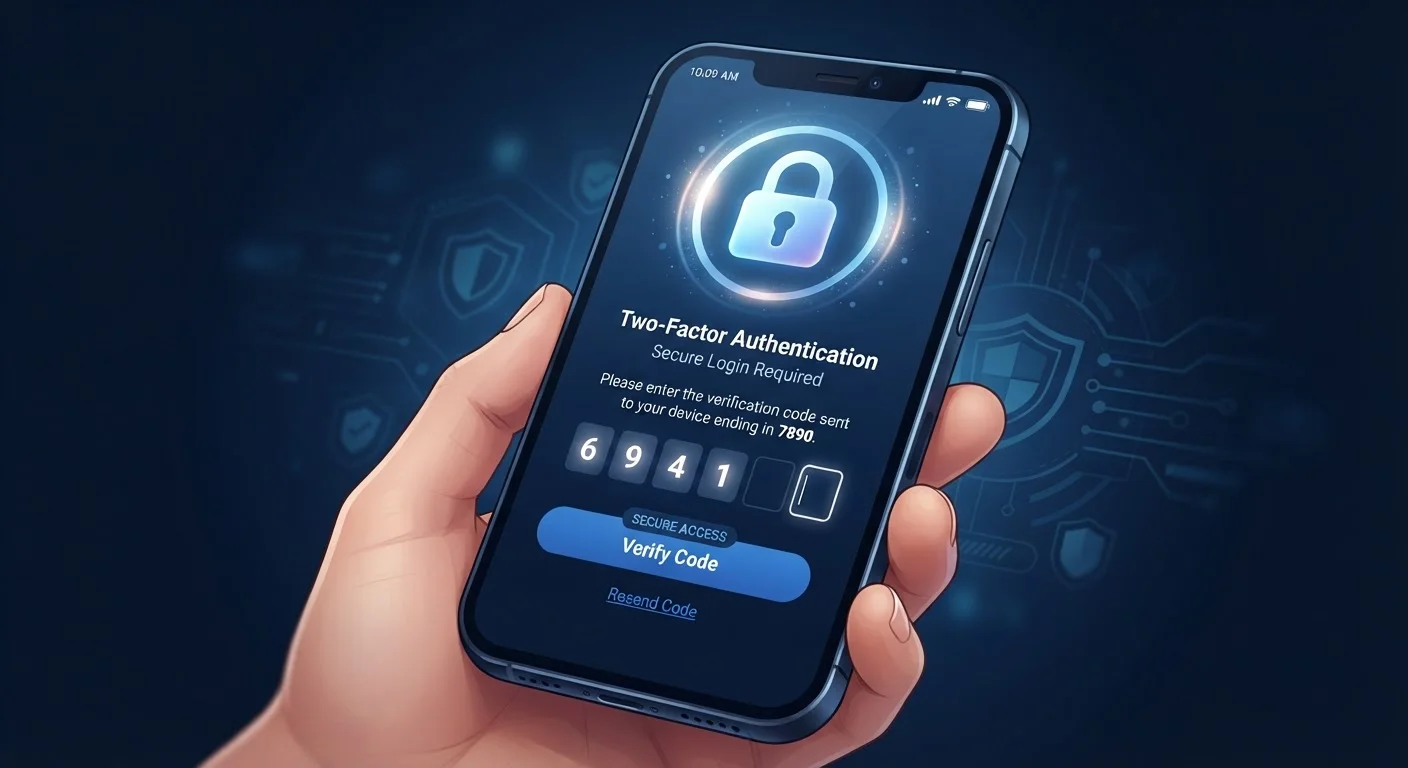
Skipping two-factor authentication because it feels inconvenient.
Why it happens: The extra step at login feels like friction, especially on accounts people access frequently, so users opt out or keep meaning to set it up later.
Never updating passwords on older accounts that have been dormant for years.
Why it happens: Out-of-sight accounts feel low-risk, and users don't think about them until there's an obvious problem - by which point access may already be compromised.
One Breached Password Can Cascade
When attackers obtain credentials from one data breach, they systematically test those username-password combinations on banking, email, and other high-value sites - a technique called credential stuffing. If you reuse passwords, a breach at a low-stakes site can unlock far more sensitive accounts. Changing a compromised password everywhere it was used is essential, not optional.
If adopting these changes feels overwhelming all at once, start with the accounts that matter most: your primary email, your bank, and any account linked to a payment method. Those three alone represent a significant share of your real-world exposure. For a broader framework, see our guide to building a digital security routine that's practical enough to maintain long-term.
Building Habits That Actually Hold
The reason most password advice doesn't stick is that it asks people to do something burdensome - memorize complex, unique strings - without offering a structural solution. A password manager resolves the core problem by removing memory from the equation entirely. Most operate across devices and browsers, so the friction of using unique passwords largely disappears after initial setup.
Password Complexity Alone Isn't Enough
A long, complex password that gets reused across dozens of accounts is still a serious liability. Attackers who obtain it from a single breach will try it everywhere. Uniqueness matters as much as complexity - ideally, every account should have a distinct password.
Two-factor authentication deserves its own commitment. Two-factor authentication adds a critical second layer that remains effective even when a password has already been exposed. Pairing it with strong, unique passwords addresses both the lock and the alarm - two independent safeguards rather than one.
Password security doesn't exist in isolation, either. How you connect to the internet and what you share online both feed into your overall exposure. Securing your home network and being aware of the privacy trade-offs in everyday technology are natural next steps once your passwords are in order.
This article provides general digital security information for educational purposes. For guidance specific to your accounts or devices, consult the security documentation provided by your service providers.