How Each Method Actually Works
Understanding the security difference between SMS codes and authenticator apps starts with understanding the mechanics. To get grounded in why a second factor matters at all, see our overview of two-factor authentication.
SMS codes work by having a server send a one-time numeric code to your registered phone number via text message. When you log in, you enter that code alongside your password. The code is generated remotely and transmitted over the cellular network to reach you.
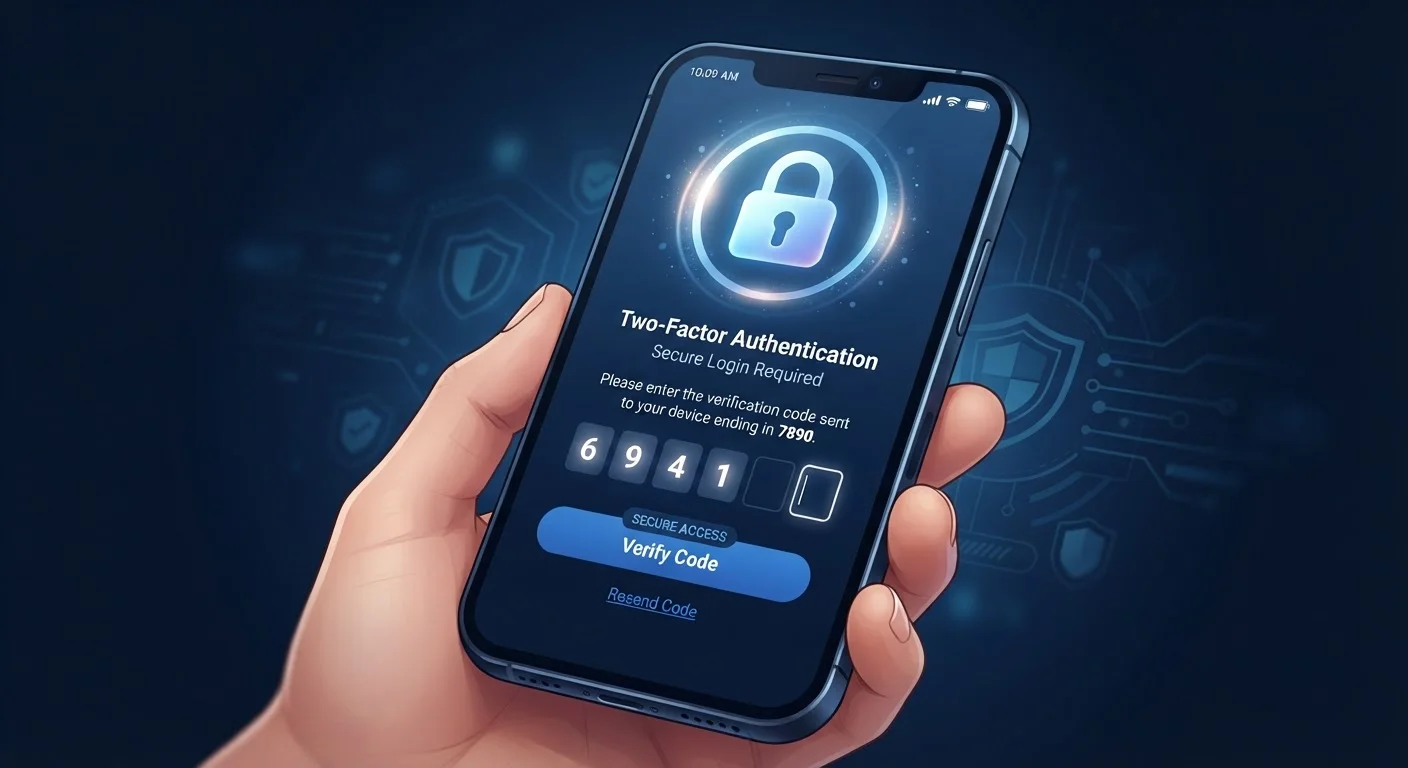
Authenticator apps work differently. After a one-time setup, the app uses an algorithm - the Time-based One-Time Password (TOTP) standard - to generate a fresh six- to eight-digit code every 30 seconds directly on your device. No message is sent over any network. The app and the service share a secret key established at setup, and both independently compute the same code at the same moment.
That fundamental difference - codes transmitted to you versus codes generated by you - is the source of the security gap between them.
| Criterion | SMS Codes | Authenticator Apps |
|---|---|---|
| Code generation | Remotely, sent via text | Locally, on your device |
| Network required to receive code | Yes - cellular service needed | No - works fully offline |
| SIM-swap vulnerability | Yes - a known, exploited risk | No - phone number not involved |
| Setup complexity | Minimal - just a phone number | Low - scan a QR code per account |
| Works when changing phones | Yes, if number transfers | Requires account export/transfer |
| Overall attack resistance | Good against automated attacks | Strong against targeted attacks too |
The Real Security Risks of SMS Codes
SMS codes represent a real improvement over a password alone, but they carry a specific vulnerability that has been exploited repeatedly in the real world: SIM swapping. In a SIM-swap attack, a bad actor contacts your mobile carrier, impersonates you, and convinces a representative to transfer your phone number to a SIM card they control. From that point on, they receive your SMS codes - and can access any account protected by them.
SIM swapping doesn't require sophisticated hacking skills. It often exploits social engineering at the carrier level, meaning publicly available personal information is sometimes enough to succeed. Certain phone plans and carriers have added safeguards, but the vulnerability is structural to how SMS delivery works.
Other, less common risks include SS7 protocol weaknesses - technical flaws in the global telephony network that, in theory, allow interception of SMS messages - and malware on a device that forwards incoming texts to an attacker.
80%+
Automated attacks blocked by any 2FA
Google's internal research has indicated that even SMS-based 2FA blocks the vast majority of automated credential-stuffing attempts.
~2,000
SIM-swap complaints reported to FCC annually
The U.S. Federal Communications Commission has received thousands of SIM-swapping complaints, prompting new carrier authentication rules.
It's worth being clear: SMS 2FA still blocks the overwhelming majority of automated, credential-stuffing attacks. The risk becomes meaningful for targeted attacks on specific individuals or accounts.
Why Authenticator Apps Have the Edge
Because authenticator apps generate codes locally and never transmit them, there is no message in transit to intercept and no phone number to hijack. Even if an attacker steals your password, they cannot generate a valid code without physical access to your device.
Authenticator apps also work offline. If you're traveling, in a poor coverage area, or abroad on a different SIM, the app still produces valid codes because it requires no network connection after initial setup.
Setup is straightforward: within a supported account's security settings, you scan a QR code with the app, and the two are linked. Most people complete the process in under three minutes per account. The main maintenance consideration is backing up your account codes if you switch phones - reputable authenticator apps provide an export or account-transfer feature for this purpose.
For accounts where the consequences of a breach are serious - primary email, financial accounts, work systems - the additional protection authenticator apps offer is worth that brief setup time. Pairing strong 2FA with better password habits removes two of the most common entry points attackers rely on.
Making the Right Choice for Your Situation
The practical answer is: use authenticator apps where you can, and use SMS codes where authenticator apps aren't supported - rather than using nothing at all.
Start by identifying your most critical accounts. Email is typically the highest priority, because access to your inbox often enables password resets across every other service. Banking, investment, and workplace accounts follow closely. Enable authenticator app-based 2FA on these first.
For lower-stakes accounts - forums, newsletter subscriptions, streaming services - SMS 2FA is a reasonable and easy improvement. The attack motivation for those accounts is generally lower.
What Happens If You Lose Your Phone?
Losing access to your second factor is a real concern. Most services that support authenticator apps also provide one-time backup codes at setup - store these in a secure location, such as a password manager or printed in a safe place. Some authenticator apps offer encrypted cloud backup. Plan for account recovery before you need it, not after.
Thinking about 2FA is also a useful prompt to audit your broader digital habits. A sustainable digital security routine doesn't require technical expertise - it's about layering a few reliable practices that you'll actually maintain. And if you're weighing security against day-to-day convenience more broadly, understanding those trade-offs can help you make clearer decisions.