Why a Password Alone Is No Longer Enough
Passwords have been the default gate to online accounts for decades, but they come with a fundamental weakness: they are a single point of failure. If someone obtains your password - through a data breach, a phishing email, or simply by guessing it - there is nothing standing between them and your account.
Data breaches are not rare events. Billions of credentials have been exposed across major platforms over the years, and many people reuse the same passwords across multiple sites. An attacker who finds your password for one service may try it on dozens of others. This practice, known as credential stuffing, is automated and extremely common.
Two-factor authentication addresses this vulnerability directly. By requiring a second proof of identity - something only you can produce at that moment - it ensures that a stolen password alone is not sufficient to gain access. See our guide on password habits that quietly undermine your security for a fuller picture of where most people's defenses break down.
80%+
Of hacking-related breaches involve stolen or weak passwords
Figures cited in Verizon's Data Breach Investigations Reports have consistently shown passwords as a leading factor in unauthorized account access.
99.9%
Of automated attacks blocked by multi-factor authentication
Microsoft has reported that enabling multi-factor authentication on an account blocks the vast majority of automated credential-based attacks.
~30 sec
Lifespan of a time-based authenticator code
Codes generated by authenticator apps using the TOTP standard expire after roughly 30 seconds, severely limiting their value if intercepted.
How Two-Factor Authentication Actually Works
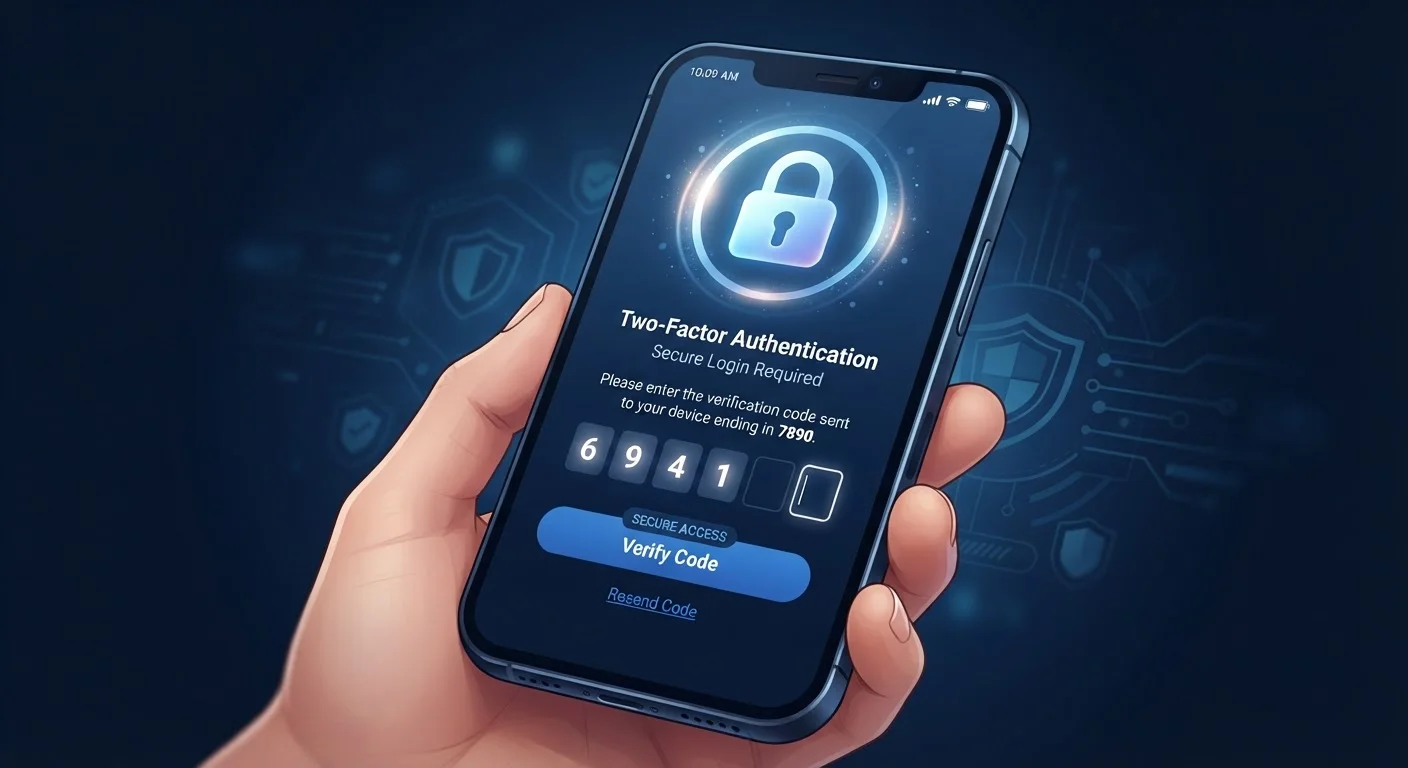
The login process with 2FA enabled follows a consistent two-step pattern, regardless of which service you're using:
- Step one - something you know: You enter your username and password as usual.
- Step two - something you have or are: The service then prompts you for a second verification, such as a temporary code, a fingerprint scan, or a physical security key.
The second factor changes regularly or is unique to the moment of login, which means it has very limited value to an attacker even if intercepted. A one-time code generated by an authenticator app, for instance, expires within 30 seconds.
The most common second-factor methods include:
- SMS text codes: A short code is sent to your registered phone number.
- Authenticator apps: An app on your phone generates time-based codes without requiring a cellular signal.
- Hardware security keys: A physical USB or NFC device you plug in or tap to confirm your identity.
- Biometrics: A fingerprint or face scan, typically used on mobile devices.
Not all methods offer the same level of protection. Our article on SMS codes vs. authenticator apps breaks down the practical differences between the most widely used options.
Start With Your Email Account
If you enable 2FA on only one account, make it your primary email. Your inbox is the recovery gateway for almost every other service you use - if an attacker controls your email, they can reset passwords on your bank, social media, and other accounts. Locking down email first delivers the broadest protection for the least effort.
Where and How to Enable It
Two-factor authentication is available on the vast majority of major platforms today - email providers, banks, social networks, cloud storage services, and more. It is almost always found within an account's Security or Privacy settings.
The setup process generally takes under five minutes and follows a similar flow: navigate to security settings, choose your preferred second-factor method, verify it works, and save any backup codes the service provides. Those backup codes are important - store them somewhere secure in case you ever lose access to your primary second factor.
Once 2FA is active on your most critical accounts, consider extending the same protection to others. Your email account deserves particular attention, since it controls password resets for nearly every other service you use. Protecting it is one of the highest-leverage security actions available to everyday users.
For a broader approach to staying secure across all your devices, the guide on protecting personal data across all your devices covers the settings and habits that matter most. And if you want to build these protections into a lasting routine, building a personal digital security routine that actually sticks offers a practical framework for doing so.