What the Declarations Page Is - and What It Isn't
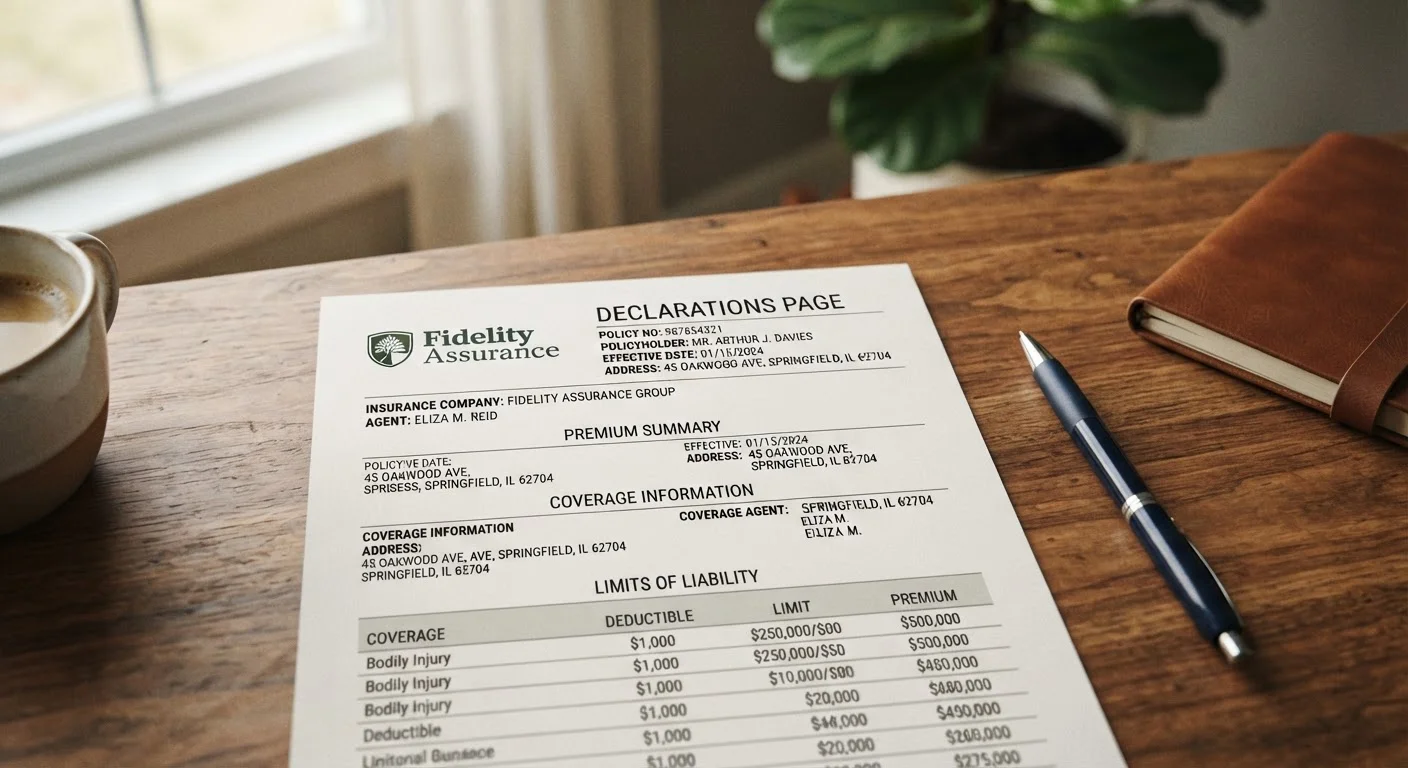
Every insurance policy, regardless of type, begins with a declarations page - commonly called the "dec page." It is a condensed, structured summary of the most important facts about your policy: who is insured, what is covered, how much coverage you have, and for how long. Think of it as the label on the outside of the box, not the full contents inside.
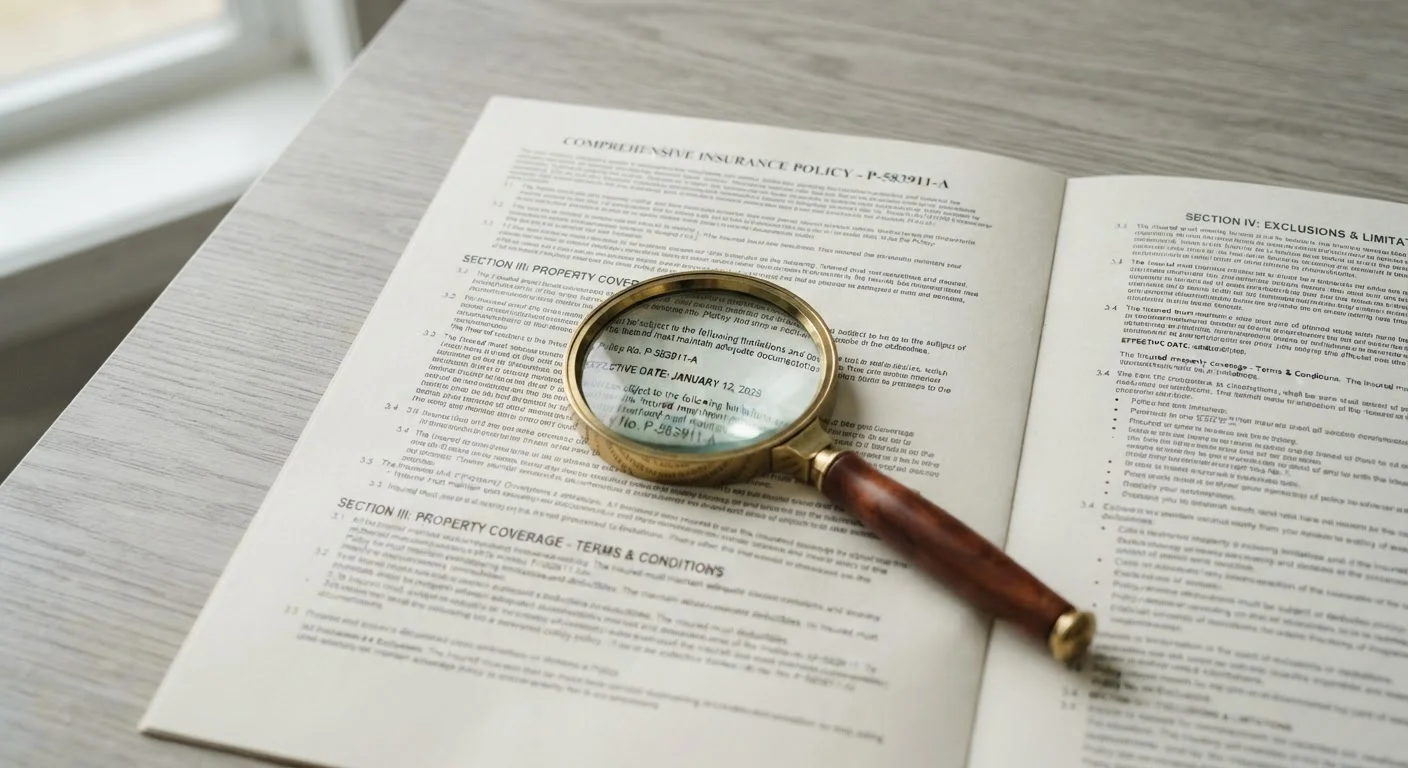
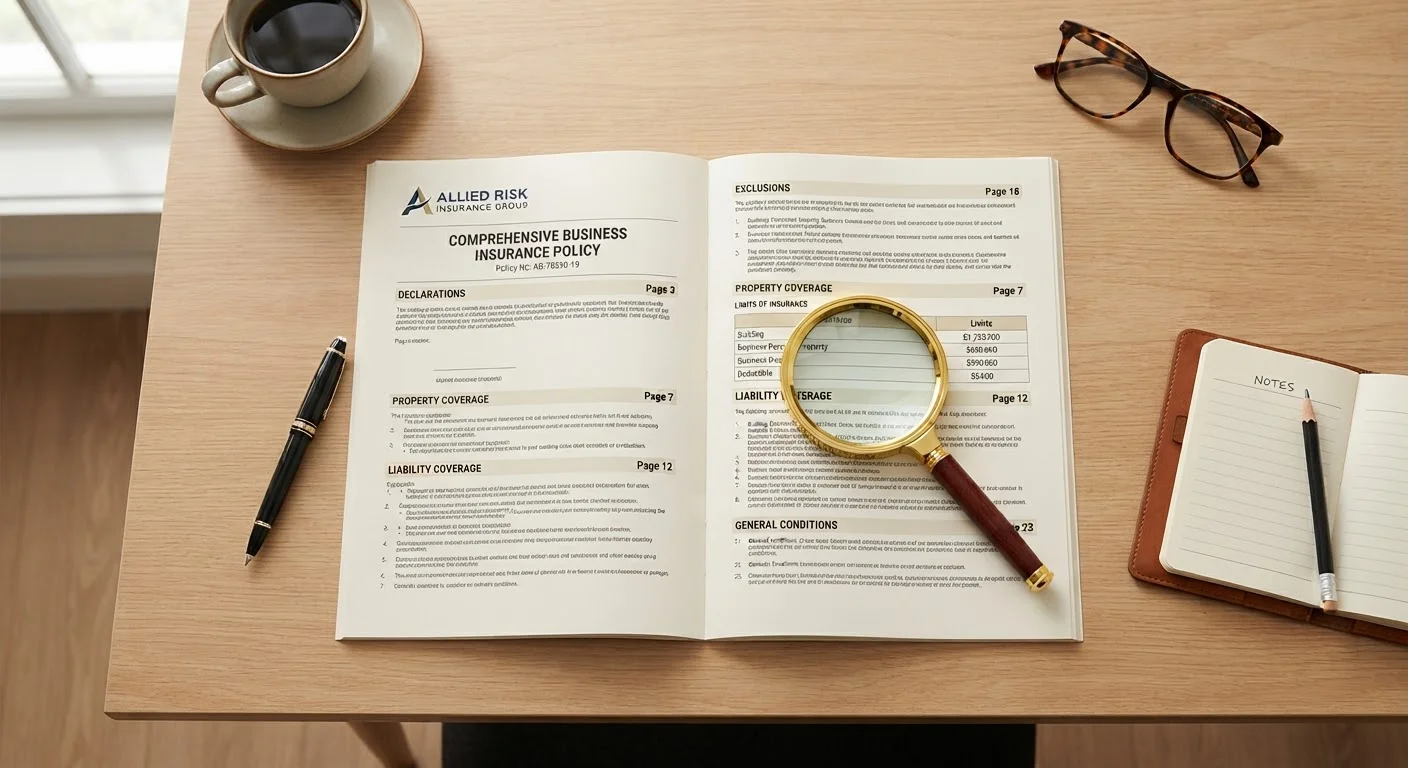
That distinction matters. The dec page references coverage types by name but does not define them, spell out exclusions, or explain the conditions under which the insurer will pay. Those details live in the body of the policy document. For a guided walkthrough of where to find each of those sections, see Reading a Policy Document Without Getting Lost.
What the dec page does do is give you a fast, reliable reference point. At a glance, you can confirm your coverage is active, check your limits, and verify the basics before a claim ever happens. That is exactly why reading it carefully - before you need it - is one of the most practical habits a policyholder can build.
The Dec Page Is a Summary, Not the Full Contract
Every coverage detail on the declarations page refers back to the full policy wording. The dec page will tell you that you have "comprehensive" auto coverage, but what that covers - and what it excludes - is spelled out in the policy itself. Never assume that because a coverage type appears on your dec page, all related losses are covered. Always read the exclusions section of the policy document as well.
This article provides general insurance education and is not personalized advice. Coverage terms, limits, and regulations vary by provider and state. Always read your actual policy documents and consult a licensed insurance agent or adviser for guidance specific to your situation.
How to Read Your Declarations Page, Step by Step
Pull out your current declarations page - for any policy type - and work through each section below. The layout varies slightly by insurer and policy type, but the core elements are consistent across auto, homeowners, renters, and most other personal lines policies.
What you will need
Your Insurance Declarations Page
The primary document you will read through and annotate during this process.
Full Policy Document
Used to look up definitions, exclusions, and conditions that the dec page references but does not explain.
Insurance Glossary Reference
Helps decode unfamiliar terms encountered on the declarations page.
Locate the Named Insured and Policy Period
The top section of every declarations page identifies the named insured - the person or entity the policy is issued to - and the policy period, which is the start and end date of coverage. Verify that your full legal name (and any additional insureds, such as a co-owner or lienholder) is spelled correctly and that the policy period matches what you agreed to when you purchased or renewed.
Confirm the Described Property or Covered Risk
Below the insured's name, the dec page describes exactly what is being insured: a home address, a vehicle identification number (VIN), a business location, or a person's life. For property policies, check that the address or property description is accurate. For auto policies, confirm the make, model, year, and VIN. Any mismatch between this description and the actual covered item can complicate a claim.
Review Each Coverage Type and Its Limit
The core of the declarations page is a table or list of coverage types - such as liability, collision, comprehensive, dwelling, or personal property - each paired with a coverage limit. The limit is the maximum dollar amount the insurer will pay for a covered loss under that specific coverage. Read each line carefully: a homeowner's policy may show separate limits for the dwelling, other structures, personal property, and loss of use.
For a plain-English explanation of any term you encounter here, consult The Insurance Glossary Every Policyholder Should Bookmark as a reference guide.
Identify Your Deductibles
A deductible is the amount you pay out of pocket before insurance pays on a covered claim. Your declarations page will list the deductible for each applicable coverage - sometimes there are separate deductibles for different perils (for example, a standard deductible versus a named-storm deductible on a homeowner's policy). Note each deductible amount and confirm it matches what you selected when setting up the policy.
Note Any Endorsements or Riders Listed
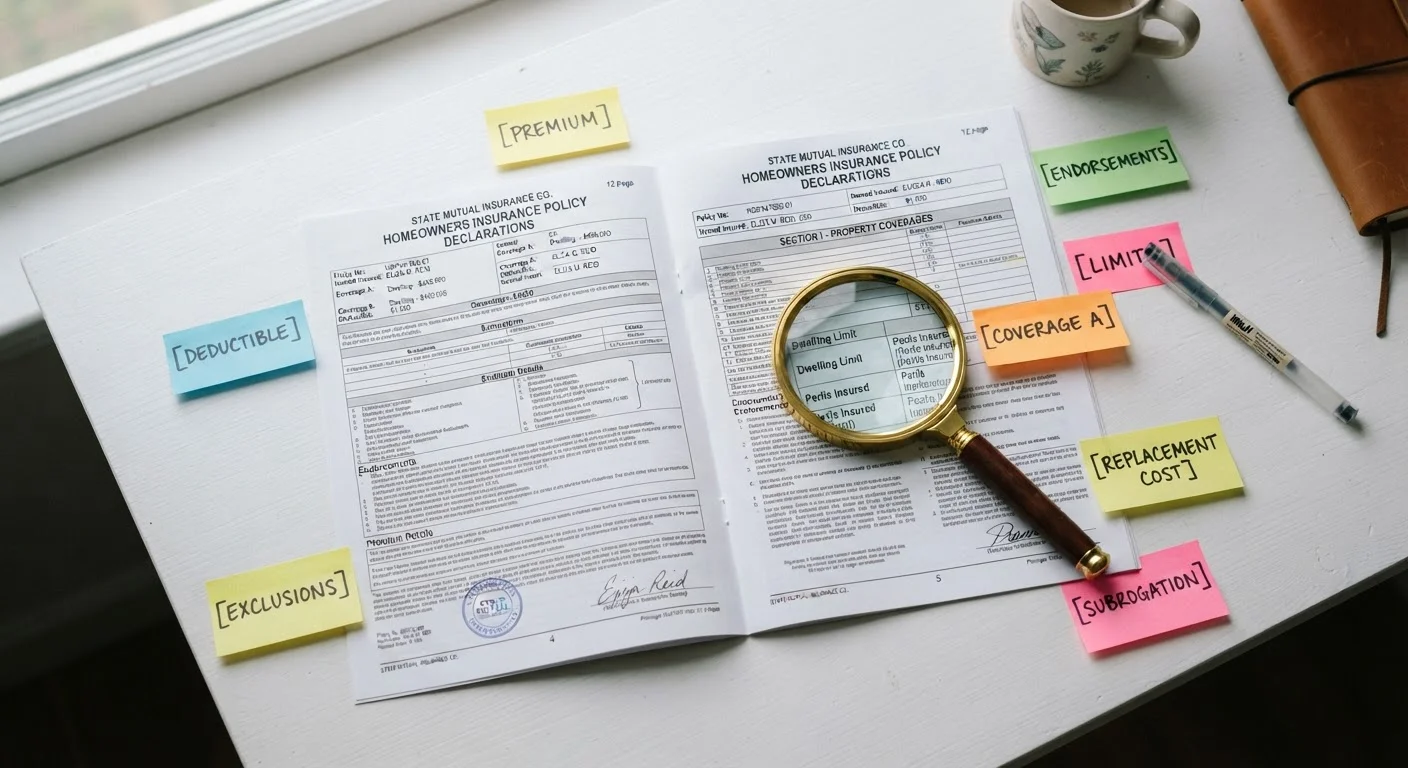
Endorsements (also called riders) are modifications to the base policy - they can add, restrict, or clarify coverage. The declarations page typically lists endorsement form numbers or short descriptions. Look these up in your full policy document to understand exactly what each one does. An endorsement that adds scheduled jewelry coverage, for instance, will have its own limit separate from the general personal property limit.
Understanding the full structure of your policy - from insuring agreement through conditions and endorsements - is covered in detail in The Anatomy of an Insurance Policy.
Record Your Policy Number and Insurer Contact Information
Your policy number is your unique identifier for every interaction with your insurer - for claims, billing questions, or policy changes. The declarations page also lists the insurer's name, sometimes a claims phone number, and your agent's contact details. Write this information down or photograph the page so it is accessible even if the physical document is unavailable during an emergency.
File Your Dec Page Where You Can Find It Fast
Most insurers also make your declarations page available through an online account portal or mobile app. Download a copy and save it somewhere accessible - such as a cloud folder or email thread - so you can reference your policy number and coverage limits without hunting for paper documents during a stressful claim situation.
Errors on Your Dec Page Can Affect Claims
If the named insured, address, or described property contains an error, your insurer may dispute a claim on technical grounds. Review your declarations page whenever you receive a new or renewed policy. Contact your agent or insurer in writing to correct any mistake and keep a copy of their confirmation.
Once you are comfortable reading the declarations page, the logical next step is understanding the full policy structure. The anatomy of an insurance policy explains every section you will encounter beyond the dec page, including the insuring agreement, definitions, exclusions, and conditions.
This article is for general informational and educational purposes only. It is not legal, financial, or insurance advice. Coverage terms, exclusions, and regulations differ by insurer and state. Read your complete policy documents and speak with a licensed insurance professional for advice tailored to your circumstances.